
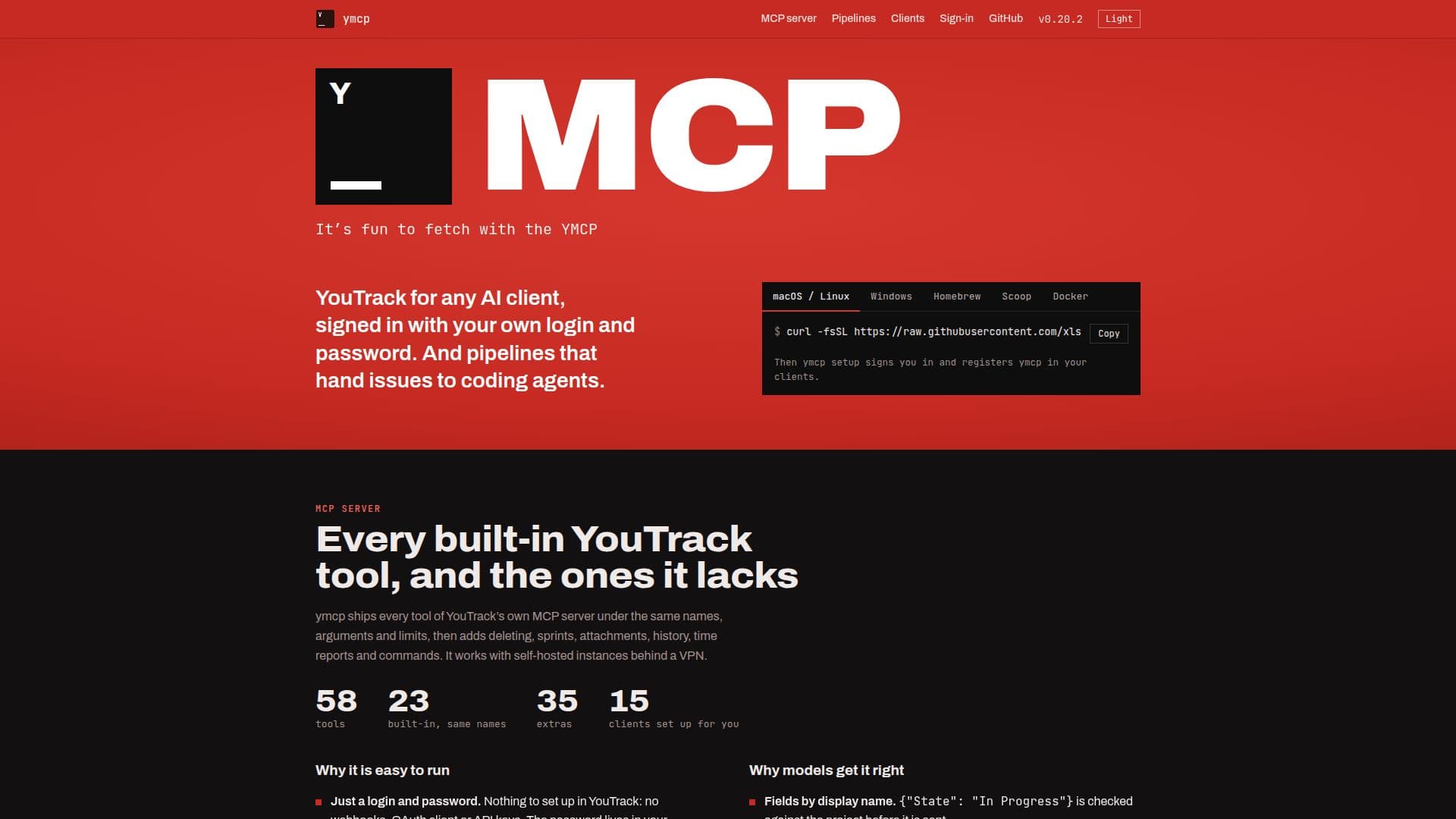
Description
ymcp provides a local YouTrack MCP server that significantly extends YouTrack's native capabilities for coding agents. It includes all 23 of YouTrack's built-in MCP server tools, maintaining the same names, arguments, and limits, and adds 35 extra features such as deleting, sprints, attachments, history, time reports, and commands. This server is designed to work seamlessly with self-hosted YouTrack instances, even those behind a VPN.
Read More
One of ymcp's key advantages is its ease of setup and use. Users can sign in with their existing YouTrack login and password, eliminating the need for complex configurations like webhooks, OAuth clients, or API keys. The password is securely stored in the system keychain. It operates without requiring administrator rights, gracefully falling back to what a regular user can read for field schemas, groups, and comments. Installation is simplified to a single command, `ymcp setup`, which registers the server across 15 popular MCP clients, including Claude Code, Cursor, VS Code (Copilot), Zed, and Gemini CLI. It's available as a single static binary for macOS, Linux, and Windows, with a built-in update mechanism.
ymcp enhances how AI models interact with YouTrack by providing clear, actionable feedback. It presents fields by their display names, ensuring accuracy (e.g., `{"State": "In Progress"}` is validated against the project). Error messages are designed to guide agents, indicating allowed values, tools for finding IDs after a 404, or required permissions for a 403. Destructive tools are explicitly marked with `destructiveHint`, prompting clients to seek confirmation before performing irreversible actions. It also offers prompts like `issue_brief`, `sprint_report`, `standup`, and `triage` as slash commands for clients.
The platform's pipeline feature is central to its automation capabilities. A pipeline monitors a YouTrack search query, assigning each found issue to a coding agent. Each agent works in its own Git worktree on a new branch. ymcp then pushes the branch, opens a pull or merge request, and relays review comments to the agent until the change is merged. The pipeline tracks issues through stages: Backlog, Working, Needs Input, Review, and Done or Closed. Agents operate with their own MCP server, ensuring that user passwords never reach the agent. Supported agents include Claude Code CLI, Kimi CLI over ACP, opencode over ACP, and other ACP agents. ymcp supports various strategies for publishing work, including pushing branches, opening GitHub pull requests (with an option to also open a GitHub issue that the PR closes), and opening GitLab merge requests. Users can manage pipelines via a TUI or command-line interface.
- CategoryAI Coding Assistants
- Pricing ModelFree
- DeploymentLocal Server
- PlatformsmacOS, Linux, Windows
ymcp's Core Features
Local YouTrack MCP server
58 YouTrack tools (23 built-in, 35 extras)
Supports deleting, sprints, attachments, history, time reports, commands
Integrates with 15 MCP clients (Claude Code, Cursor, VS Code, Zed, Codex, Gemini CLI, etc.)
Sign-in with YouTrack login and password (no webhooks, OAuth, API keys needed)
Works without YouTrack admin rights
One-command installation
Single static binary for macOS, Linux, Windows
Pipelines for handing YouTrack issues to coding agents
Automates pull/merge request creation and review comment handling
Prompts for issue brief, sprint report, standup, triage
Error messages with actionable guidance for agents
Destructive tools marked for client confirmation
Supports GitHub pull requests and GitLab merge requests
TUI and command-line interface for pipeline management
How to use ymcp?
Install ymcp: Download and run the single static binary for your OS (macOS, Linux, Windows).
Set up clients: Use `ymcp setup` to register YouTrack instances in your preferred MCP clients like Claude, Cursor, or VS Code.
Sign in: Provide your YouTrack login and password; ymcp handles authentication through Hub without needing OAuth client or API keys.
Configure pipelines: Define a YouTrack search query for a pipeline to watch, which will assign issues to coding agents.
Run agents: Allow coding agents (e.g., Claude Code CLI, Kimi CLI) to work on issues, with ymcp managing branches and pull requests.
Monitor progress: Track issue progress through pipeline stages (Backlog, Working, Needs Input, Review, Done/Closed) via TUI or commands.
Publish work: ymcp can automatically push branches, open GitHub pull requests, or GitLab merge requests based on configured strategies.
ymcp's Use Cases
- Automated Issue Resolution
- Enhanced YouTrack Management
- Developer Workflow Automation
- Code Review Management
- Project Tracking with AI
- Local Development Environment
- Team Collaboration
- Custom Tool Integration