
Description
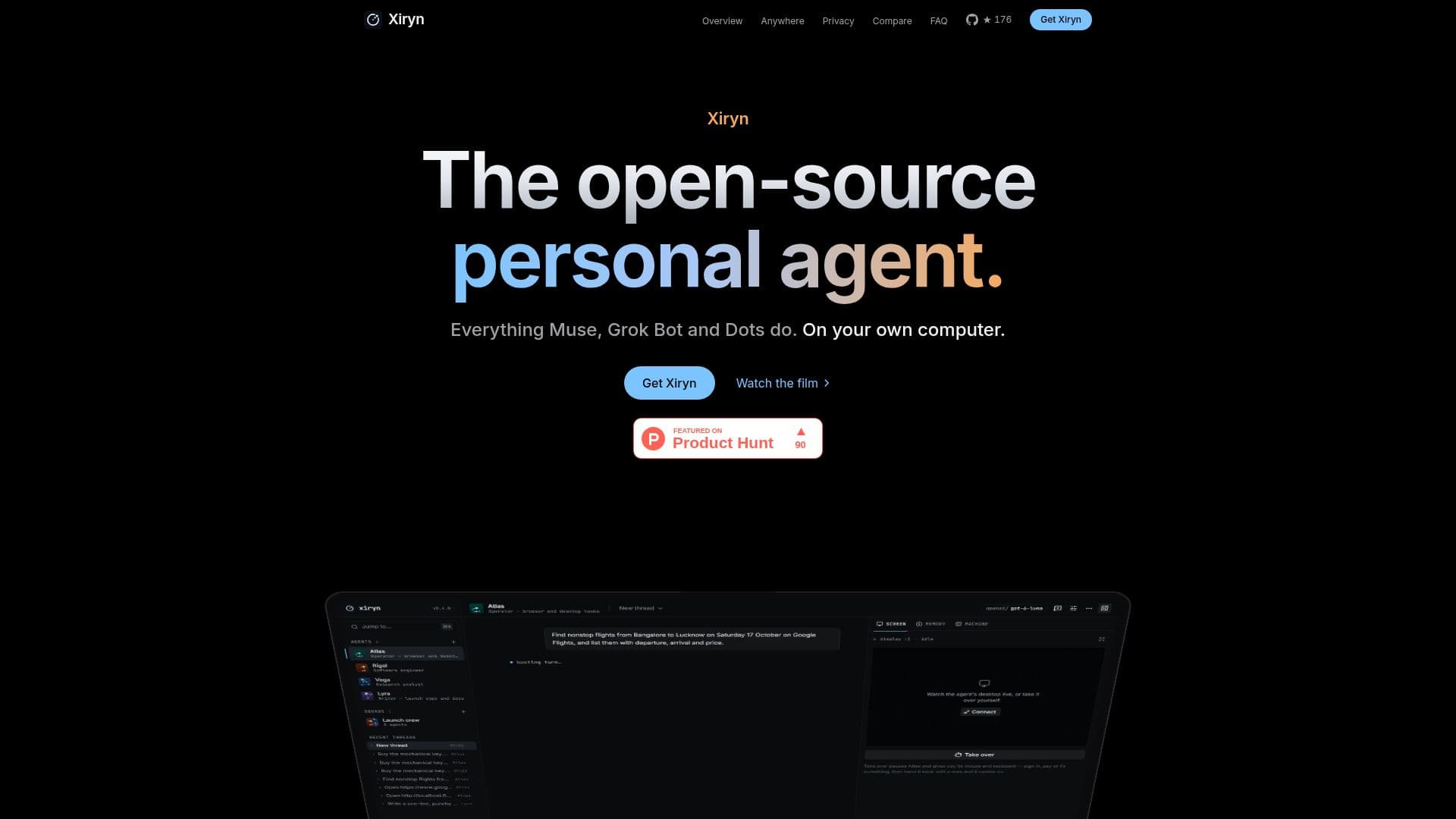
Xiryn is an open-source personal AI agent designed to run on your own computer, offering a high level of privacy and control. Unlike other AI agents that operate on cloud servers, Xiryn functions locally on a Linux desktop within a Docker container, ensuring that your data remains on your machine. This setup eliminates the need for accounts or telemetry, as all conversations, memory, settings, and keys are stored in a single SQLite file on your disk.
Read More
Xiryn supports a wide range of AI models, including those from OpenAI, Anthropic, Google Gemini, and others, as well as local models like Ollama and LM Studio. This flexibility allows users to choose their preferred model provider or run a local model without incurring additional costs. The agent can be controlled remotely from anywhere using Telegram, providing live updates and allowing users to take over the agent's screen from a phone or computer.
One of Xiryn's standout features is its ability to handle payments securely. All payment information is encrypted and stored in a vault, requiring user approval for any transaction. This ensures that the agent never accesses sensitive information directly. Additionally, Xiryn can manage squads of agents, each with its own model and task, enabling complex workflows and delegation.
Xiryn is available for free under the MIT license, with users only needing to pay for the AI model usage. The setup process is straightforward, requiring a Mac, Windows, or Linux computer with about 4 GB of free disk space. The installation includes Git, Node.js, and Docker if they are not already present. Overall, Xiryn offers a private, flexible, and cost-effective solution for personal AI agent needs.
- CategoryAI Agent Builders
- Pricing ModelFree
- DeploymentLocal
- PlatformsMac, Windows, Linux
Xiryn's Core Features
Open-source under MIT license
Runs locally on Linux desktop in Docker
Supports multiple AI models
Remote control via Telegram
Encrypted payment vault
Squads of agents for task delegation
Long-term memory management
No account or telemetry required
How to use Xiryn?
Install: Set up Git, Node.js, and Docker
Configure: Add API key for model provider
Run: Start Xiryn on your local machine
Control: Use Telegram for remote access
Xiryn's Use Cases
- Web Browsing
- Code Execution
- Form Filling
- Payment Processing
- Remote Control