
Description
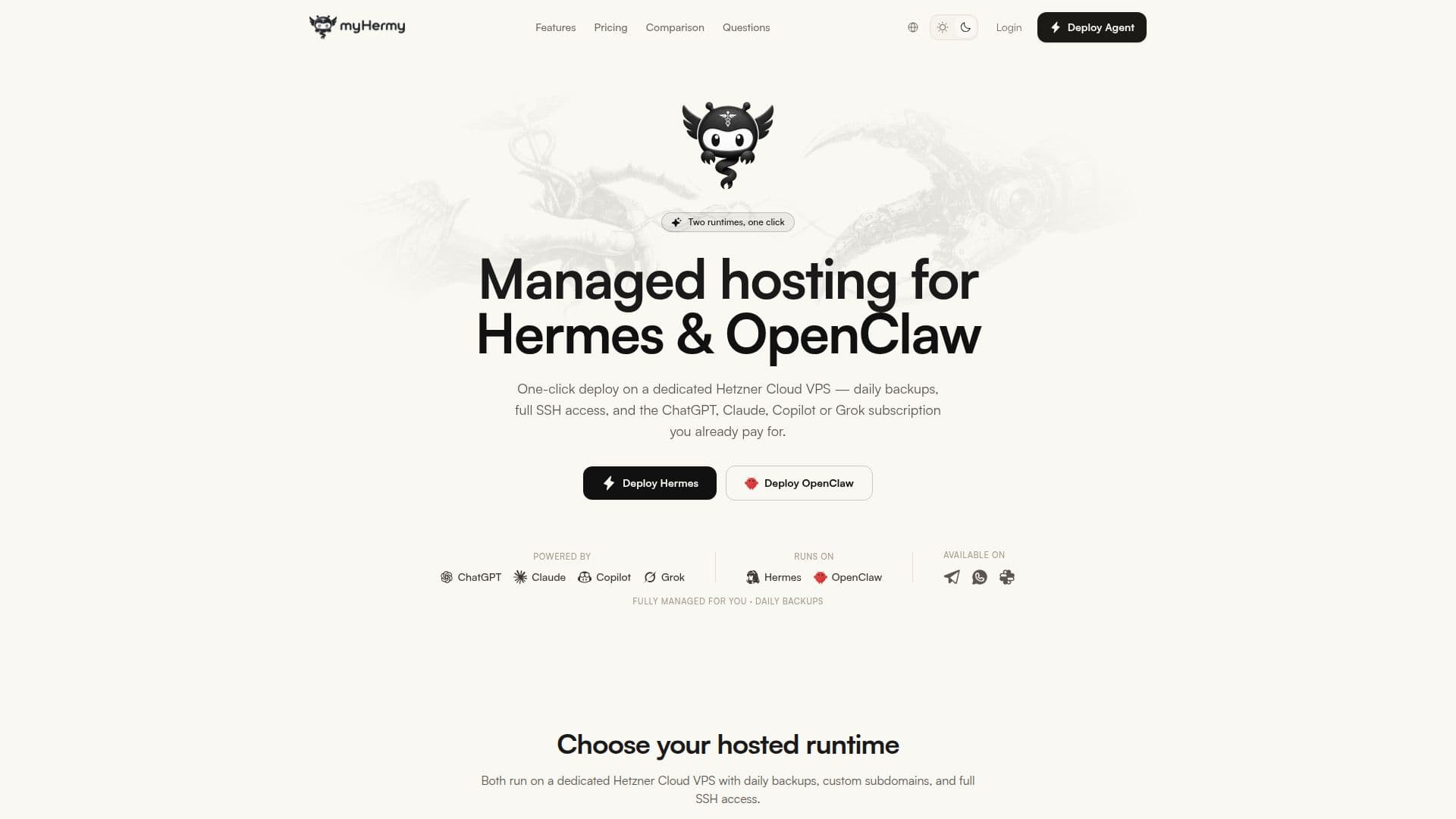
myHermy provides managed hosting for Hermes and OpenClaw AI agents, allowing users to deploy their personal AI agents on dedicated Hetzner Cloud servers without the hassle of server management. With myHermy, you can set up your AI agent in just minutes, enjoying full root SSH access and the ability to connect your existing AI subscriptions, such as ChatGPT Plus, Claude Max, GitHub Copilot, or SuperGrok.
Read More
The service is designed for developers, founders, and small teams who want an AI agent that can handle tasks like managing emails, calendars, and research across popular messaging platforms like WhatsApp, Telegram, Discord, and Slack. Unlike traditional AI applications that require constant interaction, myHermy agents are always on, proactively checking in and managing tasks for you.
Key features include daily snapshot backups with a 7-day rolling retention policy, ensuring that any unwanted changes can be easily reverted. The one-click OpenClaw migration feature allows users to transition from self-hosted instances seamlessly, preserving their configurations and data. With myHermy, you maintain complete ownership of your data, as each agent runs on a dedicated server that is not shared with others, ensuring privacy and security.
The pricing model is straightforward, starting at $19 per month, with no hidden fees. Users can scale their plans as needed, making it suitable for both personal projects and larger business operations. With over 30 global server locations, myHermy ensures low-latency responses and fast performance, making it an ideal solution for anyone looking to leverage AI technology without the operational overhead of self-hosting.
- CategoryAI Agent Builders
- Pricing Model$19/mo
- DeploymentOne-click
- PlatformsWhatsApp, Telegram, Discord, Slack
myHermy's Core Features
One-click deployment
Daily snapshot backups
Full root SSH access
Integration with existing AI subscriptions
Multi-channel messaging support
Private server ownership
Zero setup required
Real-time activity monitoring
Unlimited agent instances
Automatic updates
How to use myHermy?
Sign up: Create an account on myHermy.
Connect: Link your messaging app to your AI agent.
Deploy: Use the one-click deployment feature to set up your agent.
Integrate: Connect your existing AI subscription for enhanced capabilities.
Manage: Use the dashboard to monitor and manage your agent's activities.
myHermy's Use Cases
- Email Management
- Calendar Management
- Research Assistance
- Task Automation
- Multi-Channel Communication