Description
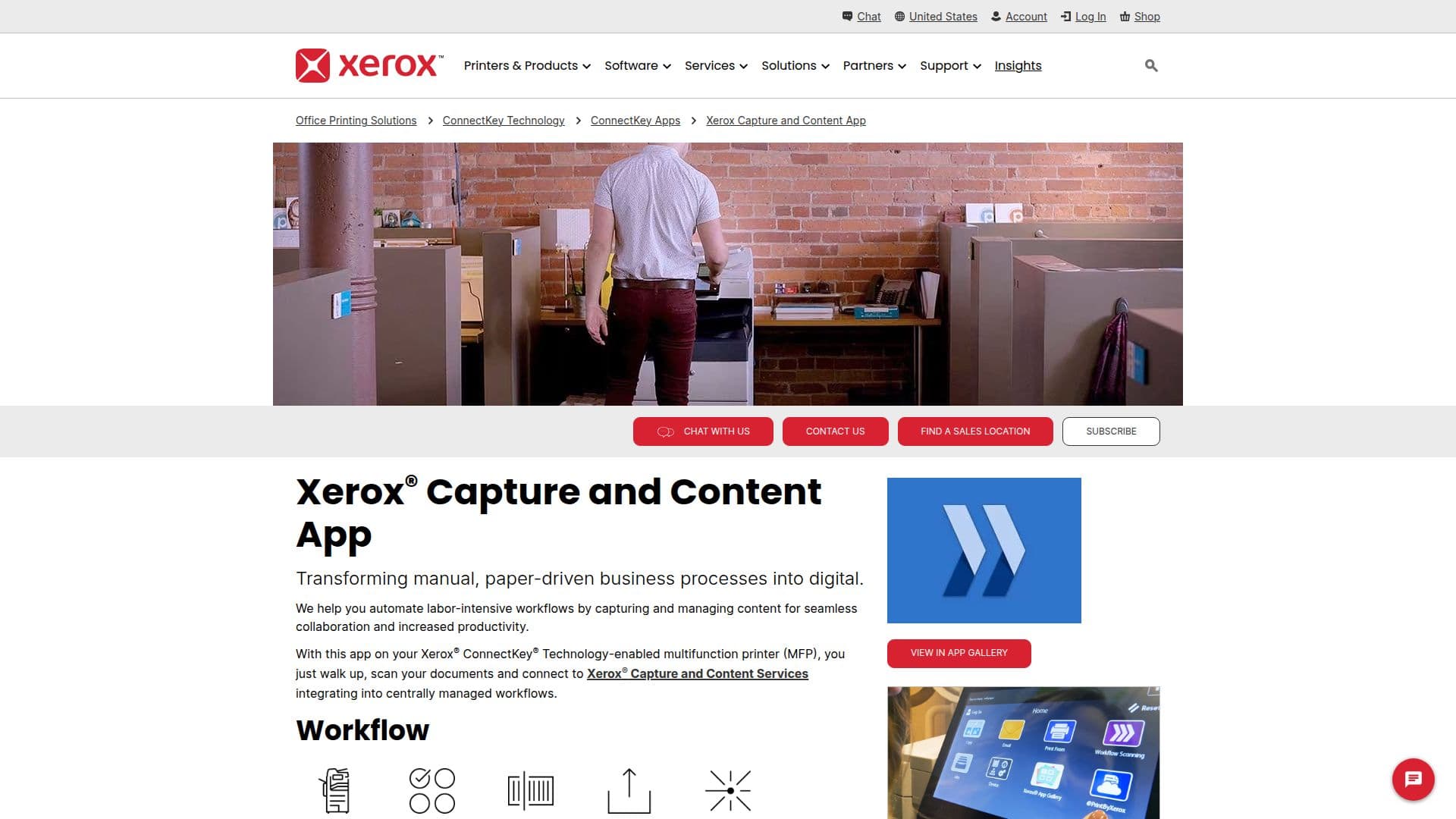
The Xerox CapturePoint App is designed to transform manual, paper-driven business processes into efficient digital workflows. By integrating document capture into business workflows, it enhances efficiency and productivity. This app, when used with Xerox ConnectKey Technology-enabled multifunction printers, allows users to walk up, scan documents, and connect to Xerox Capture and Content Services, integrating into centrally managed workflows.
Read More
The app automates labor-intensive workflows, capturing and managing content for seamless collaboration. Users can launch the app, select a workflow, scan documents, and send them to the Global Capture Platform, which receives the files. This process is essential for capturing documents into business workflows, saving time and money.
Xerox CapturePoint App offers various use cases, including accounts payable services for invoice capture and validation, digital mailroom services for accessing inbound mail, backfile scanning for document accessibility and security, and health records automation for secure patient record management. These services ensure structured output data for easy integration and compliance with security standards.
The app supports a hybrid work environment by quickly locating and accessing critical data, increasing security requirements for sensitive information, and enhancing collaboration with immediate access to information. It streamlines business processes by moving physical documents into digital workflows, ensuring compliance with business-specific regulations and standards.
Overall, Xerox CapturePoint App opens new possibilities for a more efficient workplace by automating and streamlining everyday business processes, contributing to a more efficient use of resources and supporting the efficiency of a hybrid workforce.
- CategoryWorkflow Automation
- DeploymentCloud
- PlatformsConnectKey-enabled MFPs
Xerox Capture and Content App's Core Features
Document capture integration
Workflow automation
Seamless collaboration
Increased productivity
Accounts payable services
Digital mailroom services
Backfile scanning
Health records automation
Hybrid work environment support
Security compliance
Immediate information access
Digital workflow transformation
Structured output data
Centralized workflow management
Global Capture Platform integration
How to use Xerox Capture and Content App?
Launch app: open the Xerox CapturePoint App
Select workflow: choose the appropriate workflow
Scan documents: use the MFP to scan documents
Send documents: transmit scanned documents to the platform
Receive confirmation: check job summary and confirmation
Xerox Capture and Content App's Use Cases
- Accounts Payable
- Digital Mailroom
- Backfile Scanning
- Health Records Automation
- Workflow Automation