

Description
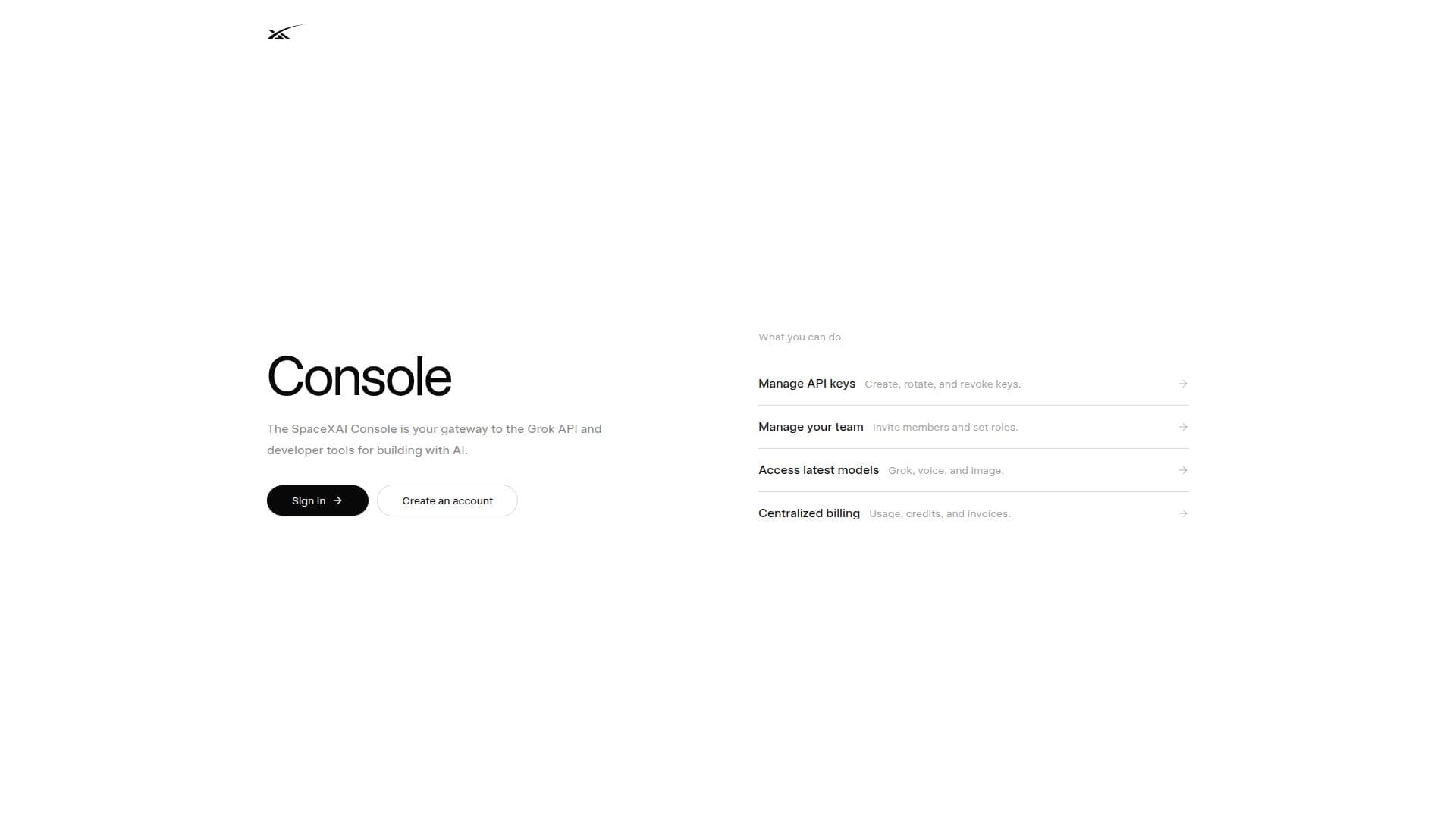
The xAI Console serves as a comprehensive developer platform designed to facilitate access to the SpaceXAI API. It is particularly geared towards developers looking to integrate advanced AI capabilities into their applications. The console offers a suite of tools that include Grok AI's text API, voice API, and image generation features. These tools enable developers to build sophisticated AI-driven applications with ease.
One of the key features of the xAI Console is its ability to manage API keys, which is crucial for maintaining secure and efficient access to the SpaceXAI API. Additionally, the platform supports team management, allowing multiple developers to collaborate on projects seamlessly. Billing management is also integrated, providing a streamlined process for handling usage costs.
The xAI Console operates on a pay-as-you-go pricing model, making it accessible for developers and businesses of all sizes. This flexibility ensures that users only pay for the resources they consume, which can be particularly beneficial for startups and small businesses.
Targeted primarily at developers and tech companies, the xAI Console offers a robust environment for building AI applications. Its real-time search capabilities further enhance its utility, allowing for quick and efficient data retrieval. Overall, the xAI Console is a valuable tool for anyone looking to leverage AI technology in their software development projects.
xAI Console's Core Features
Access to Grok AI text API
Voice API integration
Image generation capabilities
API key management
Team collaboration tools
Billing management
Real-time search functionality
Pay-as-you-go pricing model
How to use xAI Console?
Configure: Set up API keys and manage access
Use: Integrate Grok AI APIs into applications
Optimise: Monitor usage and adjust settings
Manage: Handle billing and team collaboration
xAI Console's Use Cases
- AI Text Generation
- Voice Integration
- Image Generation
- Real-time Search
- Team Collaboration