
Description
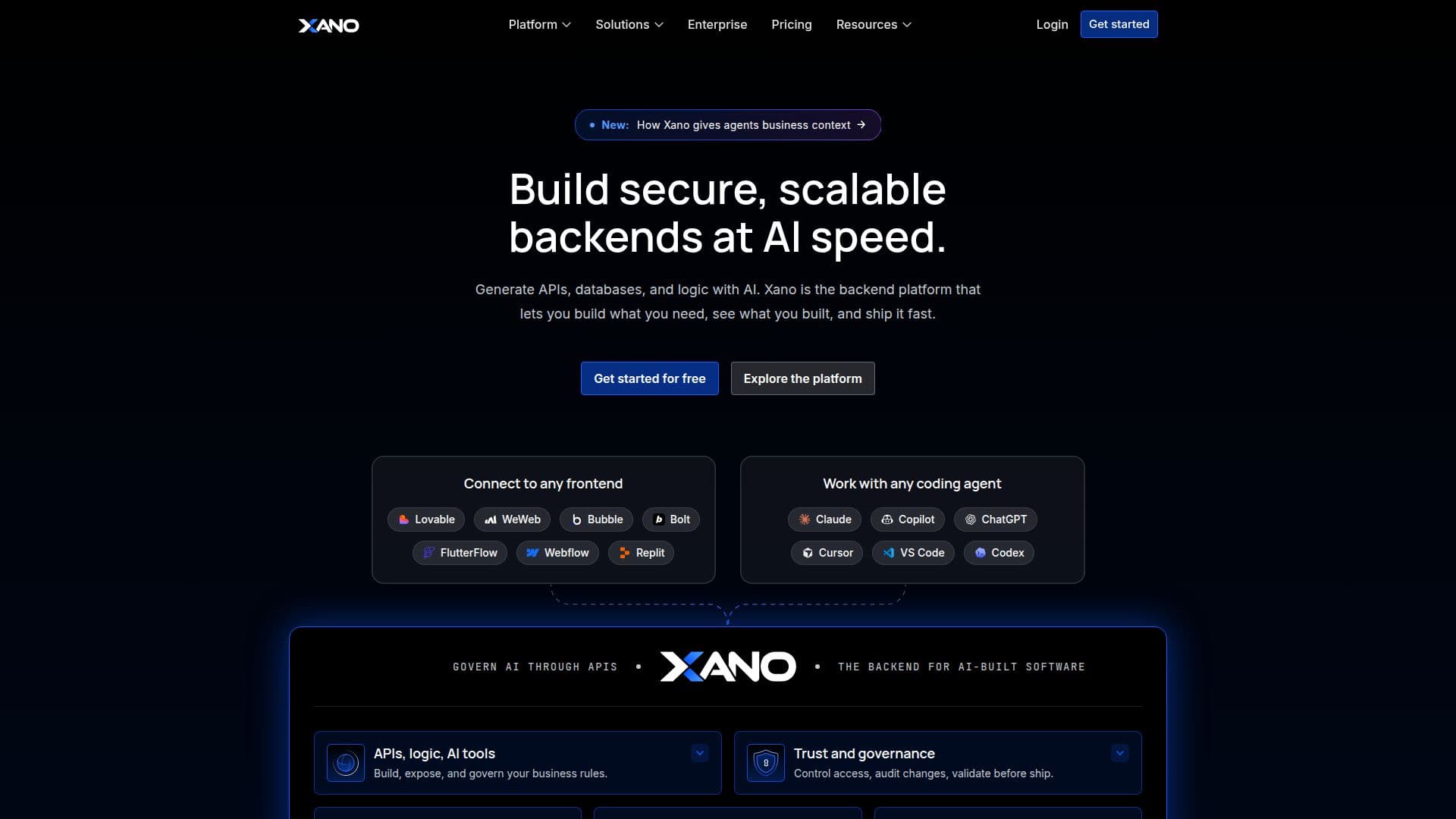
Xano positions itself as the backend layer for the AI era, built to make software that AI agents help write trustworthy enough to run in production. It still offers what it started as, a visual, no-code backend for building APIs, a database, and business logic, but its current framing centers on governing, testing and observing everything an AI agent builds against that backend.
Read More
The platform is organized around what Xano calls an AI software development life cycle. Before anyone builds, a team sets a workspace ruleset once: which AI skills are allowed, which test suite must pass, which code dependencies are permitted, which authentication patterns and environments apply, and where data can live. Every build, whether from a human engineer or an AI agent, inherits these rules. Agents such as Claude, Cursor or ChatGPT can connect through the Xano MCP, or a team can work visually or in code; a documented CLI workflow lets an agent pull a workspace to local files, push changes to a sandbox for review, run a full workflow test suite, and then promote a reviewed build to production.
Once logic is written, Xano verifies it. Workflow tests check business processes function by function, and every release is an immutable, version-controlled deploy object that a team stages, inspects and promotes, with instant rollback available. An observability layer shows request history, tracing and performance data, and points to the exact function where something failed. Xano is frontend-agnostic, connecting to React, Next.js, mobile apps or a static site, so this backend and governance layer can sit behind any client an agent or a developer builds.
Xano is built on a stack that includes Kubernetes, Postgres, Redis and Docker, with autogenerated OpenAPI docs. Enterprise customers get single sign-on through Google, GitHub or Microsoft Entra ID, isolated tenants per client or region, and a choice of Xano's own cloud or self-hosting on AWS, Azure, GCP or on-premises. The company lists certifications including ISO 9001, SOC 2 Type 2 and SOC 3, alongside GDPR, HIPAA and other compliance options depending on plan, and states production customers running workloads such as 100 transactions per second and over 3 million users across 150 countries.
Pricing starts with a free plan for development and testing, with a limited-record database and rate-limited APIs. The Essential plan is $85 a month billed annually and adds dedicated infrastructure, unlimited API calls, branching and CLI sandbox environments. The Pro plan is $224 a month billed annually and adds a managed load balancer, a role and permissions manager, and a 99.99% SLA. A custom Enterprise tier adds self-hosting and multi-tenant isolation. Xano publishes comparison pages against Supabase and Bubble for teams evaluating alternatives.
- CategoryAI App Builders
- Pricing ModelFreemium
- DeploymentCloud, Self-hosted
- PlatformsWeb
Xano's Core Features
No-code visual backend builder for APIs, database schema and business logic, with the option to combine visual building and code
Governance harness where teams set rules once (allowed AI skills, required tests, code dependencies, auth patterns, data residency) that every build inherits
Works with any coding agent (Claude, Cursor, ChatGPT or a custom agent) through the Xano MCP, plus a CLI workflow for pulling, pushing and promoting changes
Workflow testing that verifies business logic function by function before a change is promoted
Immutable, version-controlled deploys with staged review and instant rollback
Observability with request history, tracing and performance insights, including the exact function where a failure happened
Frontend-agnostic: connects to any front end such as React or Next.js, or hosts static files
Enterprise access controls including SSO via Google, GitHub or Microsoft Entra ID, and isolated tenants per client or region
Choice of Xano's hosted cloud or self-hosting on AWS, Azure, GCP or on-premises for enterprise plans
AI-ready Postgres database, serverless functions, and a no-code MCP and AI agent builder
How to use Xano?
Connect your agent: add Xano as an MCP server to Claude, Cursor or another coding agent
Pull your workspace: bring your backend down to local files with the Xano CLI
Set the ruleset: define what tests, auth patterns and dependencies every build must follow
Let the agent build: ask it to add or change backend logic; it writes directly against your workspace
Push to sandbox and review: push the change to a sandbox environment and inspect the diff
Test, then promote: run the workflow test suite, then promote the reviewed build to production
Xano's Use Cases
- AI-built backend governance
- No-code backend for apps
- Legacy backend modernization
- Enterprise-grade SaaS backend