
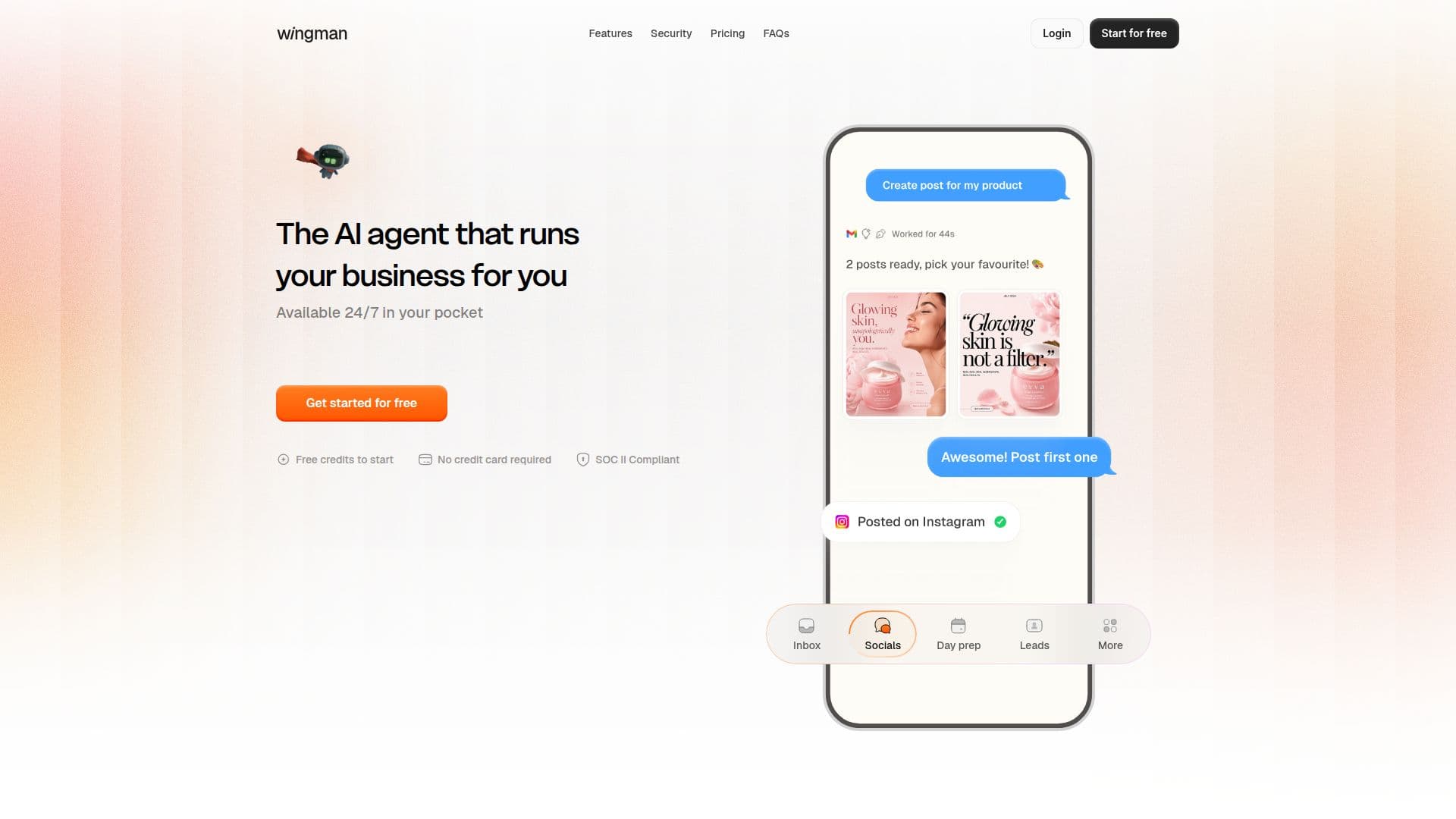
Description
Wingman is an AI personal assistant that helps users automate various business tasks such as scheduling, inbox management, reminders, follow-ups, and daily tasks. It is designed to run your business efficiently by integrating with over 300 tools, including Gmail, GitHub, and calendars, ensuring that everything is managed from one place. Wingman operates 24/7, providing users with a reliable assistant that is always within reach.
The platform offers a freemium pricing model, allowing users to start for free with no credit card required. Users can then upgrade to different credit packs based on their needs. The starter plan is free, offering 10 credits, while the Growth plan costs $20 per month with 100 credits. The Pro plan is available for $50 per month, providing 275 credits.
Wingman is built with security and privacy at its core. It is SOC II compliant, ensuring that user data remains private and is never used for training. The platform asks for permission before sending or changing anything important, and users can revoke access at any time.
The assistant is particularly beneficial for business owners, founders, and content creators who need to manage multiple tasks efficiently. It automates routine work, follows up on tasks, and nudges people to keep things moving. Users have shared positive experiences, highlighting its ability to replace human assistants and streamline operations.
Overall, Wingman offers a comprehensive solution for managing business tasks, with a focus on security, privacy, and seamless integration across platforms.
Wingman AI Personal Assistant's Core Features
Automates scheduling
Inbox management
Reminders and follow-ups
Daily task automation
300+ integrations
SOC II compliant
Permission-first approach
Data privacy ensured
Free credits to start
No credit card required
How to use Wingman AI Personal Assistant?
Configure: Set up integrations with your tools
Use: Automate tasks and manage schedules
Optimise: Adjust settings for better efficiency
Wingman AI Personal Assistant's Use Cases
- Task Automation
- Inbox Management
- Scheduling
- Follow-ups
- Content Creation