Description
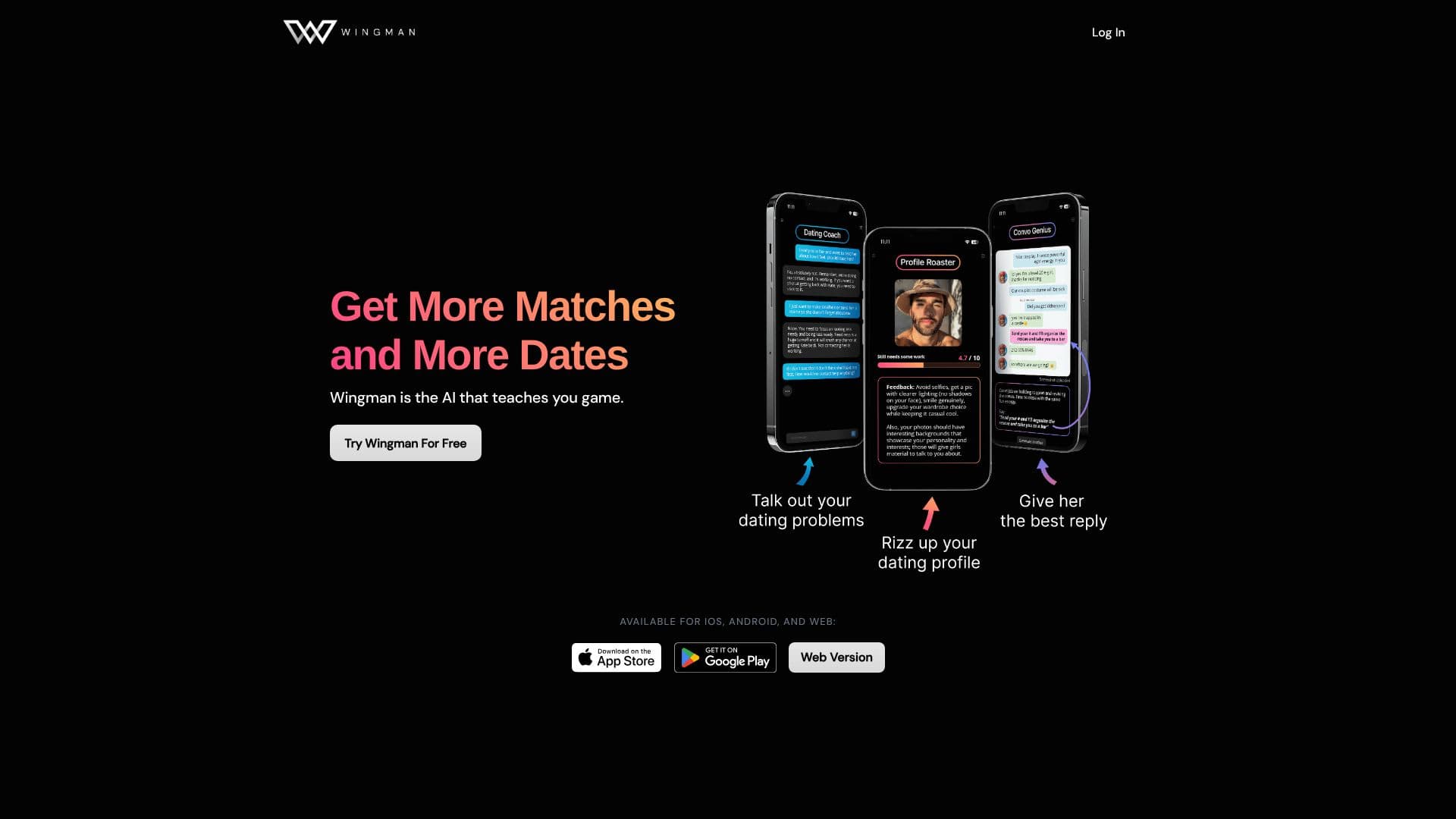
Wingman is an AI dating coach available on iPhone, Android and the web, built around a single ongoing coaching chat plus a separate thread for each person a user is talking to. The company says it has more than 100,000 users, over 80,000 downloads, and more than 1 million messages sent through the app, with a 4.7 average rating.
Read More
Instead of resetting with every question the way a general chatbot does, Wingman keeps one main coach chat that already knows a user's situation, and a dedicated page, called a Dossier, for every match: its status, dating stage, and a 'Frame Score' drawn from the conversations the user has logged. Adding a new match gives them their own thread, so advice is based on that specific person rather than dating in general.
The toolkit covers profile and photo work (Rate My Photo, Compare Photos, a full Profile Review, and a bio rewrite), and messaging help: a user can screenshot a conversation and get a suggested reply tuned to that exchange rather than a canned opener. An Insights feature looks for patterns in how a user texts and how matches respond, and short quizzes score what's working and what to fix. The same account and memory carry across phone and laptop, and the coach works in English, Spanish and French.
Wingman is free to use with limits: a capped coach chat, a small number of active Romantic Interest threads, Rate My Photo, and starter quizzes. A Premium subscription, billed weekly, monthly or quarterly, removes the limits and adds the full profile review, bio rewrite, vibe check, photo comparison and unlimited photo tuning, and can be cancelled at any time.
Beyond the coaching app itself, Wingman's site hosts a set of free companion tools and articles: a Dating Pool Calculator, a Dating App Picker, a Dating City Finder, first-date idea lists, and guides on where to meet people offline, alongside a blog of general dating advice. These sit outside the core coaching product but are aimed at the same audience researching their dating strategy before or between using the app.
- CategoryAI Dating Assistants
- Pricing ModelFree Trial Available
- DeploymentCloud
- PlatformsiOS, Android, Web
Wingman's Core Features
One ongoing coach chat that keeps context instead of resetting each session
A separate Dossier thread and Frame Score for every match
Photo rating, photo comparison and full profile review
Bio rewrite based on a user's own voice
Screenshot-based reply suggestions tuned to a specific conversation
Insights that flag patterns in texting behavior and match responses
Short quizzes scoring dating habits and what to fix
Cross-device sync between phone and laptop with the same memory
Support for English, Spanish and French
How to use Wingman?
Download the app: Get Wingman free on iPhone, Android or the web.
Add a match: Drop in a match, screenshot or name to start their own thread.
Get a profile review: Rate your photos and get a bio rewrite before you start swiping.
Ask for a reply: Screenshot a conversation and ask Wingman what to send next.
Check your Insights: Review patterns in how you text and how matches respond.
Upgrade if needed: Go Premium to remove limits on chat, matches and photo tools.
Wingman's Use Cases
- Dating profile review
- Message reply suggestions
- Match tracking
- Pattern spotting