Description
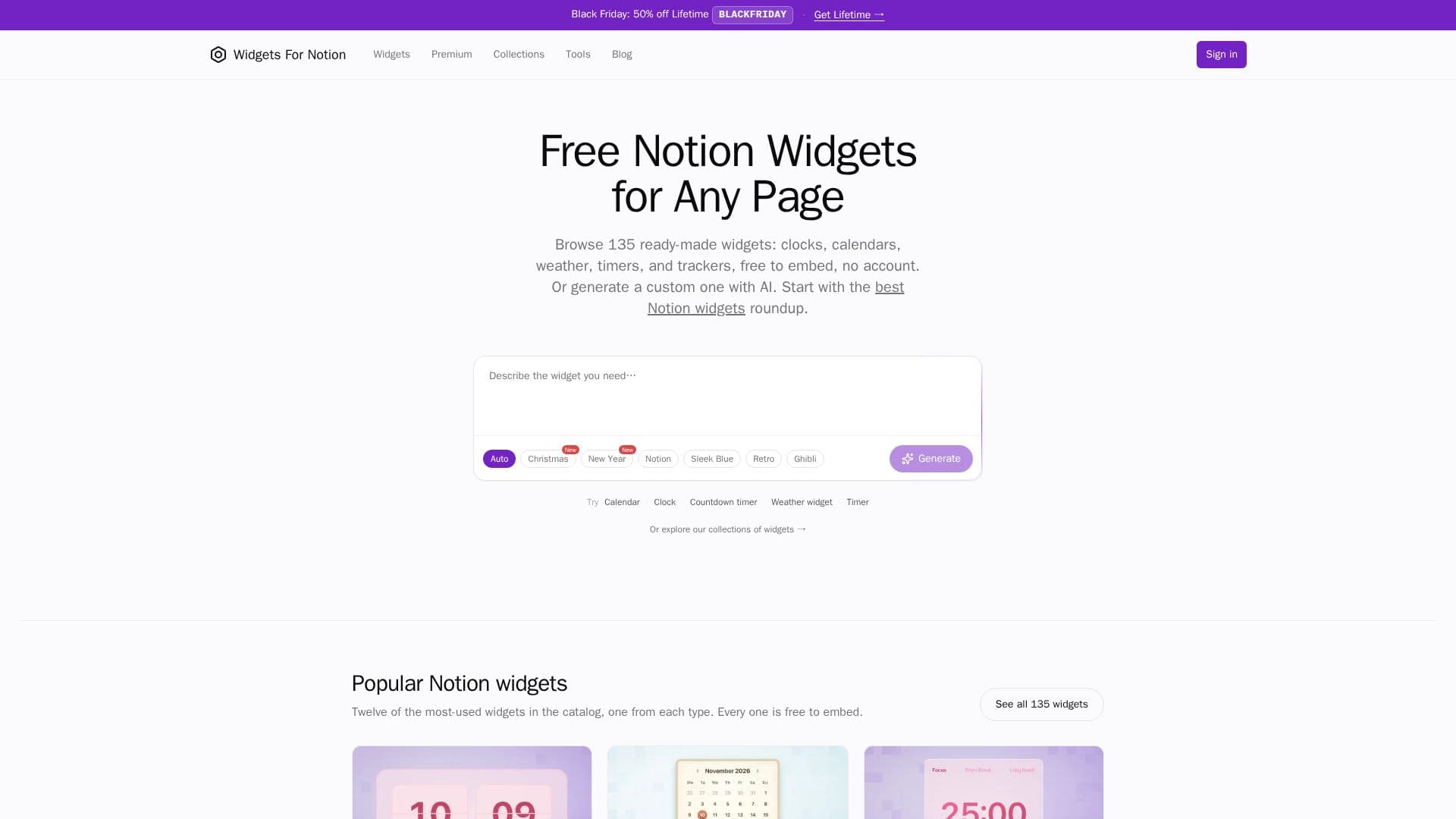
Widgets For Notion provides a comprehensive solution for enhancing Notion workspaces with a wide array of interactive widgets. The platform features a catalog of 135 ready-made widgets, all of which are free to embed and require no account. These widgets cover essential functionalities such as clocks, calendars, weather updates, timers, countdowns, and various trackers, designed to boost productivity and organization within Notion pages.
Read More
Beyond the free catalog, Widgets For Notion offers an AI widget maker that allows users to generate custom widgets based on plain language descriptions. This AI tool enables refinement through follow-up prompts, ensuring the generated widget perfectly matches the user's aesthetic and functional requirements. This feature is particularly beneficial for Notion power users, students, and remote workers who need highly specific tools that aren't available off-the-shelf.
Embedding widgets into Notion is straightforward: users simply copy an embed link from the Widgets For Notion site, then paste it into a Notion page using the /embed block. This process requires no coding, Notion API integration, or external installations, making it accessible to all users regardless of technical skill. The widgets are designed to update automatically and are fully compatible with Notion's mobile app on iOS and Android, providing a consistent experience across devices.
The platform offers various visual styles for its catalog widgets, including Sleek Blue, Retro Style, Soft Pink, and Ghibli Style, alongside seasonal collections. For those needing more personalized data integration, premium widgets like the Live Calendar can display Google Calendar or Outlook events directly in Notion. While catalog widgets are free with unlimited views, AI generation and premium widgets operate on a one-time payment model, with AI credits available for custom creations and a Lifetime Access option for all premium features.
Widgets For Notion is built and maintained by Mocuza, addressing the lack of built-in interactive elements in Notion. It serves a diverse audience, from students needing Pomodoro timers and habit trackers to remote workers requiring world clocks and focus timers, and Notion power users seeking custom tools to match their unique workflows.
- CategoryProductivity
- Pricing ModelFreemium
- DeploymentCloud
- PlatformsWeb
Widgets For Notion's Core Features
Browse 135 free Notion widgets
AI widget maker for custom creations
Embed widgets without code or Notion API
Unlimited views for catalog widgets
Compatible with Notion mobile app (iOS & Android)
Multiple visual styles and collections (Sleek Blue, Retro Style, Soft Pink, Ghibli Style)
Pomodoro timers for focus sessions
Weather cards for location-based conditions
Countdown timers for deadlines
Habit trackers for routine management
Calendar widgets for scheduling
Calculator widgets for in-page calculations
Water intake trackers
Daily quote widgets
Premium widgets for personal data integration (e.g., Live Calendar)
One-time payment for premium features and AI credits
How to use Widgets For Notion?
Describe your widget: Type what you need in plain language, such as a Pomodoro timer or a weather card.
Generate with AI: The AI builds and previews your widget instantly; refine it with follow-up prompts.
Copy embed link: Open the widget page and press 'Copy embed link'.
Embed in Notion: In Notion, type /embed, press Enter, paste the link, then press 'Embed link'.
Resize and use: Drag the edge of the block to resize the widget, which updates automatically.
Widgets For Notion's Use Cases
- Study Session Management
- Habit Tracking
- Remote Team Coordination
- Deep Work Focus
- Custom Workspace Aesthetics
- Event and Task Management
- Personal Data Integration
- Productivity Dashboard Creation