
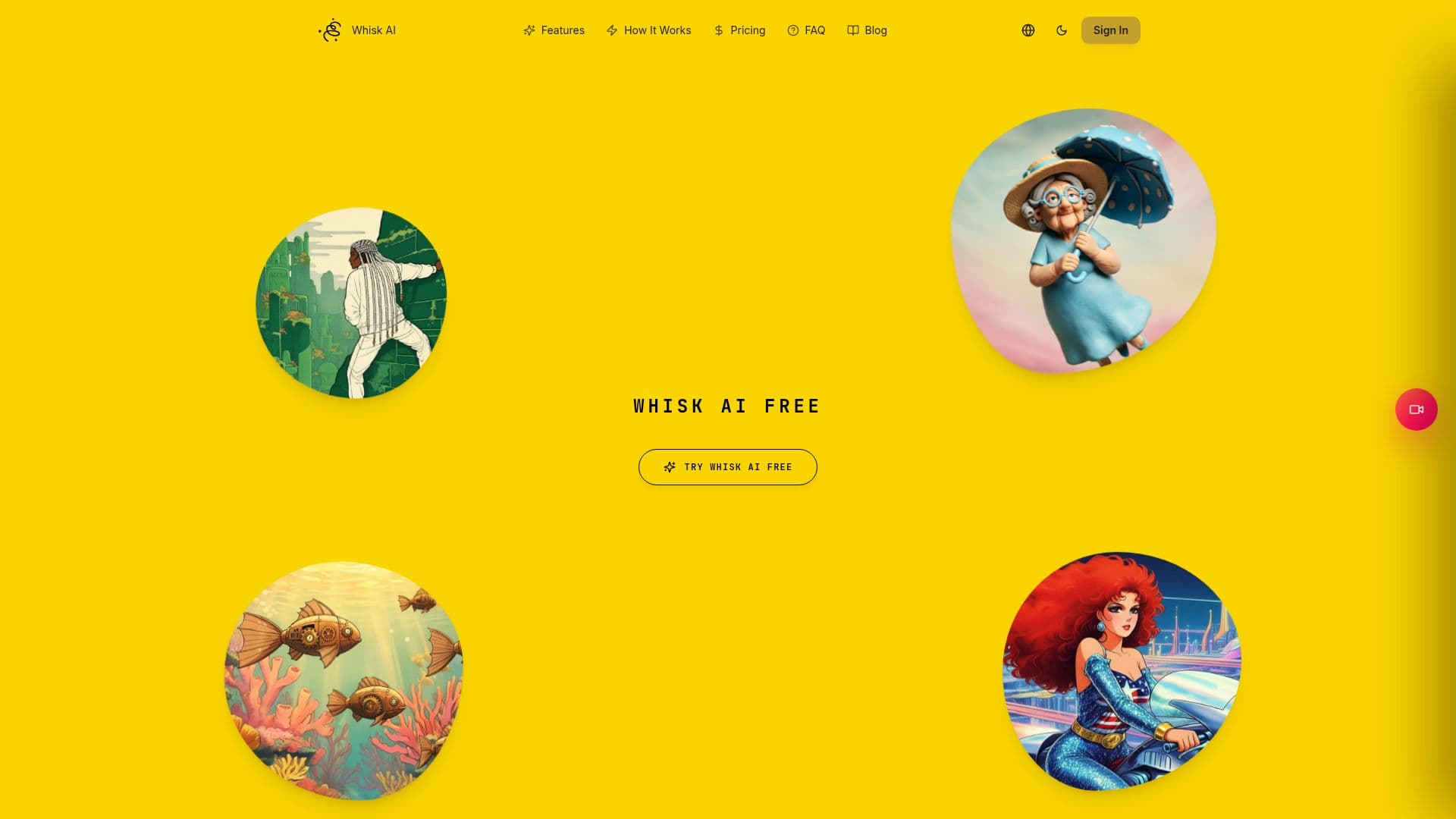
Description
Whisk AI provides an intuitive online workspace designed for AI image and video generation, reference remixing, and image-to-video creation. Users can generate AI images from text descriptions, or upload up to three reference images to guide the subject, scene, and style of their creations. This reference-guided approach helps achieve desired visual outcomes without extensive prompt engineering.
Read More
The platform also supports image-to-video workflows, allowing users to transform a single still image into a short AI video. It offers a range of models, including Google Whisk-style image generation, Gemini Image, Nano Banana, Gemini Omni, and Veo, providing flexibility for different creative needs. Users have control over aspect ratio, resolution, and video duration, ensuring planned results before credits are used.
Whisk AI emphasizes a streamlined creative process, enabling users to move between text-to-image, image remixing, and image-to-video modes within the same focused workspace. Features like Smart Prompt enhancement assist in turning short ideas into polished generation prompts, while the Recent Media history keeps finished images and videos organized for easy access, regeneration, or sharing. Transparent credit costs are displayed before each task, helping users manage their budget effectively.
Targeted at creative individuals, designers, and content creators, Whisk AI aims to simplify the journey from concept to polished visual asset. It helps users test product shots, characters, posters, and campaign ideas quickly by mixing and matching visual inputs. The platform is designed for iteration, allowing users to adjust prompts, ratios, resolutions, or reference sets and generate new directions without rebuilding their workflow. Whisk AI offers a freemium model, providing 10 free signup credits, with paid plans starting from $9.90 per month for increased capacity and lower credit costs.
- CategoryAI Image Generators
- Pricing ModelFreemium
- DeploymentCloud
- PlatformsWeb
Whisk AI's Core Features
AI image generation from text
Reference image remixing (up to 3 images for subject, scene, style)
Image-to-video creation from still images
Smart Prompt enhancement for detailed prompts
Model, aspect ratio, resolution, and duration controls
Recent Media history for saved work
Transparent credit cost display before generation
Support for various AI models (Google Whisk-style, Gemini Image, Nano Banana, Gemini Omni, Veo)
Flexible creation modes (text-to-image, image-to-image, image-to-video)
Download, share, delete, or regenerate from saved media
Iterative workflow for prompt and reference adjustments
Freemium access with 10 free signup credits
Paid plans for increased generation capacity
Up to 4K resolution on supported models
Task Manager for tracking active generation tasks
How to use Whisk AI?
Choose Mode & Model: Select Text to Image, Image to Image, or Image to Video, then pick an AI model.
Upload Reference Images: Add up to 3 images for Image to Image, or 1 starting image for Image to Video (optional for Text to Image).
Describe & Fine-Tune: Write your prompt, optionally use Smart Prompt, and set aspect ratio, resolution, and video duration.
Generate & View Results: Launch the generation task, track its progress, and find completed work in Recent Media.
Whisk AI's Use Cases
- Product Visuals
- Character Design
- Campaign Ideas
- Poster Creation
- Short Video Content
- Visual Drafts
- Style Exploration
- Concept Art