Description
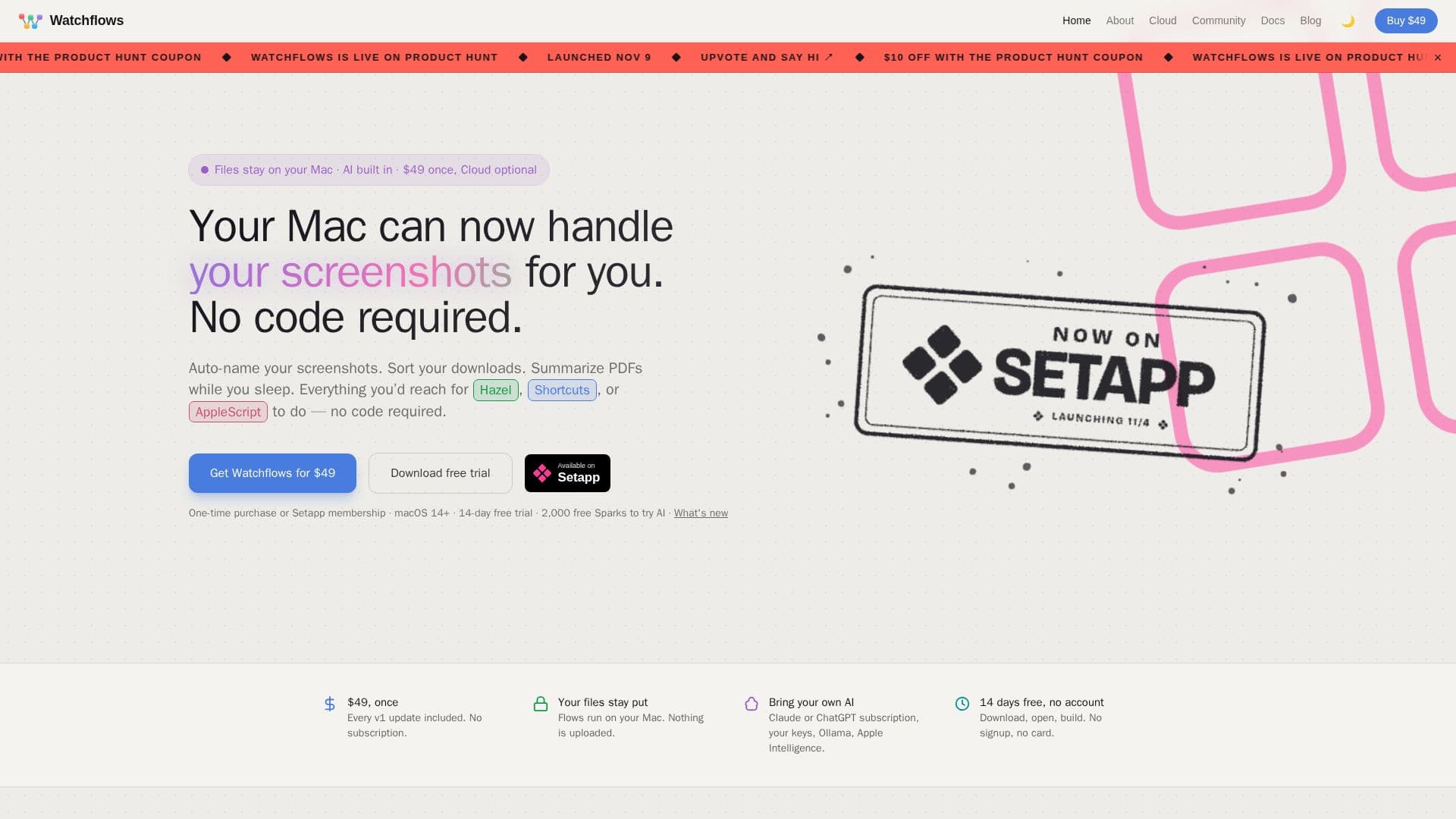
Watchflows is a comprehensive visual workflow automation application designed specifically for macOS, empowering users to automate repetitive tasks without writing any code. It features an intuitive drag-and-drop canvas where users can connect various nodes, including triggers, actions, conditions, and AI capabilities, to create custom workflows.
Read More
The application integrates deeply with macOS, allowing it to interact with files, folders, the clipboard, hotkeys, and various Apple applications like Notes, Reminders, and Calendar. Users can set up triggers to initiate flows based on events such as a file landing in a folder, a specific time of day, or a keyboard shortcut. Actions can then perform tasks like renaming files, moving data, sending notifications, or calling APIs.
A standout feature is its AI integration, which allows users to describe a chore in plain language and have Watchflows AI draft the workflow on the canvas, wiring nodes and explaining each step. Users can then manually adjust or expand these AI-generated flows. Watchflows supports various AI providers, including on-device Apple Intelligence or Ollama, as well as popular subscription-based services like OpenAI and Anthropic, giving users flexibility in how they leverage AI.
Privacy and data security are core tenets of Watchflows. All operations and data processing occur locally on the user's Mac, ensuring that files never leave the device. There's no need for an account, uploads, or reliance on cloud services for core functionality, providing a secure and private automation experience. The application is available as a one-time purchase or through a Setapp membership, offering a 14-day free trial with 2,000 free Sparks to explore its AI features.
Watchflows targets Mac users who have outgrown simpler automation tools like Apple Shortcuts, Hazel, or Keyboard Maestro, or who find cloud-based solutions like Zapier too restrictive for local file operations. It's ideal for tasks involving multiple steps, conditional logic, or direct interaction with files and applications on a Mac. The tool is developed by a single engineer, emphasizing a local-first approach and direct support.
- CategoryWorkflow Automation
- Pricing ModelOne-time purchase
- DeploymentDesktop app
- PlatformsmacOS 14+
Watchflows's Core Features
Visual workflow canvas with drag-and-drop nodes
AI nodes for flow drafting, classification, transformation, and analysis
Deep macOS integration for file, app, and system control
Triggers for folders, hotkeys, clipboard, and schedules
Actions for scripts, notifications, APIs, and app control
Support for on-device AI (Apple Intelligence, Ollama) and API keys (OpenAI, Anthropic)
Local data processing; files never leave your Mac
No account required for core functionality
One-time purchase or Setapp membership available
14-day free trial with 2,000 free AI Sparks
Node categories: Triggers, Actions, AI, Apple, Files, Databases, Transformers, Conditions, Emitters, Utilities
Flow Builder for natural language workflow creation
Public webhooks included with license
Automatic in-app updates for v1.x
How to use Watchflows?
Download Watchflows: Get the application from watchflows.app and drag it to your Applications folder.
Create a New Flow: Open the app, click 'New Flow', and drag a trigger node from the palette onto the canvas.
Wire Nodes: Add subsequent action, condition, or AI nodes and connect them to build your desired workflow.
Describe with AI (Optional): Use the Flow Builder to describe a task in plain English and let AI draft the flow.
Configure Nodes: Adjust settings for each node to specify actions, conditions, or AI model preferences.
Test and Enable: Press Run (⌘R) to test the flow manually, then flip 'Enabled' in the toolbar to activate it for automatic execution.
Watchflows's Use Cases
- Automate Screenshot Organization
- Sort Downloads Automatically
- Summarize PDFs
- Calendar Event Management
- Clipboard Automation
- Daily Briefing Generation
- Data Transformation
- System Monitoring & Alerts
- Local Database Management