
Description
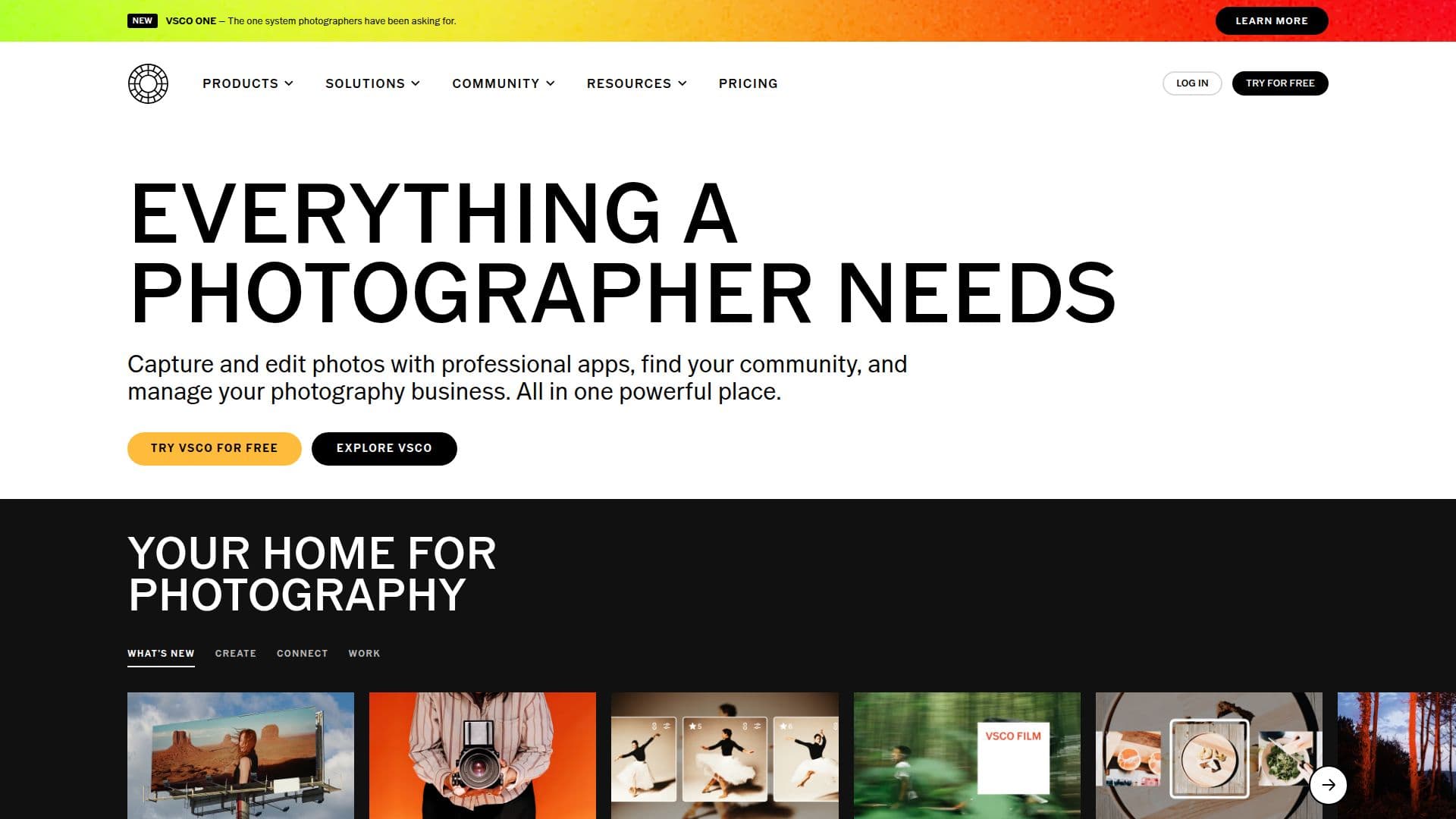
VSCO, from Visual Supply Company, is an all-in-one platform built for photographers to hone their craft, grow their network, and build a business. It combines professional photo and video editing with iconic film-inspired presets and AI-assisted tools, a global creative community, portfolio websites, client galleries, studio management, and business workflows, all in one connected system. VSCO is available as a mobile app for iOS and Android and a web app for Mac and PC, and it integrates with Adobe Lightroom.
Read More
On the creative side, VSCO offers 200+ film-inspired looks plus Pro Presets, advanced and batch editing, full-resolution video editing with cinematic tools, analog textures and light leaks, live presets and effects for shooting, and high-fidelity AI editing through AI Lab and Canvas. Its community features include member profiles, shared galleries, a global Feed for inspiration, and in-person photo walks.
For the business side, VSCO helps photographers meet clients and get paid through VSCO Hub, plan shoots in VSCO Canvas, deliver work with VSCO Galleries, and scale with VSCO Workspace, which includes CRM and studio management tools. Portfolio websites sync with the VSCO Profile, and business mentorship is available through The Freelance Photographer.
Membership plans range from a free Starter plan (with 15 presets and 100 Canvas AI credits) to Plus (200+ presets, advanced and video editing, ad-free), Pro (AI editing, moodboarding, more storage, and a website), and One (the full business system). Monthly AI generation credits power Canvas image generation and reset each month, with 250 monthly on Plus and 500 on Pro and One.
- CategoryAI Photo Editors
- Pricing ModelFreemium
- DeploymentCloud, Mobile app
- PlatformsiOS, Android, macOS
VSCO's Core Features
Professional photo and video editing with 200+ film-inspired presets
AI-assisted editing via AI Lab and Canvas with monthly credits
Live presets and effects for shooting photos and video
Analog textures, light leaks, and cinematic video tools
Global community with Feed, profiles, shared galleries, and photo walks
Client galleries and portfolio websites synced to your profile
VSCO Workspace CRM and studio management tools
Business mentorship through The Freelance Photographer
How to use VSCO?
Download VSCO: Get the mobile app or use the web app, and choose a plan.
Edit your photos: Apply presets and precision tools, or use AI editing.
Share and connect: Post to your profile and join the community Feed and photo walks.
Build your presence: Publish a portfolio website that syncs with your profile.
Grow your business: Deliver client galleries and manage work with Workspace and Hub.
VSCO's Use Cases
- Photo and video editing
- Client work
- Portfolio building
- Creative community
- Business growth