
Description
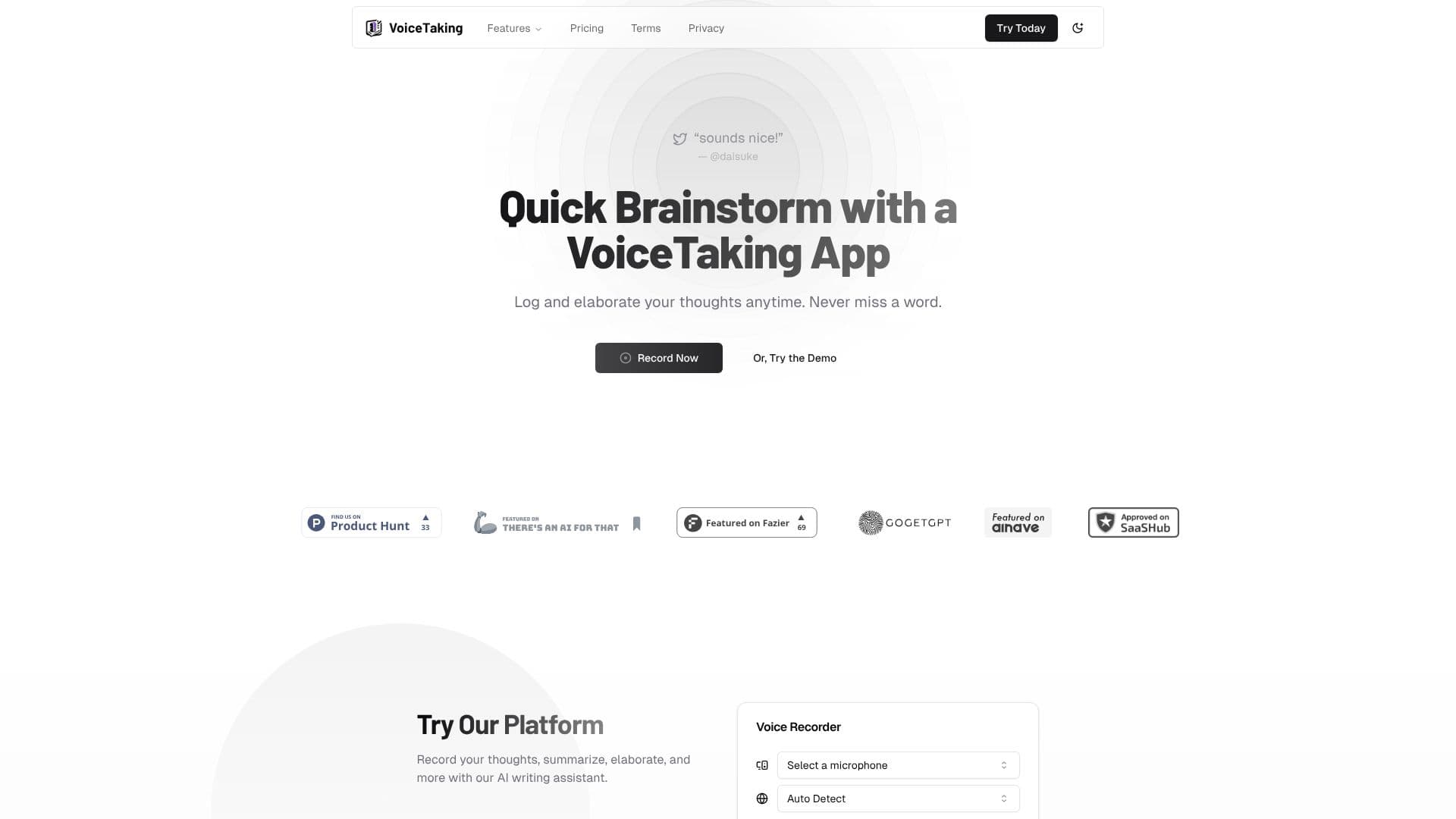
VoiceTaking is a meeting note taker that runs from the browser rather than as a bot that joins a call. Version 2 of the product, announced in a September 14, 2026 post on its own site, captures a shared browser tab's audio (the other participants) together with the user's own microphone, transcribing each side separately so the notes stay attributed to the right speaker instead of blending everyone into a single stream.
Read More
To use it, a person opens their meeting in VoiceTaking, selects the browser tab running the call, and turns on tab-audio sharing so both sides of the conversation are picked up alongside the microphone feed. The transcript is generated live, and users can add their own notes during the call as it happens. Afterward, VoiceTaking applies a template matched to the meeting type; the product gives the example of a technical interview needing a scorecard versus a strategy review needing decisions and metrics, and picking the right template shapes what the generated summary looks like. Teammates can be invited so the notes, decisions and action items live where the work happens rather than in a separate document.
VoiceTaking's Pro plan costs $10 a month, discounted from a $29 list price, or $68 a year on the annual plan (also discounted from a $120 list price), and includes 30 hours of meeting transcription a month for one seat, unlimited meetings and templates, unlimited AI summaries and action items, and 24/7 support. Canceling keeps access until the end of the current billing period and stops the next charge.
VoiceTaking is made by Appledore Dev, a company based in Jakarta, Indonesia, which also runs a separate product called LaterOn. VoiceTaking started as a more general voice-notes and brainstorming app before its 2026 relaunch as a dedicated meeting note taker; a desktop app is described on the site as coming next, alongside the current browser-based product.
- CategoryAI Meeting Assistants
- Pricing ModelFreemium
- DeploymentCloud
- PlatformsWeb
VoiceTaking's Core Features
Captures both the shared meeting-tab audio and the user's own microphone at once
Keeps each speaker's audio on a separate, attributed channel
Runs from the browser with no bot joining the call
Live transcription as the meeting happens
Meeting templates, for example technical interviews or strategy reviews, that shape the generated summary
AI-generated summaries and action items after each meeting
Manual note-taking alongside the automatic transcript during a call
Team sharing so notes, decisions and action items are visible to invited teammates
How to use VoiceTaking?
Start a session: Open your meeting in VoiceTaking and click Record
Share tab audio: Pick the browser tab running your call and enable Also share tab audio so the app hears every participant
Add your own notes: Type notes during the call alongside the live transcript
Pick a template: Choose a template that fits the meeting type before generating the summary
Review and share: Check the AI-generated summary and action items, then invite teammates to the notes
VoiceTaking's Use Cases
- Meeting transcription
- Meeting summaries
- Team follow-up