Description
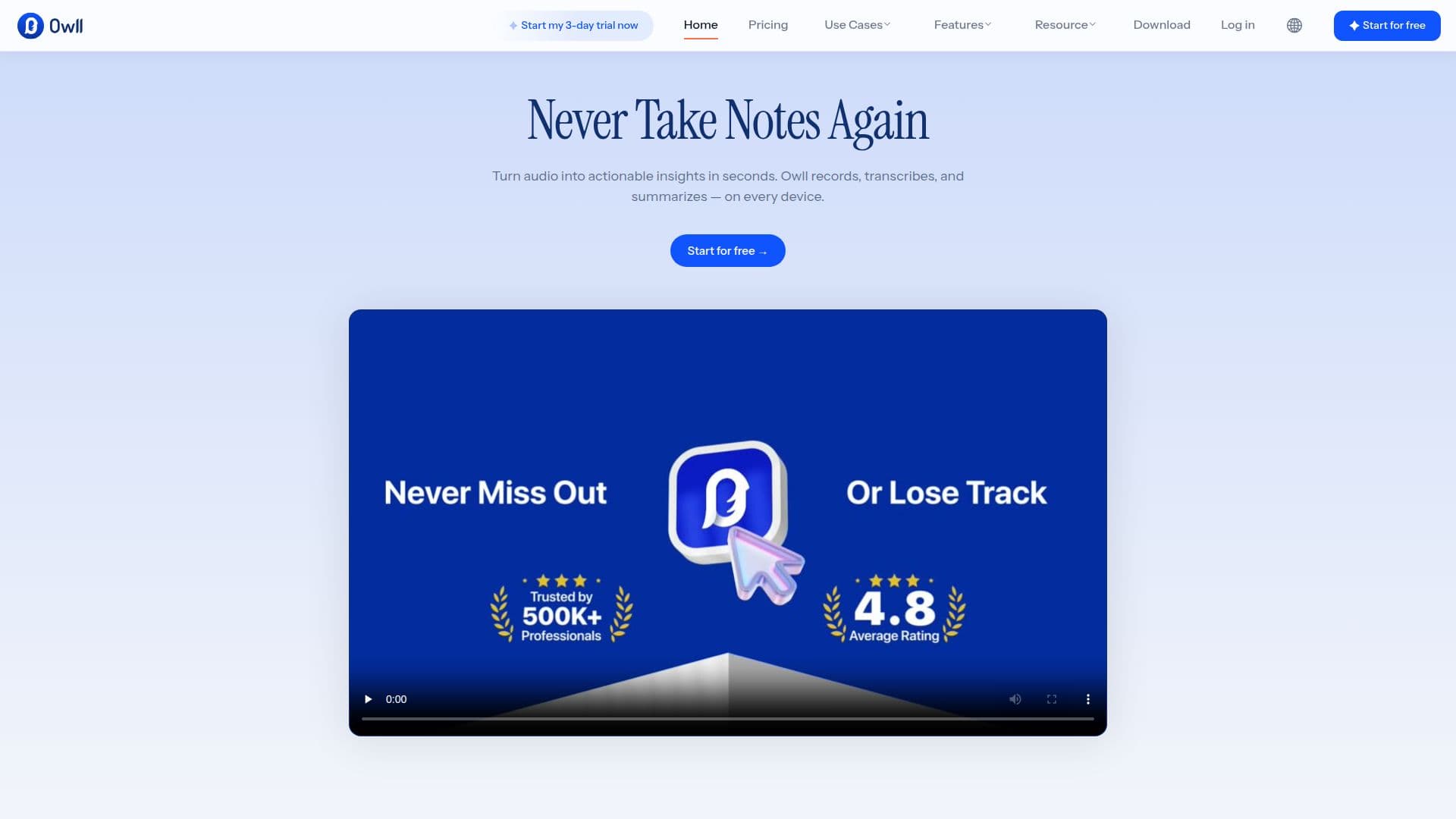
Owll, made by Vocalbeats.AI, is an AI note-taking app built to record, transcribe, and summarize spoken conversations, including meetings, lectures, sales calls, and voice notes, across a user's devices. It targets everyday professionals, students and teachers, and sales and business teams who want usable notes without manually typing during a conversation.
Read More
Owll detects what kind of recording it is capturing, whether a sales call, a lecture, or a meeting, and formats the summary accordingly, for example producing BANT-style notes for sales calls, action items for meetings, and key concepts for lectures. It joins Zoom, Google Meet, and Microsoft Teams calls automatically when given a meeting link, or records directly from iPhone, Mac, Apple Watch, or Android, letting a user start a recording on one device and continue it on another.
Transcription and summarization cover more than 99 languages, including real-time handling of speakers who switch languages mid-sentence, and recaps can be translated with one tap. Notes export to tools such as Notion, Slack, or email, and Owll can pull structured flashcards from lecture recordings for students. For clinicians and therapists, Owll offers SOAP-style note generation for non-patient-identifying work such as training or supervision preparation; the company states Owll is not a HIPAA platform and is not built to store protected health information. Owll also supports common audio file formats, including MP3, AAC, CAF, M4A, WAV, FLAC, and AIFF, plus YouTube links, for transcribing outside of a live recording.
Owll states its recordings and transcripts are end-to-end encrypted, that it does not use customer content to train AI models or share it with third parties, and that it is ISO/IEC 27001 and 27701 certified. Access is free to start, with a 3-day free trial for full features, and subscriptions are managed through the Apple App Store. The company reports more than 500,000 users and a 4.8 average rating across roughly 12,400 reviews and mentions.
Direct phone call recording is limited to the United States, Canada, and the United Kingdom, though meeting recording and file upload work worldwide. Transcription accuracy depends on audio quality, background noise, and accents, according to the company's own FAQ.
- CategoryAI Meeting Assistants
- Pricing ModelFreemium
- DeploymentCloud
- PlatformsWeb, iOS, Android
Owll's Core Features
Context-aware summaries that adapt format to sales calls, meetings, or lectures
Automatic joining and recording of Zoom, Google Meet, and Microsoft Teams calls
Cross-device recording across iPhone, Mac, Apple Watch, and Android
Transcription and summarization in 99+ languages with mid-sentence language switching
One-tap translation of recaps into another language
Flashcard generation from lecture recordings for students
Support for common audio file uploads and YouTube links
End-to-end encrypted storage, ISO/IEC 27001 and 27701 certified
How to use Owll?
Start a recording: Record directly on iPhone, Mac, Apple Watch, Android, or the web, or paste a meeting link.
Let Owll join the call: It joins Zoom, Google Meet, or Teams automatically with host approval.
Get a context-aware summary: Owll formats notes as action items, BANT, or key concepts based on the recording type.
Translate if needed: Read the recap back in your own language with one tap.
Export your notes: Send the summary to Notion, Slack, or email, or review it in the app.
Owll's Use Cases
- Meeting notes and action items
- Lecture transcription for students
- Sales call summaries
- Multilingual team recaps