
Description
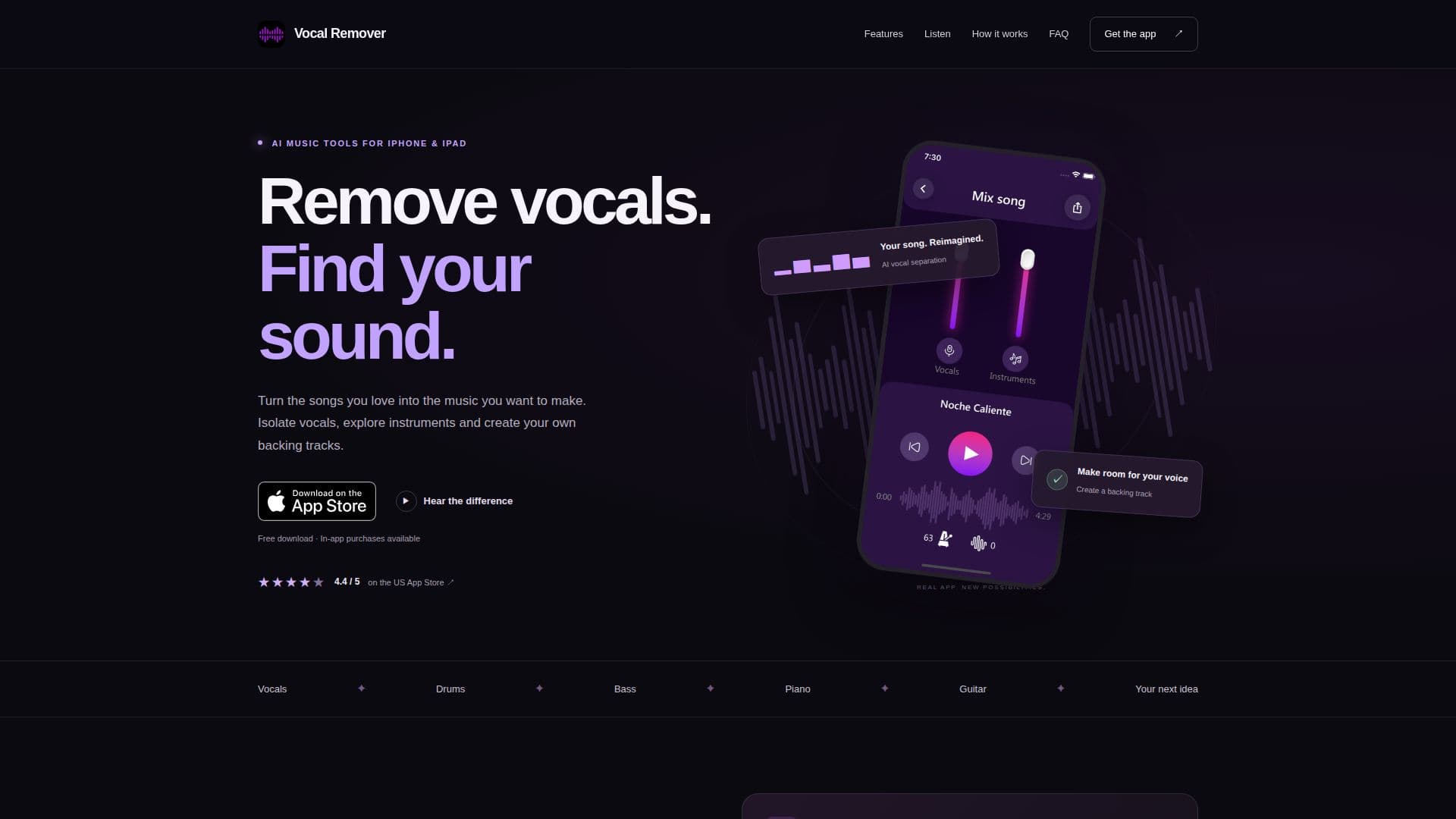
Vocal Remover is an AI-powered application designed for iPhone and iPad users who want to separate vocals and instruments from their audio tracks. Developed by Vividup FZE, this app offers a range of features that allow users to create customized backing tracks, adjust pitch and tempo, and follow synced lyrics for a comprehensive musical experience.
Read More
The app supports various audio formats, including MP3, M4A, WAV, and FLAC, making it versatile for different user needs. Users can import audio files from their device or other sources, and the app's AI technology separates the tracks into vocals, drums, bass, piano, guitar, and other instruments. This separation allows users to adjust the balance of the stems, creating a mix that suits their preferences.
Vocal Remover also offers pitch and tempo controls, enabling users to find a comfortable vocal range or slow down difficult passages for practice. The app's synced lyrics feature helps users follow along with the song, making it easier to learn the phrasing and timing.
While the app is free to download, it includes in-app purchases for additional features and capabilities. Users can check the App Store for current pricing and subscription options. It's important to note that the app does not process music files through the website; all separation occurs within the app itself.
The app is ideal for singers, musicians, and creators who want to explore new musical ideas or practice their parts. However, users should be aware that AI separation is an estimate, and results may vary depending on the recording quality and arrangement. Residual audio from reverb or overlapping instruments may still be present, so it's recommended to use high-quality source files for the best results.
- CategoryAI Audio Editors
- Pricing ModelFreemium
- DeploymentCloud
- PlatformsiOS
Vocal Remover's Core Features
AI vocal and instrument separation
Stem mixing
Pitch adjustment
Tempo adjustment
Synced lyrics
Audio export
Supports MP3, M4A, WAV, FLAC
Free download with in-app purchases
How to use Vocal Remover?
Open the app: Import a supported audio file
Choose separation: Select the desired separation option
Adjust settings: Modify pitch, tempo, and balance
Export: Save your custom mix or selected stems
Vocal Remover's Use Cases
- Backing Track Creation
- Practice Sessions
- Music Exploration
- Vocal Isolation
- Creative Remixing