Description
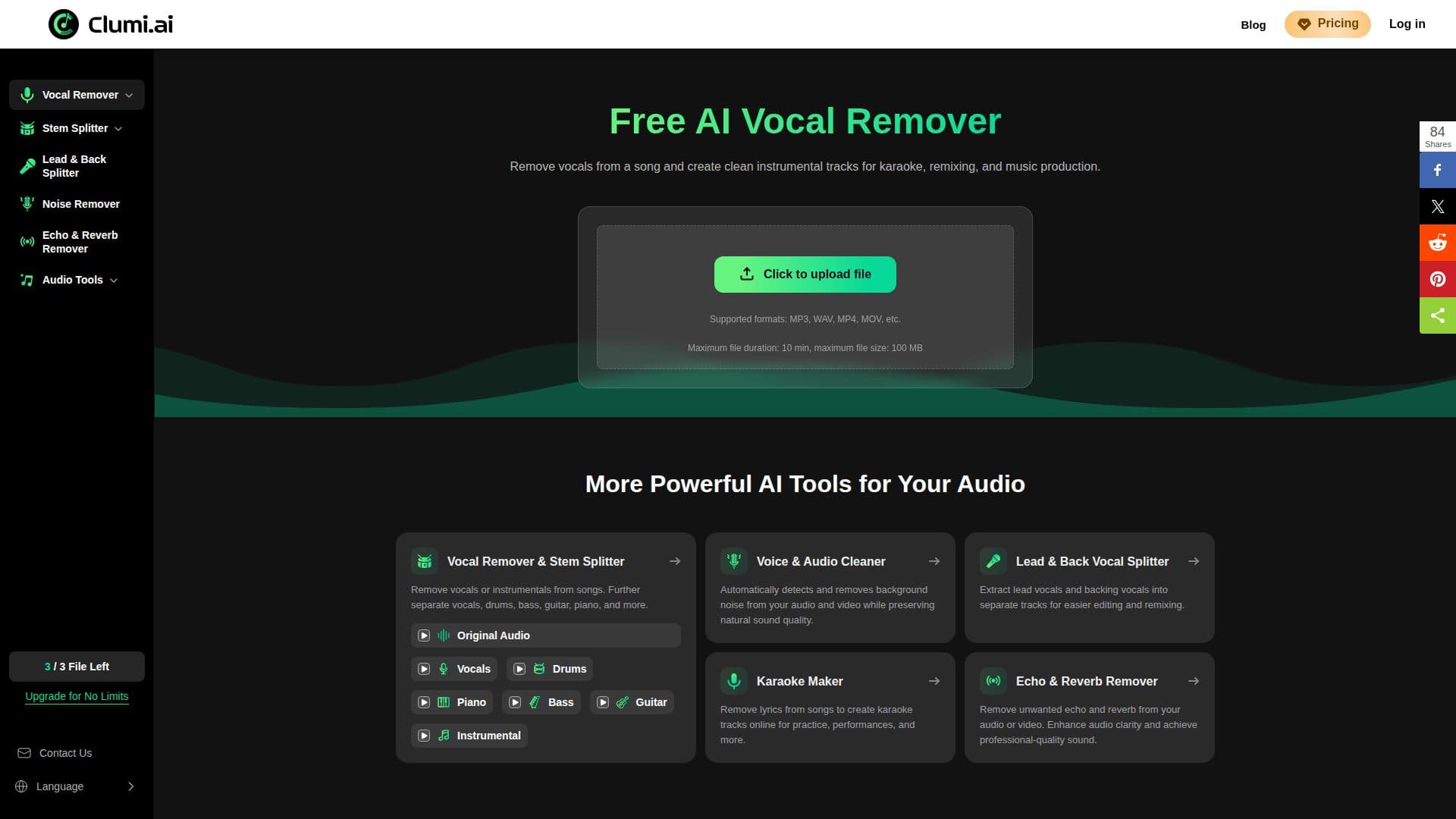
Clumi AI is a browser-based vocal remover that separates vocals from music while keeping the backing track clear and natural. Beyond removing vocals, it offers stem separation for drums, bass, guitar, and piano, plus key and BPM detection, making it an all-in-one option for music editing and production.
Read More
You can upload a song directly without installing software or creating an account, then generate clean vocal and instrumental tracks. The stem splitter isolates piano, bass, guitar, drums, vocals, and backing vocals as individual stems for study or remixing, and the tool works across a wide range of music genres.
Clumi supports high-quality WAV output with 24-bit audio processing and works with formats including MP3, WAV, MP4, and MOV. Additional audio utilities remove background noise, extract lead and backing vocals separately, create karaoke tracks by removing lyrics, and remove echo and reverb. It is aimed at beginners, creators, and music enthusiasts who need clean stems for karaoke, remixes, and content creation.
- CategoryAI Audio Editors
- Pricing ModelFreemium
- DeploymentCloud
- PlatformsWeb
Clumi AI's Core Features
AI vocal removal into clean vocal and instrumental tracks
Stem separation for drums, bass, guitar, piano, and backing vocals
Key and BPM detection
Remove vocals from both video and audio files
Background noise removal for audio and video
Echo and reverb removal for cleaner sound
High-quality WAV output with 24-bit processing
No login or software install required
How to use Clumi AI?
Upload your file: Drag and drop an audio or video file (MP3, WAV, MP4, MOV and more).
Choose a tool: Select vocal removal, stem separation, denoise, or another audio tool.
Process: Let the AI separate the track while preserving audio quality.
Preview and download: Review the separated stems and download the tracks you need.
Clumi AI's Use Cases
- Karaoke tracks
- Remixing and sampling
- Acapella extraction
- Audio cleanup