Description
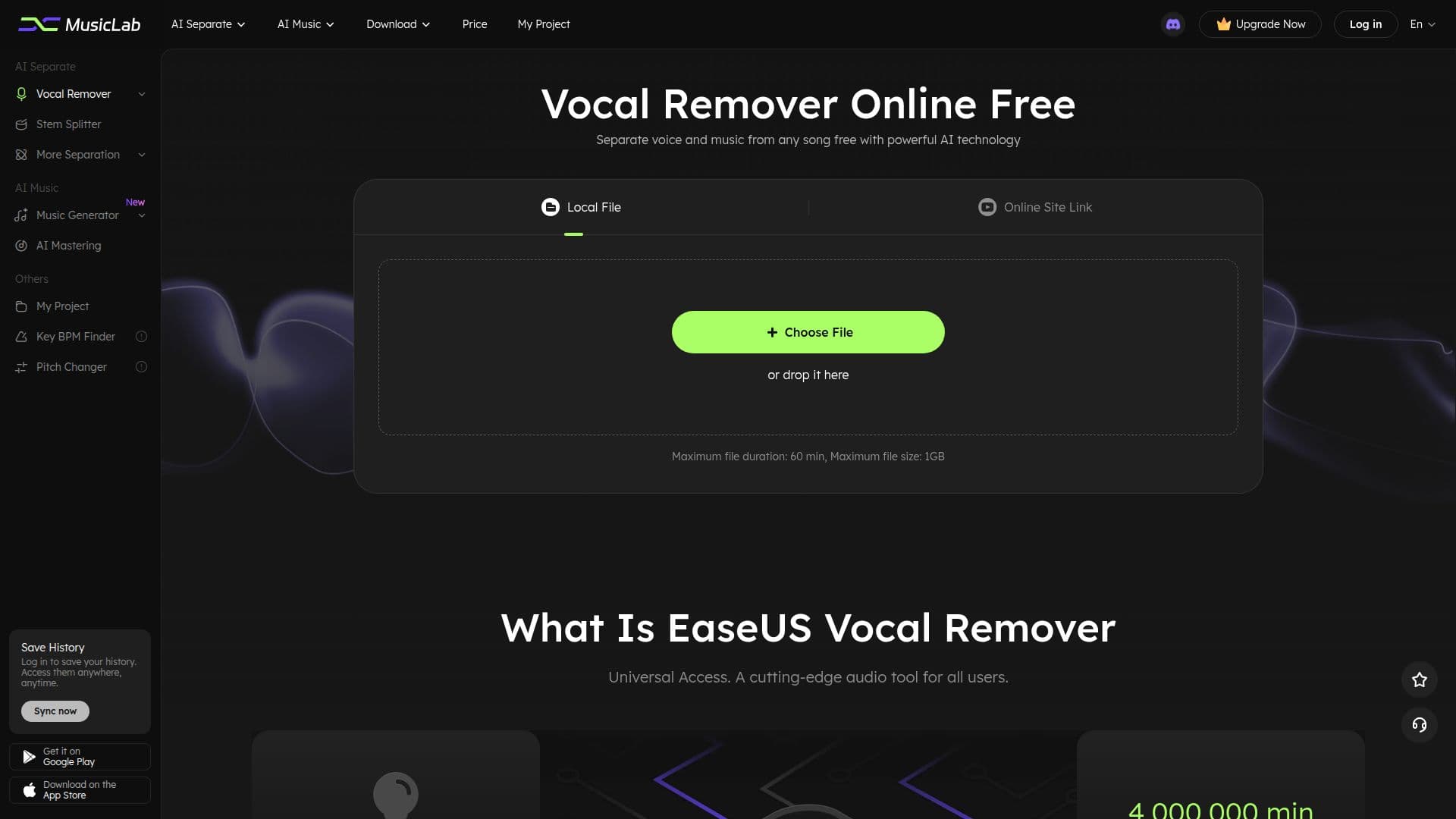
EaseUS Vocal Remover is an online, AI-powered tool for removing vocals from any audio file or video. Using an advanced source-separation algorithm, it automatically detects and splits a track into vocals and instrumental music in seconds, letting you extract karaoke tracks, background music, acapellas, or instrument tracks without downloading an app.
Read More
The tool works with local files or online links: you can upload a file or paste a URL from YouTube or SoundCloud, and it supports a wide range of formats such as MP4, MOV, MP3, WAV, M4A, and FLAC, with compatibility across 1,000+ audio and video formats. Processing runs in the cloud, so no high-spec hardware is needed, and the service is available across web, Android, and iOS.
EaseUS Vocal Remover produces clean results without noticeable artifacts or distortion and is designed with a simple interface for beginners. A free tier offers several minutes of processing, with memberships available to process more files. Exported audio is currently provided in WAV format.
- CategoryAI Audio Editors
- Pricing ModelFreemium
- DeploymentCloud
- PlatformsWeb, Android, iOS
EaseUS Vocal Remover's Core Features
AI-powered vocal and instrumental separation
Extract karaoke tracks, acapellas, and backing tracks
Works with local files or YouTube and SoundCloud links
Support for 1,000+ audio and video formats
Cloud-based processing with no high-spec hardware needed
Available on web, Android, and iOS
Simple interface for beginners
Free tier with paid memberships for more processing
How to use EaseUS Vocal Remover?
Upload your file: Click Choose File to add a video or audio file, or paste an online link.
Remove vocals: The AI automatically detects and separates vocals from the music in seconds.
Preview: Audition the extracted instrumental or vocal track.
Download: Save the karaoke, instrumental, or background audio as a WAV file.
EaseUS Vocal Remover's Use Cases
- Karaoke creation
- Remixing and covers
- Backing tracks
- Extracting audio from video