Description
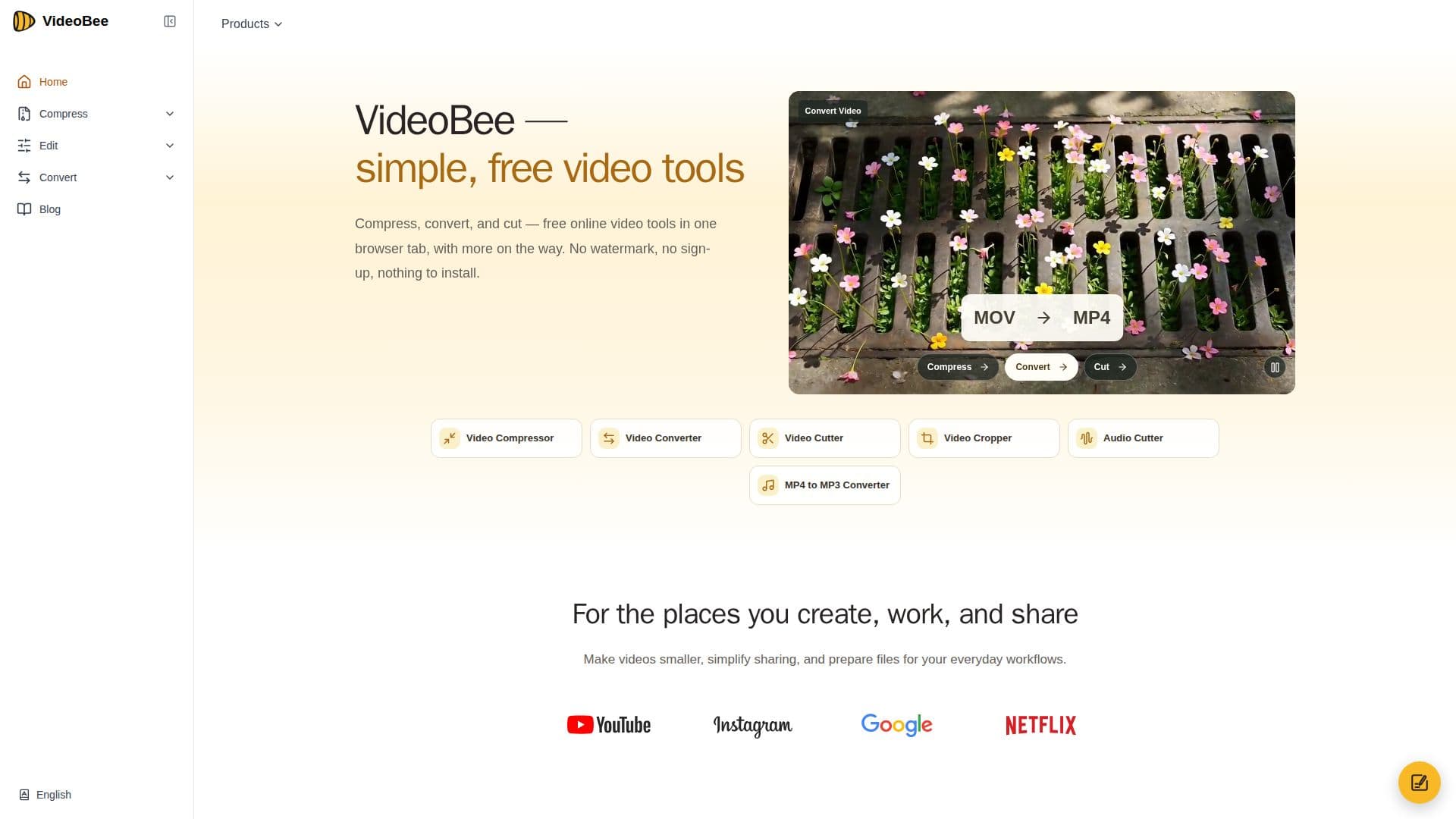
VideoBee is a comprehensive online video toolkit designed to simplify video processing tasks for creators, educators, and professionals. It offers AI-powered video compression, allowing users to compress videos up to 10 GB without any sign-up or watermark. The platform supports conversion between 16 input formats and 19 output formats, including both video and audio options. Users can also cut and trim videos up to 5GB, with options to export in MP4, MOV, or MKV formats.
Read More
The video compressor allows users to set a target size, making it easy to prepare videos for specific platforms or sharing limits. Advanced settings enable fine-tuning of quality, bitrate, resolution, and codec, ensuring the best balance between file size and video quality. The cloud-based processing means that users can work from any device with a modern browser, without needing to install additional software.
VideoBee is particularly beneficial for content creators who need to convert video formats for different platforms, social media managers dealing with upload limits, and educators who need to trim lengthy recordings to essential parts. The platform's ease of use and lack of watermarks or sign-up requirements make it a convenient choice for anyone needing quick and efficient video processing.
The service is entirely free, with no hidden costs or paywalls. Videos are processed on cloud servers, and users have control over the deletion of their files, which are typically removed within 24 hours. VideoBee is expanding its offerings to include tools for images, PDFs, text, and translation, promising even more functionality in the future.
- CategoryVideo Generation & Editing
- Pricing ModelFree
- DeploymentCloud
- PlatformsWeb
VideoBee's Core Features
AI-powered video compression up to 10 GB
Conversion between 16 input and 19 output formats
Video cutting and trimming up to 5GB
No sign-up or watermark required
Advanced settings for quality, bitrate, and resolution
Cloud-based processing
Free to use with no hidden costs
Supports both video and audio formats
How to use VideoBee?
Choose tool: select compress, convert, or cut
Upload video: drag and drop your file
Set preferences: adjust settings as needed
Process video: let the cloud servers handle it
Download result: save the processed file
VideoBee's Use Cases
- Content Creation
- Social Media Management
- Educational Content
- Corporate Training
- Hobby Videography