
Description
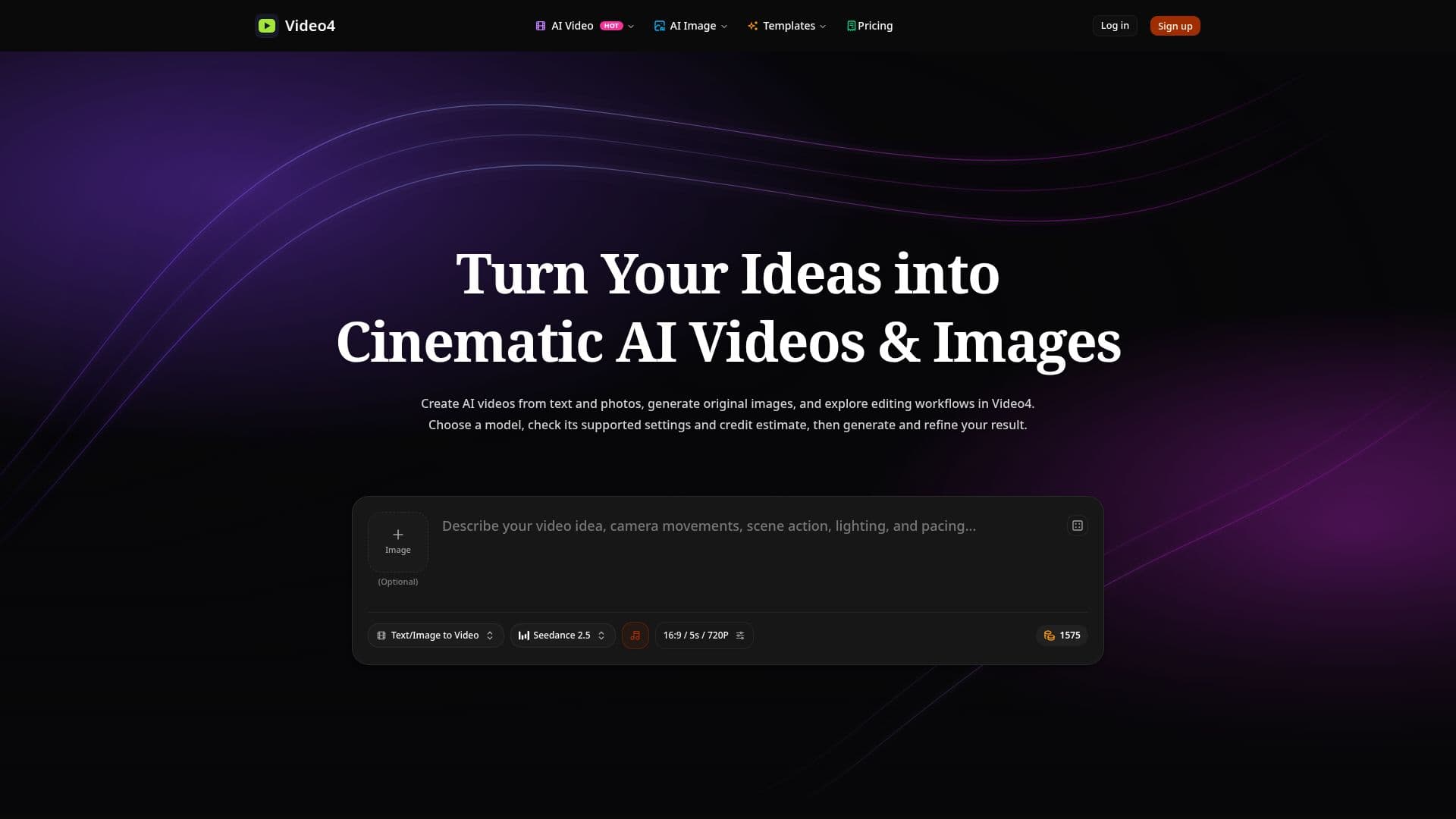
Video4 is a comprehensive AI video generator and creative studio designed to transform text and photos into high-definition cinematic videos and images. The platform offers a variety of tools and models, including Kling, Seedance, Wan, Veo, and MiniMax, to create engaging and viral content. Users can animate still photos, generate original images from text prompts, and apply cinematic video effects with ease. Video4 is particularly beneficial for creators, marketers, and storytellers who want to produce high-quality visuals without the need for complex editing or expensive equipment.
Read More
The platform provides a user-friendly interface where users can select from various models, adjust settings such as aspect ratio and duration, and control camera movements. Video4 supports the creation of videos formatted for popular platforms like TikTok, Instagram Reels, and YouTube Shorts, ensuring that content is ready for social media sharing without watermarks on paid plans.
Video4 operates on a credit-based system, allowing users to test video effects and generators with free starter credits. The platform's flexible pricing plans cater to different needs, from basic exploration to frequent generation for larger projects. Users can choose plans that offer varying numbers of videos and images per month, with options for faster generation speeds and priority support.
The platform emphasizes privacy, advising users to review data handling terms before uploading personal materials. Video4's capabilities extend to various use cases, including creating viral videos, enhancing brand visuals, and transforming ordinary photos into cinematic memories. The platform's AI models enable users to generate dynamic content that captures attention and drives engagement.
- CategoryAI Video Generators
- Pricing ModelFreemium
- DeploymentCloud
- PlatformsWeb
Video4's Core Features
Text to Video AI Generation
Image to Video AI Animation
AI Image Generator & Photo Editor
Cinematic Video Effects & Templates
Multi-Model Studio Access
High-Definition MP4 Downloads
Watermark-Free Outputs on Paid Plans
Flexible Credit-Based Pricing
How to use Video4?
Choose a model: Select from various AI models available.
Upload content: Add text or photo inputs for generation.
Adjust settings: Set aspect ratio, duration, and effects.
Generate and refine: Create the video or image and make adjustments.
Video4's Use Cases
- Viral Video Creation
- Brand Visual Enhancement
- Cinematic Memories
- Social Media Content
- Creative Storytelling