
Description
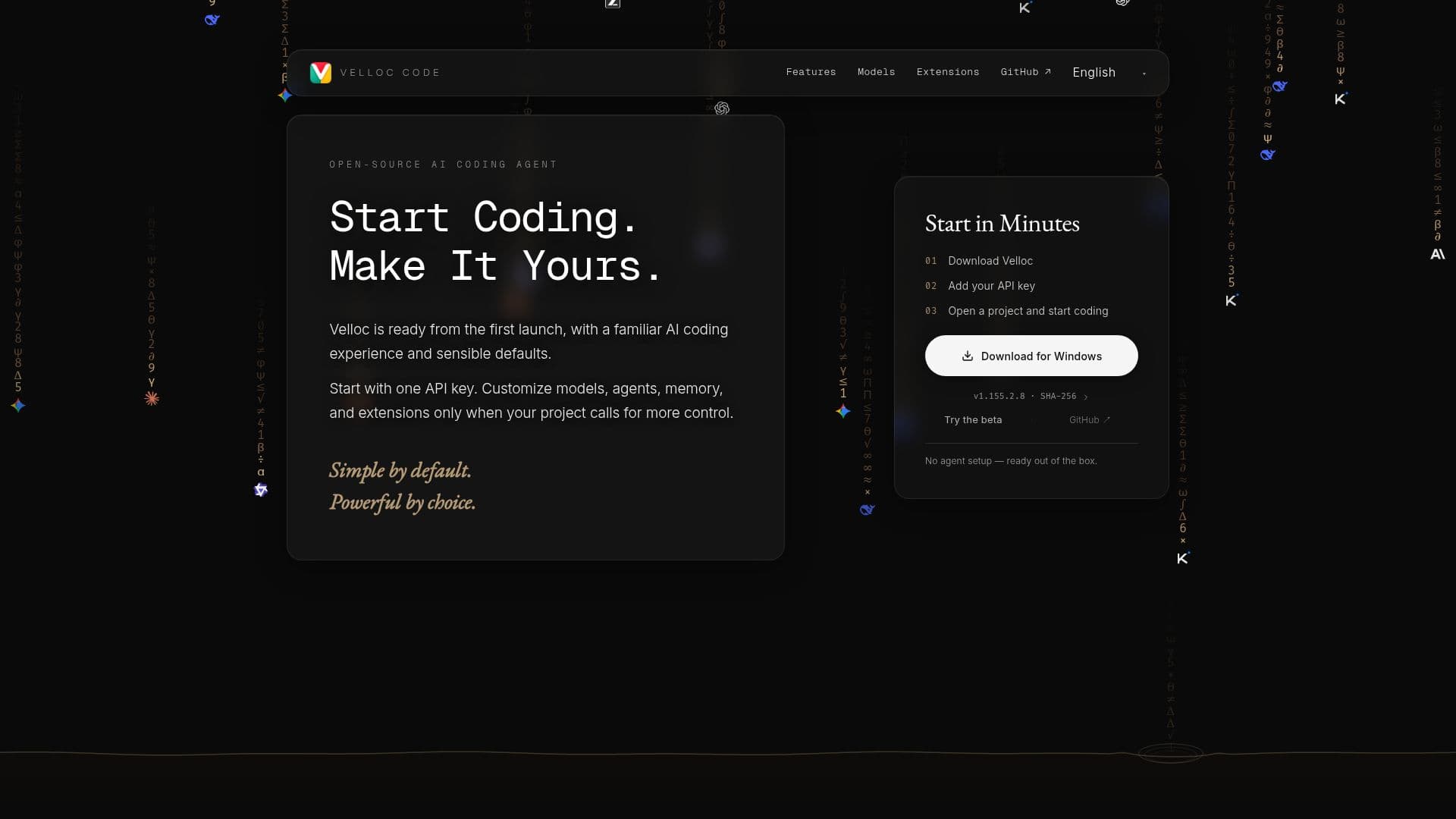
Velloc Code provides a ready-to-use AI coding experience from the moment it launches, featuring a familiar interface and sensible default settings. Users can begin coding immediately with a single API key, and then progressively customize models, agents, memory, and extensions as their project requirements grow more complex. This approach ensures that advanced configurations remain out of the way until they are specifically needed, promoting a streamlined workflow for initial setup.
Read More
The platform emphasizes independence from any single model or provider, allowing users to connect supported providers, add custom endpoints, and create multiple model configurations. This flexibility ensures that developers can utilize the AI models best suited for their specific tasks and integrate them seamlessly into their development environment. Velloc Code also supports extending its capabilities through Claude Code–compatible plugins and skills.
Developers can discover new functionalities via the integrated Plugin Marketplace, which offers compatible plugins for various tools, integrations, and workflow automation. Additionally, the Skill Marketplace provides access to reusable skills, with the option for users to build their own and make them available to any agent. This open-ended extensibility fosters a collaborative environment where users can share and leverage community-contributed enhancements.
Velloc Code is developed in the open, making its agent runtime, tools, and interface open source. This transparency allows developers to build upon the existing framework, contribute improvements, add new tools and providers, or even create their own customized versions. The official Velloc Runtime further enhances desktop capabilities by providing native system and Chromium integration, enabling deeper functionalities for a robust coding experience.
- CategoryAI Coding Assistants
- Pricing ModelOpen Source
- DeploymentDesktop
- PlatformsNative System, Chromium
Velloc Code's Core Features
Familiar AI coding experience
Ready-to-use from first launch
Sensible default configurations
Customizable models, agents, memory, and extensions
Support for multiple API keys and providers
Ability to add custom model endpoints
Independence from single model or provider lock-in
Compatibility with Claude Code–compatible plugins
Plugin Marketplace for tools and integrations
Skill Marketplace for reusable agent skills
Open-source agent runtime, tools, and interface
Native system and Chromium integration via Velloc Runtime
No agent setup required out of the box
Scalable customization for growing project needs
How to use Velloc Code?
Start Coding: Launch Velloc Code and begin coding immediately with default settings.
Connect Providers: Add API keys for supported AI model providers or custom endpoints.
Customize Models: Configure specific AI models to fit your project's requirements.
Extend Capabilities: Install plugins from the marketplace or create custom skills.
Develop Projects: Utilize the AI coding agent for various development tasks.
Contribute: Engage with the open-source community to build and improve the platform.
Velloc Code's Use Cases
- AI-Assisted Software Development
- Custom AI Agent Creation
- Multi-Model AI Integration
- Workflow Automation with Plugins
- Skill Development and Sharing
- Open-Source AI Tooling