Description
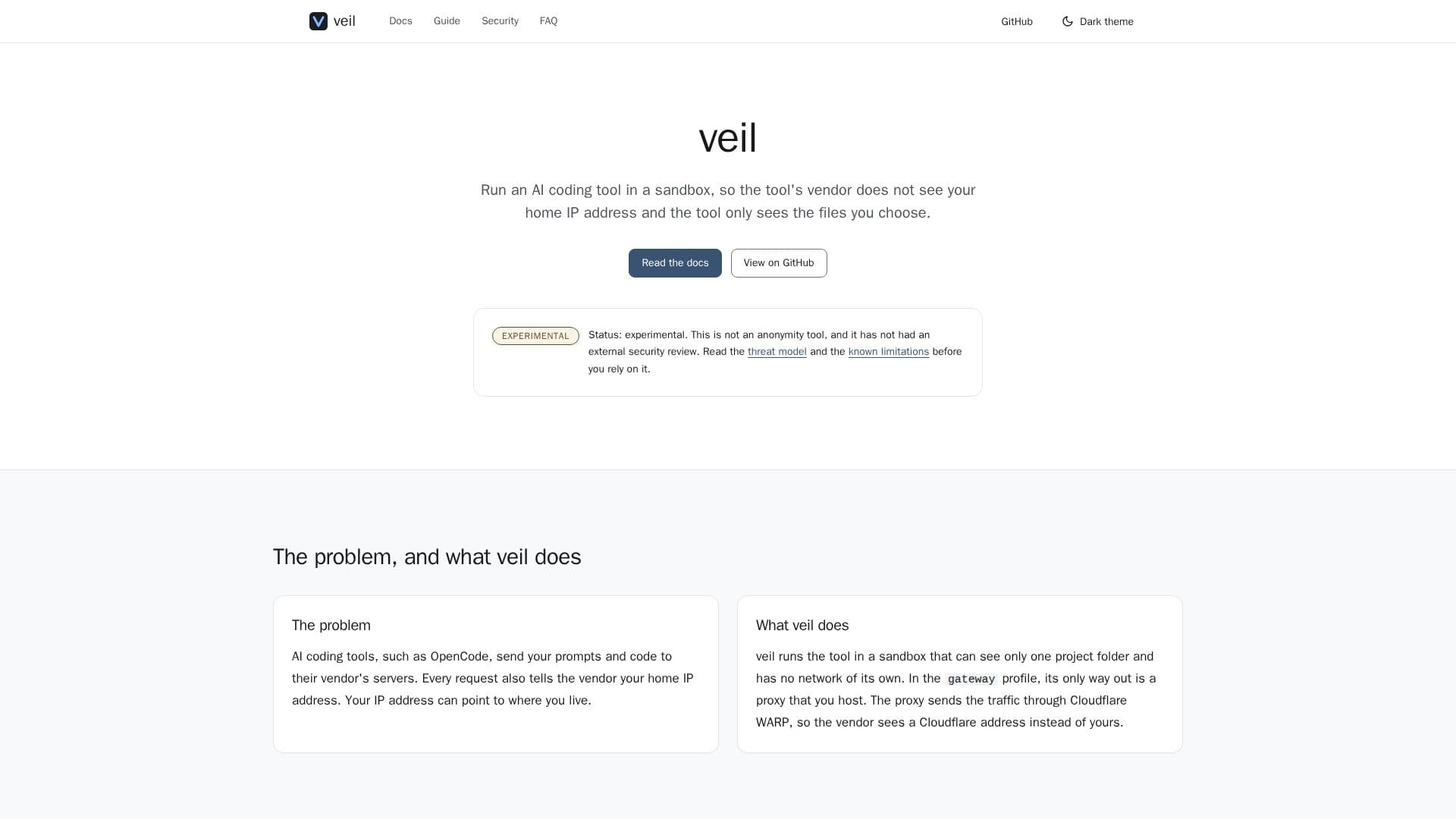
veil is an experimental privacy tool that addresses the concern of AI coding tools exposing users' home IP addresses to their vendors. When you use AI coding tools like OpenCode, your prompts and code are sent to the vendor's servers, and each request typically includes your home IP address, which can reveal your location. veil mitigates this by running the AI coding CLI within a secure sandbox.
Read More
The sandbox environment is configured to see only one designated project folder and operates without its own network. For outbound traffic, veil employs a gateway profile where the only exit route is through a user-hosted proxy. This proxy then routes the traffic via Cloudflare WARP, ensuring that the AI tool vendor perceives a Cloudflare IP address rather than your personal one. This mechanism is designed to prevent your home IP from being exposed during AI coding interactions.
Key components of veil's operation include a sandbox for the AI tool, which on Linux utilizes bubblewrap to unshare namespaces and clear the environment. It mounts a specified workspace in read-write mode at `/workspace` and provides an empty or dedicated `HOME` directory. Additionally, veil features an allowlisting gateway through WARP, implemented as a Docker Compose stack on your local network. This gateway strictly permits only the domains you list and funnels their traffic through a Cloudflare WARP tunnel, with DNS resolution occurring inside the tunnel.
A critical safety feature of veil is its "fails closed" design: if the gateway is unavailable, veil will refuse to start the AI coding tool, preventing any fallback to a direct, unproxied connection. This ensures that your IP address is never accidentally exposed. veil is designed to wrap any CLI that honors `HTTPS_PROXY`, with OpenCode being the first tool tested end-to-end. Currently, veil is supported on Linux, with plans for macOS implementation using a Seatbelt backend, while Windows is not yet supported.
- CategoryAI Privacy Tools
- Pricing ModelOpen Source
- DeploymentSelf-hosted
- PlatformsLinux
veil's Core Features
IP Address Masking: Hides your home IP from AI coding tool vendors.
Sandboxed Environment: Runs AI coding CLIs in an isolated sandbox.
Limited File Access: AI tools only access explicitly chosen project folders.
Cloudflare WARP Integration: Routes traffic through Cloudflare for IP anonymization.
Allowlisting Gateway: Controls permitted domains for outbound traffic.
Fails Closed Mechanism: Prevents tool startup if the gateway is missing.
CLI Wrapping: Compatible with any CLI honoring HTTPS_PROXY.
Linux Support: Utilizes bubblewrap and unprivileged user namespaces.
Dedicated Workspace: Mounts a read-write workspace at /workspace.
Clean Environment: Provides an empty or dedicated HOME directory for the sandbox.
DNS Resolution in Tunnel: Ensures DNS queries are also anonymized.
Experimental Status: Clearly marked as experimental with known limitations.
How to use veil?
Install veil: Build veil from source using Go and verify your system with `veil doctor`.
Set up the Gateway: Start the Docker stack on your local network and test domain allowlisting.
Run an AI Tool: Wrap OpenCode or another HTTPS_PROXY-compatible CLI using `veil run ... -- <tool>`.
veil's Use Cases
- Protecting Developer Privacy
- Secure AI Coding
- Controlled Network Access
- Anonymized AI Tool Usage
- Experimental Privacy Setups