
Description
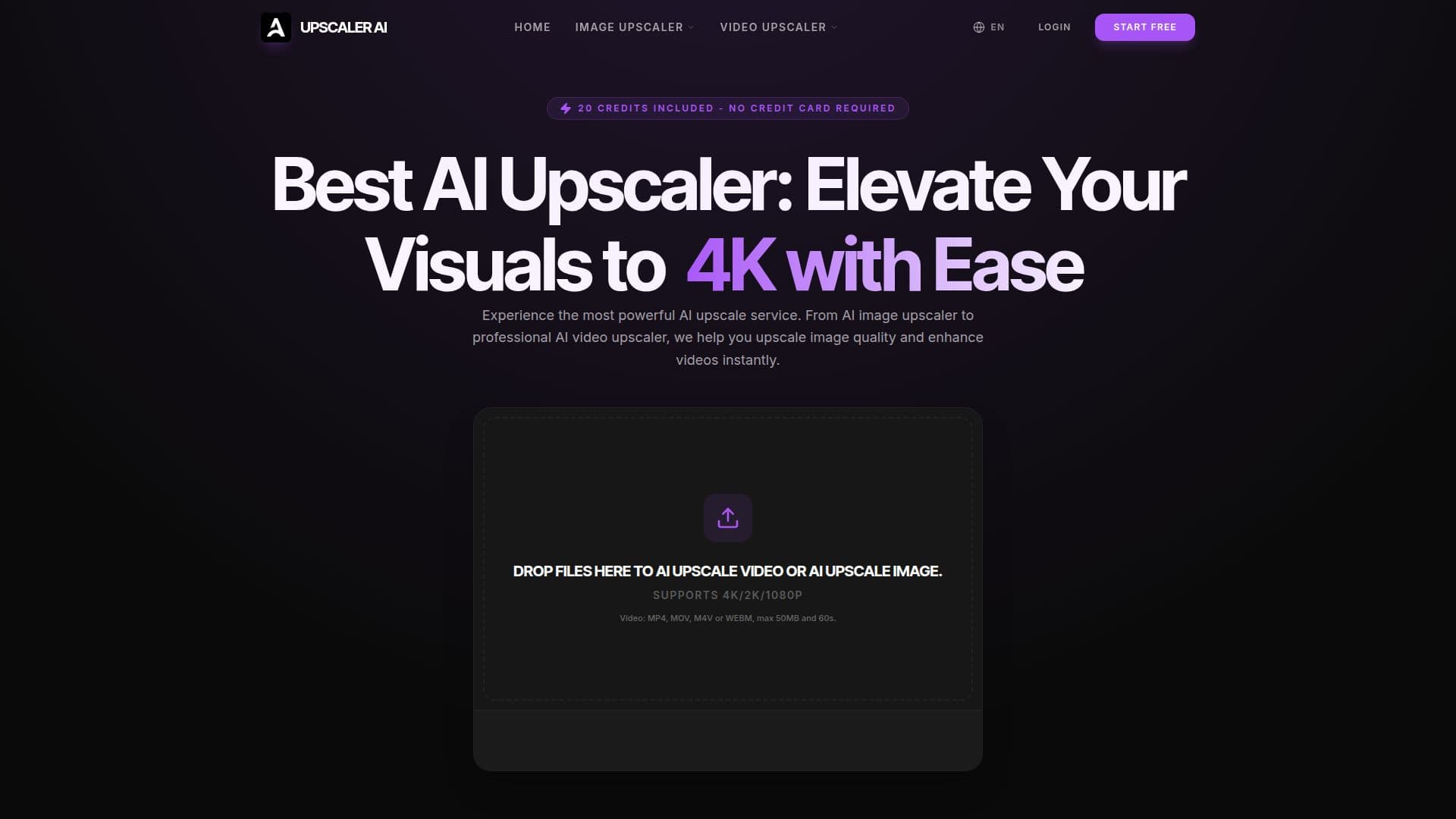
UpscalerAI is a comprehensive online service designed to elevate the quality of visual content by increasing the resolution of both images and videos. Leveraging a powerful Neural Engine, the platform goes beyond simple pixel enlargement, actively recreating missing details to deliver professional-grade output. This makes it suitable for a wide range of applications, from personal projects to professional media production.
Read More
The platform offers dedicated tools tailored to specific content types. The AI Photo Upscaler can bring old memories to life, enhancing image resolution and fixing blurry textures in vintage family photos or low-light shots. For digital artists and game developers, the Pixel Art Upscaler utilizes specific algorithms to maintain sharp and clean edges, preventing blurring when scaling up retro art or game sprites. Additionally, the AI Image Text Upscaler is designed to unblur text in documents or logos, ensuring crystal-clear readability.
For video content, UpscalerAI provides advanced AI Video Upscaling capabilities, allowing users to enhance every frame and upscale resolution of vlogs, archival footage, or social media clips to 4K. It supports various video formats including MP4, MOV, M4V, and WEBM, with a maximum file size of 50MB and a duration of 60 seconds. The service is ideal for creators looking to repurpose old footage for modern displays or improve the visual impact of their content on platforms like YouTube and TikTok.
UpscalerAI emphasizes user privacy and security, implementing enterprise-grade measures. All uploaded files are permanently deleted after 24 hours, and media is processed in a secure environment with end-to-end encryption. The platform also explicitly states that uploaded content is never used to train its AI models, ensuring user data remains confidential. A free trial is available, offering 20 credits upon registration without requiring a credit card, allowing users to test the quality before committing to a plan.
- CategoryAI Image Upscalers
- Pricing ModelFreemium
- DeploymentCloud
- PlatformsWeb
UpscalerAI's Core Features
AI Video Upscaling to 4K/2K/1080P
AI Photo Upscaling for blurry textures
Pixel Art Upscaling with sharp edge preservation
AI Image Text Upscaling for clear readability
Neural Engine for detail recreation
Supports MP4, MOV, M4V, WEBM video formats
Supports JPG, PNG, WebP, GIF image formats
20 free credits included upon registration
Auto-deletion of files after 24 hours
End-to-end encryption for media processing
No AI model training with user content
Professional-grade output for social platforms
Compatible with video and image editing software
Simple three-step upscaling process
Free trial with no credit card required
How to use UpscalerAI?
Upload File: Select your image or video file for upscaling.
Choose Target: Select your desired output resolution (e.g., 2K, 4K, 4x, 8x).
Enjoy Results: Receive your high-resolution, enhanced visuals immediately.
UpscalerAI's Use Cases
- Enhance Vlogs and Videos
- Restore Old Photos
- Upscale Pixel Art
- Improve Text Readability
- Professional Brand Imagery
- Cinema and Documentary Restoration
- E-commerce Product Photos
- Social Media Content Optimization
- Large Format Printing
- Anime and Animation Enhancement