Description
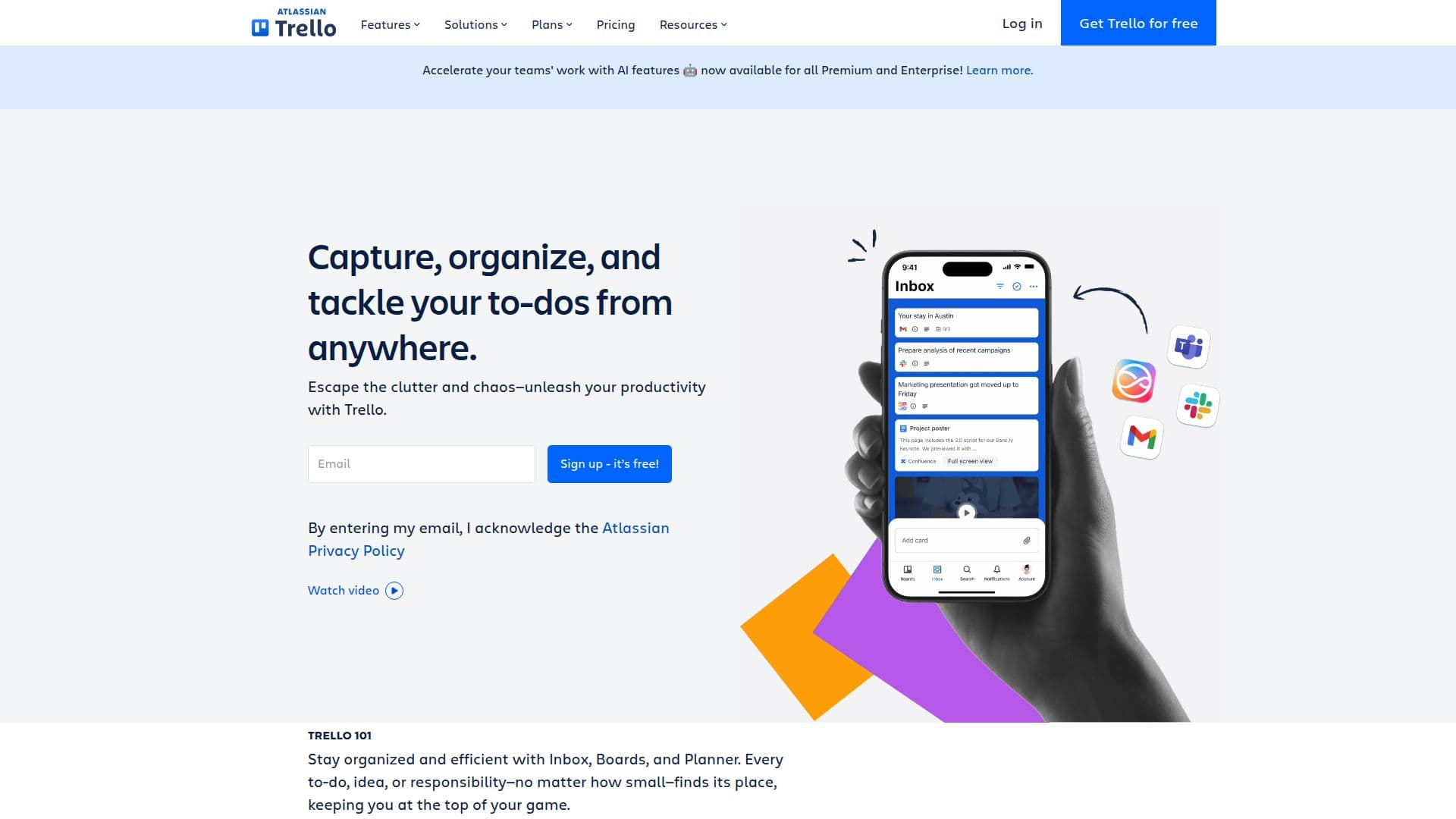
Trello is a versatile project management tool designed to help users capture, organize, and tackle their to-dos from anywhere. It provides a visual and intuitive interface that allows individuals and teams to manage their tasks effectively. With Trello, users can escape the clutter and chaos of traditional task management, enabling them to stay efficient with features like Inbox, Boards, and Planner, accessible even on mobile devices.
Read More
One of Trello's standout features is its ability to integrate with various communication apps. Users can quickly turn messages from their favorite apps into actionable to-dos, keeping all discussions and tasks organized in one place. For instance, emails can be transformed into to-dos simply by forwarding them to Trello's Inbox, where AI helps organize them with necessary links. Similarly, messages from Slack or Microsoft Teams can be sent directly to Trello boards, complete with AI-generated summaries.
Trello also offers powerful automation capabilities, allowing users to streamline their workflows without needing to write code. Built-in automation helps manage repetitive tasks, enabling users to focus on what matters most. Additionally, card mirroring allows users to view and track their to-dos across multiple boards, ensuring that nothing falls through the cracks.
With a variety of pricing plans, including a free tier for up to 10 collaborators, Trello caters to different needs and budgets. The Standard and Premium plans introduce advanced features such as unlimited boards, AI capabilities, and enhanced security options. Trello is trusted by millions of users globally, making it an essential tool for teams looking to improve their productivity and communication.
Whether you're managing personal tasks, collaborating with a team, or overseeing complex projects, Trello provides the flexibility and tools necessary to succeed. Join the community of users who have transformed their productivity with Trello and start organizing your tasks today.
- CategoryAI Project Management
- Pricing ModelFreemium
- DeploymentCloud
- PlatformsWeb, iOS, Android
Trello's Core Features
Unlimited cards
Quick capture from email, Slack, and Teams
Inbox for organizing messages and to-dos
Built-in automation for task management
Card mirroring across multiple boards
AI-powered task organization
Custom Fields for structured information
Mobile apps for iOS and Android
How to use Trello?
Capture: Use the Inbox to gather all your to-dos and ideas.
Organize: Create boards and lists to categorize your tasks.
Integrate: Connect Trello with your favorite apps like Slack and Teams.
Automate: Set up automation rules to streamline repetitive tasks.
Collaborate: Invite team members to your boards for shared projects.
Track: Use card mirroring to keep an eye on tasks across boards.
Review: Regularly check your boards to update task statuses.
Optimize: Adjust your workflow based on team feedback and performance.
Trello's Use Cases
- Personal Productivity
- Team Collaboration
- Project Management
- Remote Work
- Event Planning