
Description
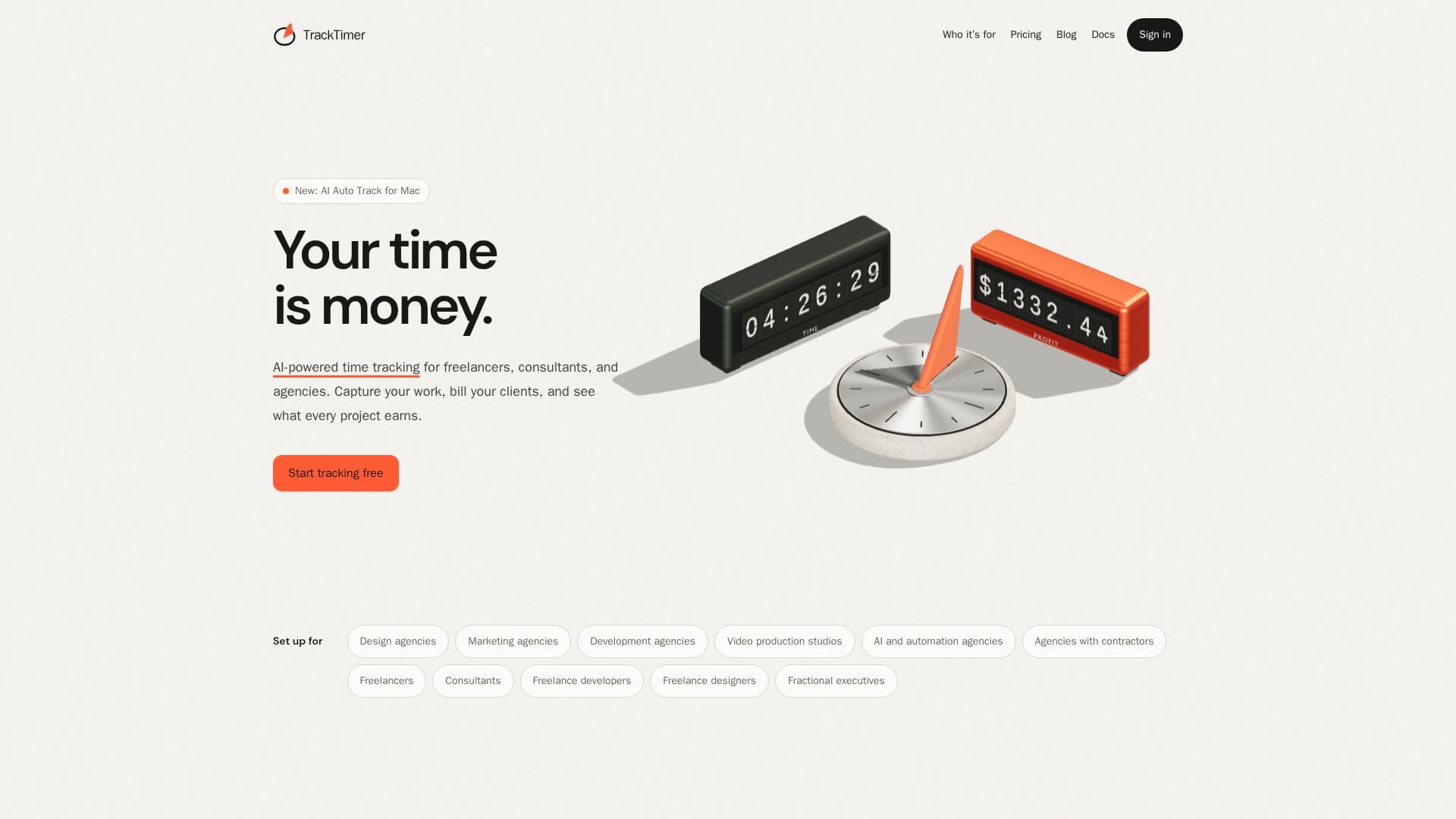
TrackTimer is a comprehensive time tracking and project profitability solution tailored for freelancers, consultants, and agencies. It enables users to meticulously record client work, understand billable value, manage team pay, and review gross profit for each project. The platform is built around the practical needs of agencies, integrating time capture with financial insights to provide a clear view of project performance.
Read More
Key capabilities include AI Auto Track for Mac, which privately notes app and window usage, reading on-screen text to title, summarize, and categorize work automatically. This feature helps users create accurate time entries even if they forget to start a timer. TrackTimer also offers a dedicated iPhone app with Live Activity support, allowing users to start, switch, and stop timers directly from their Lock Screen, ensuring time is captured wherever they go.
The system supports various billing models, including hourly, fixed-fee, and internal projects, calculating profit based on individual billing rates and team pay rates. This allows users to see what work earns as it happens, rather than waiting until month-end. TrackTimer also provides client dashboards, where clients can view their project hours and billable amounts in real-time, fostering transparency without revealing sensitive pay rates or margins.
For invoicing, TrackTimer integrates with Mercury, enabling one-click invoice creation from tracked hours and saved rates. Users can review and send these invoices from Mercury. The platform also offers a REST API and an MCP connection for custom integrations, allowing users to connect their time tracking data with other tools and workflows. A Raycast extension further enhances productivity by providing quick timer control directly from the desktop.
TrackTimer is designed for a diverse user base, including design, marketing, development, and video production agencies, as well as individual freelancers, consultants, and fractional executives. It aims to simplify financial management by providing clear insights into billable time, team costs, and project profitability, distinguishing itself by offering agency financials and comprehensive reporting without additional usage fees or restrictive project limits, even during its early access phase.
- CategoryAI Project Management
- Pricing ModelFreemium (Early Access)
- DeploymentCloud
- PlatformsmacOS, Web, iPhone
TrackTimer's Core Features
AI Auto Track for Mac: Automatically captures app and window usage, summarizing work for time entries.
Real-time Profit Tracking: Calculates billable value, pay, and gross profit as work is done.
iPhone App with Live Activity: Start, switch, and stop timers from the Lock Screen.
Client Dashboards: Clients view project hours and billable amounts without seeing internal costs.
Mercury Integration for Invoicing: Creates unsent invoices from tracked hours and rates.
Flexible Billing Models: Supports hourly, fixed-fee, and internal projects.
Separate Billable and Pay Rates: Tracks client billing rates and team member pay rates independently.
Toggl Track Importer: Migrates clients, active projects, and team data.
Raycast Extension: Quick timer control from the desktop.
REST API and MCP Connection: Integrates with custom tools and AI agents.
Team Management: Assigns roles (owners, admins, contractors, clients) with tailored access.
Detailed Reporting: Provides insights into hours, billable value, pay, and gross profit.
No Usage Fees: No extra charges for clients, projects, or reports.
Private Activity Timeline: Personal activity is visible only to the user, not teammates or clients.
Offline Tracking: Timers work on iPhone and web, syncing across devices.
How to use TrackTimer?
Set Up Workspace: Create a workspace, add clients and projects, and define default billing and pay rates.
Invite Team and Clients: Add admins, contractors, and clients, assigning appropriate access roles.
Record Time: Start and stop project timers using the Mac app (AI Auto Track), iPhone app, web interface, or Raycast extension.
Review and Correct Entries: Inspect completed time entries and make corrections with a recorded history.
Monitor Project Profitability: Use reports to review hours, billable value, team pay, and gross profit for each project.
Generate Invoices: Utilize the optional Mercury integration to create unsent invoices from completed billable time for review and sending.
Integrate with Tools: Connect TrackTimer to other systems using its REST API or MCP connection for custom workflows.
TrackTimer's Use Cases
- Time Tracking for Freelancers
- Agency Project Profitability
- Client Billing and Invoicing
- Contractor Time Management
- Video Production Studio Tracking
- AI Agent Integration
- Automated Time Capture
- Mobile Time Tracking
- Custom Workflow Integration
- Transparent Client Reporting