Description
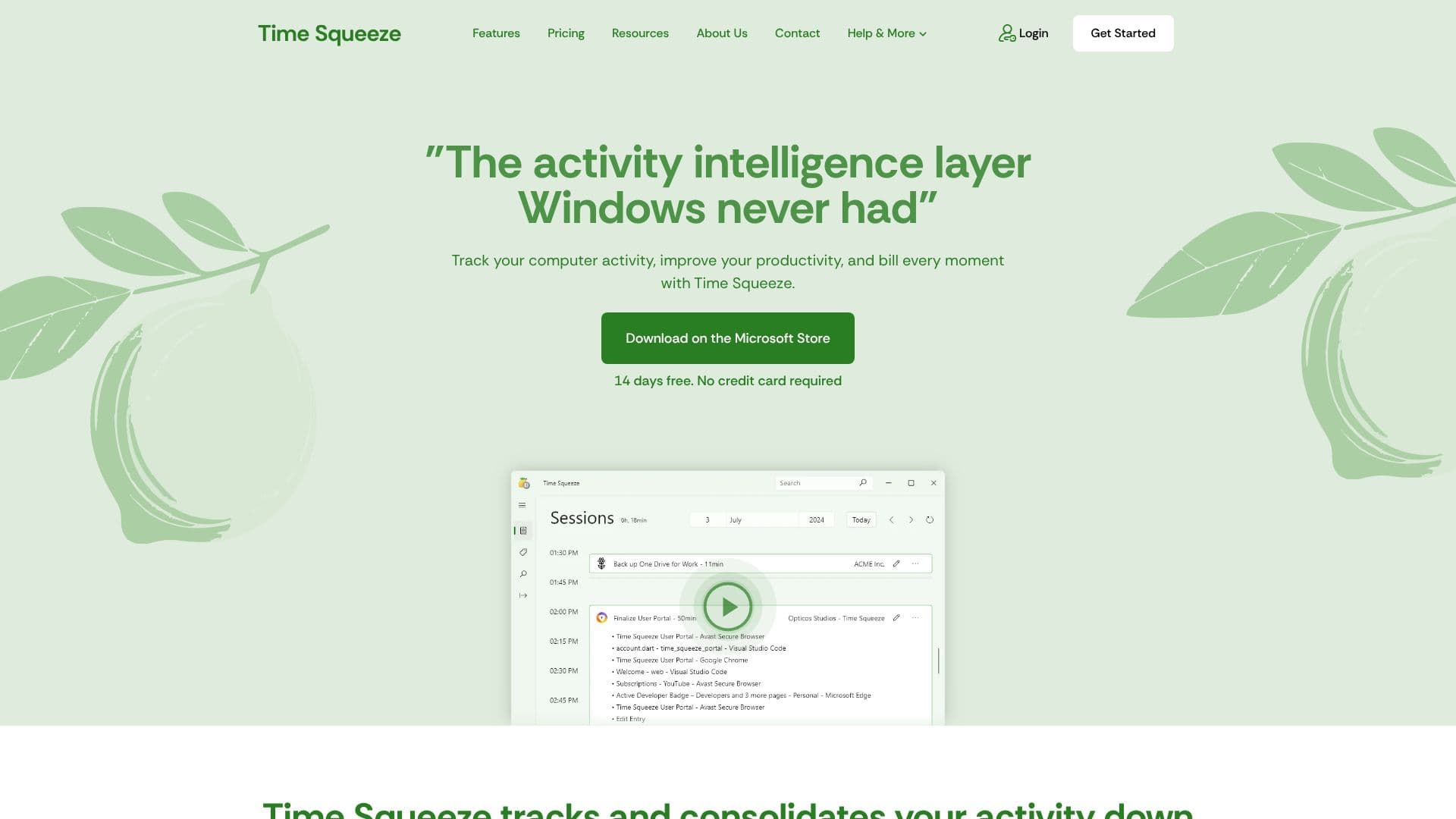
Time Squeeze acts as an activity intelligence layer designed to meticulously track and consolidate your computer usage down to the second. It eliminates the need for manual time tracking, automatically logging time spent on websites, individual files, applications, and even activities away from your PC (AFK). This granular tracking ensures that every billable moment is accounted for, significantly simplifying the billing process for freelancers, agencies, and businesses.
Read More
One of the key benefits of Time Squeeze is its ability to make billing effortless. By automatically tracking your time, it removes the guesswork often associated with end-of-billing-period calculations. The tool provides easy data exports, reporting, and statistics, allowing users to delegate billing tasks or use third-party providers with confidence. Furthermore, Time Squeeze eliminates the need for time-to-project reconciliation with external project management software. It allows users to associate activities with clients or projects directly within the application, on-the-fly.
The platform offers a powerful look-back and timeline feature, enabling users to review and account for their time with precision. You can navigate your activity timeline, drill down into the smallest details, and substantiate billing and reports with concrete data, negating the need to search through old emails or calendars. Time Squeeze also aids in better cost accounting by helping users understand how their time is being utilized, assess pricing strategies, and evaluate the return on investment for software subscriptions.
Installation and deployment are designed to be straightforward, whether for individual use or for large organizations with thousands of users. A dedicated portal allows for easy management of licenses and access to invoices. Time Squeeze is built with privacy and security in mind, storing all tracked data locally on the user's computer, ensuring no sensitive information is uploaded or stored online. It does not record keystrokes or screen activity, focusing solely on application and file usage detection.
- CategoryProductivity
- Pricing ModelSubscription
- DeploymentLocal
- PlatformsWindows
Time Squeeze's Core Features
Automatic time tracking for websites, files, and apps
Consolidates activity data down to the second
Eliminates manual timer usage
Simplifies billing with easy data exports and reporting
Associates activities with clients or projects on-the-fly
Look-back and timeline navigation for detailed activity review
Provides insights for cost accounting and productivity analysis
Easy installation and deployment for individuals and organizations
Data stored locally on the user's computer for privacy
Does not record keystrokes or screen activity
Lightweight and unobtrusive performance
AI-powered activity categorization for enhanced insights (Coming Soon)
How to use Time Squeeze?
Install Time Squeeze: Download and install the application on your computer.
Configure Settings: Set up preferences for tracking and project/client association.
Automatic Tracking: Let Time Squeeze run in the background to automatically log your activities.
Review Timeline: Access the look-back feature to view and analyze your detailed activity timeline.
Generate Reports: Utilize export and reporting tools to create billing statements and productivity analyses.
Manage Licenses: Use the portal to manage organizational licenses and invoices if applicable.
Time Squeeze's Use Cases
- Freelancer Billing
- Agency Time Tracking
- Productivity Analysis
- Cost Accounting
- Activity Auditing
- Time Management