
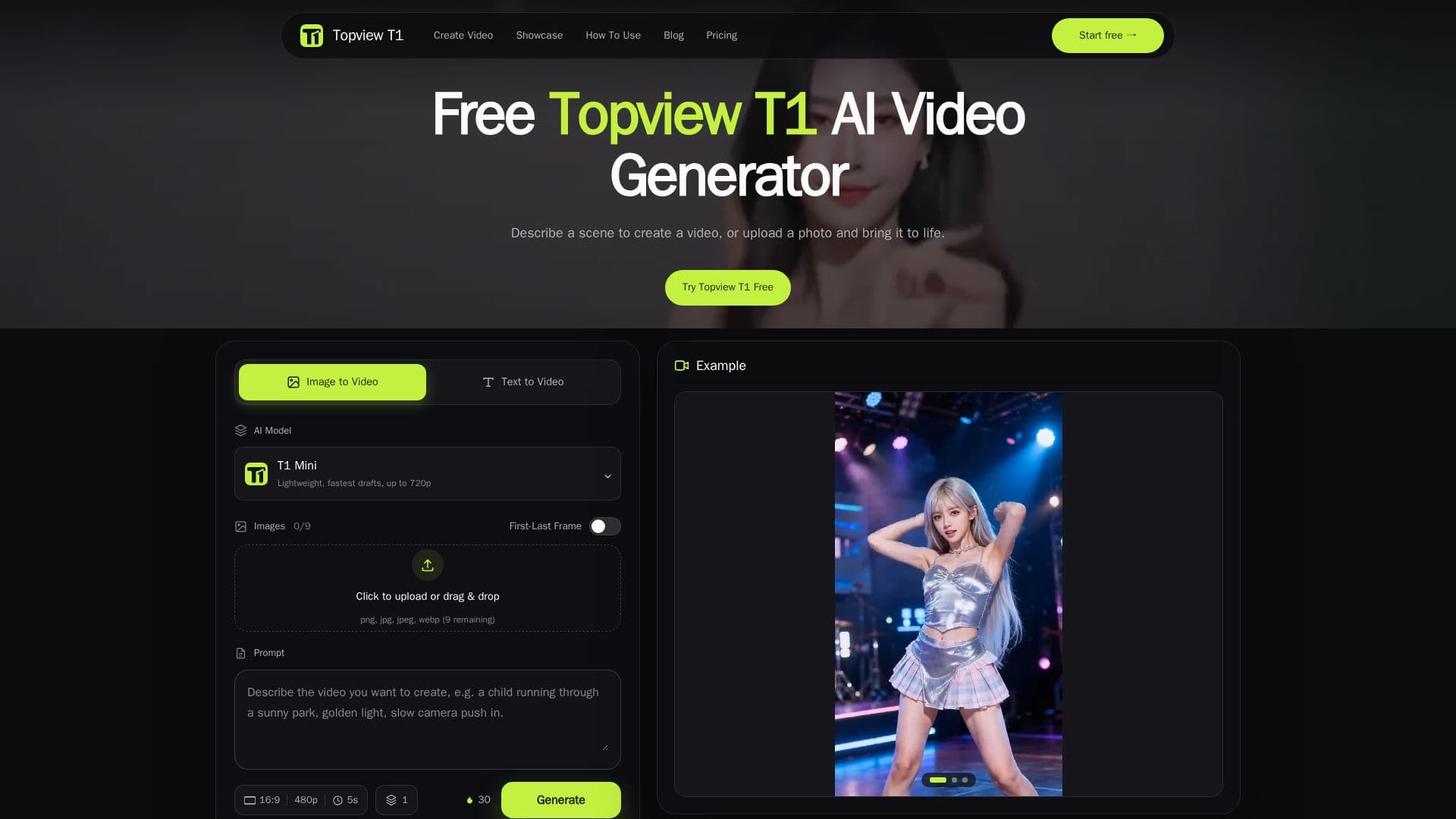
Description
Topview T1 is a video generation model that operates within Topview's AI creation platform. It allows users to start with either a written scene description or an uploaded image, transforming these inputs into dynamic videos. The tool is marketed as a cost-effective alternative to Seedance 2.5, offering comparable quality at a lower price point. Users can animate product images, bring story ideas to life, or create clips for social media posts.
Read More
The platform provides two primary modes of input: text-to-video and image-to-video. In the text-to-video mode, users can describe a scene in detail, specifying the subject, setting, and main action. This mode is ideal for users who have a concept but lack a visual reference. In the image-to-video mode, users can upload an existing image and describe the desired movement, such as steam rising from a cup or a camera moving closer to the subject.
Topview T1 emphasizes the importance of clear and concise prompts to achieve the best results. Users are encouraged to separate subject motion from camera movement to create distinct shots. The tool also allows users to explore different versions of a scene by adjusting camera instructions or subject actions.
While Topview T1 offers a free trial, users should be aware that not all features are available without cost. The platform advises users to check their account's available credits and the cost of chosen settings before generating videos. This ensures that users are aware of any potential charges associated with their video creations.
Overall, Topview T1 is designed for creators looking to explore visual ideas without needing extensive knowledge of video editing tools. It provides a straightforward way to experiment with video generation, making it accessible to a wide range of users, from marketers to storytellers.
- CategoryAI Video Generators
- Pricing ModelFreemium
- DeploymentCloud
- PlatformsWeb
Topview T1's Core Features
Text-to-video generation
Image-to-video conversion
Free trial with limited features
Comparable quality to Seedance 2.5
Customizable scene descriptions
Support for product and social media videos
Clear prompt guidance
Cost-effective video creation
How to use Topview T1?
Choose input: Select text or image as your starting point
Describe movement: Specify subject and camera actions
Generate video: Use the generator to create your clip
Review and refine: Adjust prompts for improved results
Topview T1's Use Cases
- Product Videos
- Social Media Clips
- Story Scenes
- Marketing Content
- Creative Exploration