Description
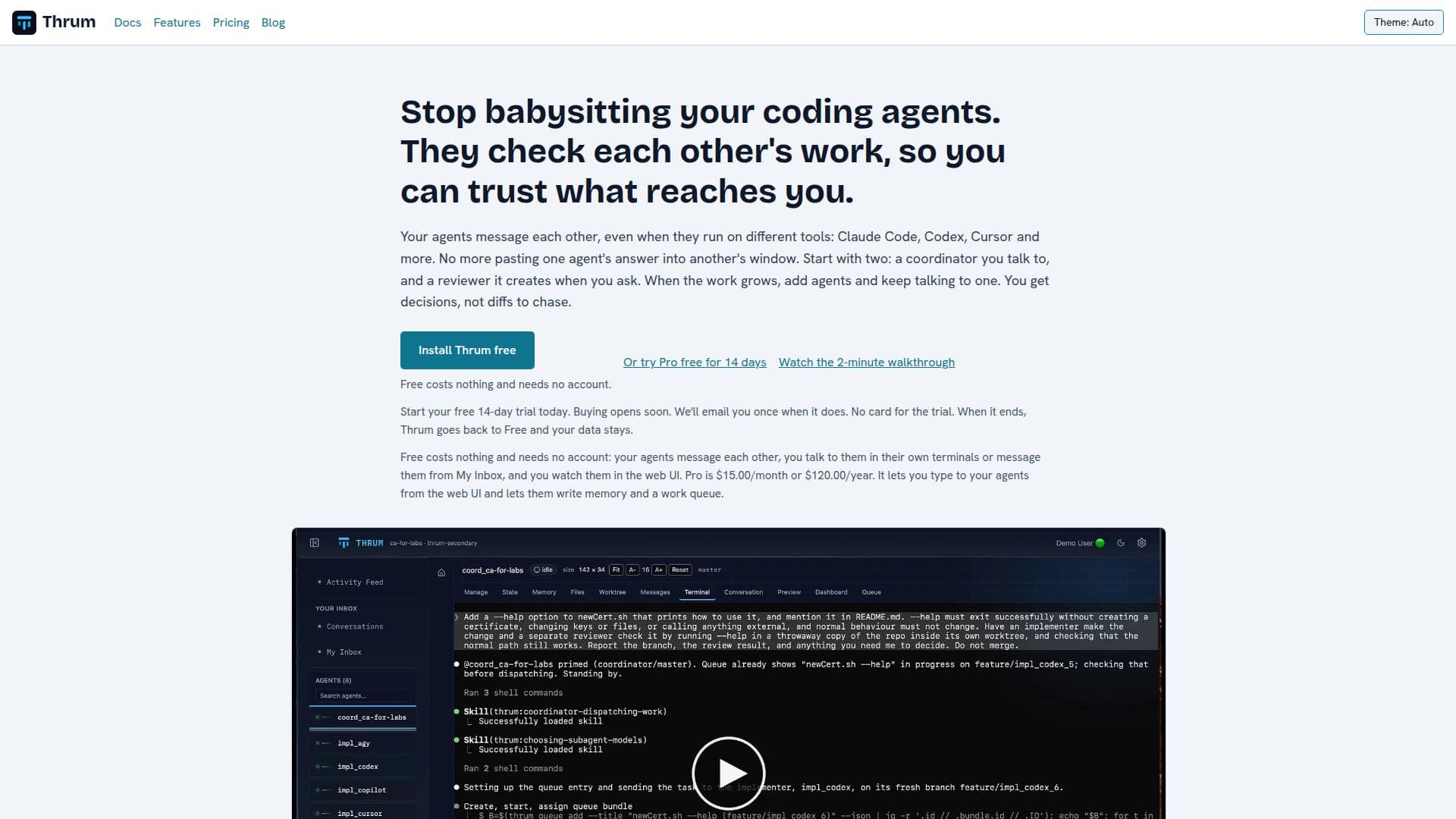
Thrum acts as a central coordinator for AI coding agents, designed to streamline development workflows and ensure the reliability of AI-generated code. It allows multiple AI coding agents, even those running on different tools like Claude Code, Codex, and Cursor, to communicate and collaborate seamlessly. Instead of developers manually transferring information between agents, Thrum facilitates inter-agent messaging and coordination, reducing manual effort and potential errors.
Read More
The platform's core functionality revolves around a coordinator agent that developers interact with. This coordinator distributes tasks, reviews the work submitted by other agents (implementers), and manages the merging process. A key feature is its ability to build and test merged results before pushing them, ensuring that only verified code reaches the repository. Developers can configure whether the coordinator automatically merges routine changes or seeks approval for each merge, providing flexibility and control.
Thrum supports various agent roles, including implementers who write code and gate agents who run tests on merged code. It encourages a test-driven approach by instructing implementers to start from failing tests. The system also includes a reviewer agent, which can be a separate entity or integrated into the coordinator, to check code quality and adherence to plans. This multi-agent review process enhances code quality and reduces the need for constant human oversight.
Beyond code generation and review, Thrum extends to deployment. Developers can ask their coordinator to add a deployer agent, which automates scripted deployments for development and staging environments, and can be configured to seek approval for production deploys. It also monitors the deployment process and reports back. Thrum integrates with AI tools to manage permission prompts, allowing developers to approve or deny commands from a web inbox, Telegram, or email (with Pro).
Thrum offers both Free and Pro plans. The Free plan provides essential coordination features, enabling agents to message each other and allowing developers to monitor them via a web UI or their terminals. The Pro plan enhances this with features like typing to agents from the web UI, advanced memory capabilities for agents, work queues, search functionality for conversations, email integration, and a secure vault for secrets. Pro is also available for free for public repositories. The platform is installed on a developer's machine (macOS or Linux) and works alongside their Git repository, ensuring data remains local.
- CategoryAI Coding Assistants
- Pricing ModelFreemium
- DeploymentOn-premise (macOS, Linux)
- PlatformsmacOS, Linux
Thrum's Core Features
Centralized AI Agent Coordination
Inter-Agent Messaging Across Tools (Claude Code, Codex, Cursor, etc.)
Automated Code Review by Agents
Pre-Merge Build and Test Execution
Configurable Merge Approval Workflow
Deployer Agent for Automated Deployments
Permission Prompt Management for AI Tools
Web UI for Agent Monitoring and Interaction
My Inbox for Centralized Agent Communication
Agent Restart with Context Preservation
Support for Multiple AI Tools and Models
Memory and Work Queue for Agents (Pro)
Conversation View and Search for Agent Interactions (Pro)
Email Bridge and Notifications (Pro)
Encrypted Vault for Secrets (Pro)
How to use Thrum?
Install Thrum: Install the Thrum program once on your machine (macOS or Linux).
Create Coordinator: Run a short setup wizard in your repository to create your coordinator agent.
Talk to Coordinator: Interact with your coordinator in plain words to assign tasks, starting with asking for a reviewer.
Monitor Agents: Use the web UI to watch agents work, read messages in My Inbox, and follow the Activity Feed.
Grow Your Team: Add more agents like orchestrators or gate agents as your project's needs evolve, continuing to interact with the single coordinator.
Approve Merges: Decide whether the coordinator merges routine changes automatically or asks for your approval before each merge.
Thrum's Use Cases
- Coordinating Multiple AI Agents
- Automated Code Review
- Pre-Merge Code Testing
- Streamlined Development Workflow
- Automated Code Deployment
- Centralized Agent Interaction
- Contextual Agent Restarts
- Secure Credential Management
- Enhanced Agent Memory