Description
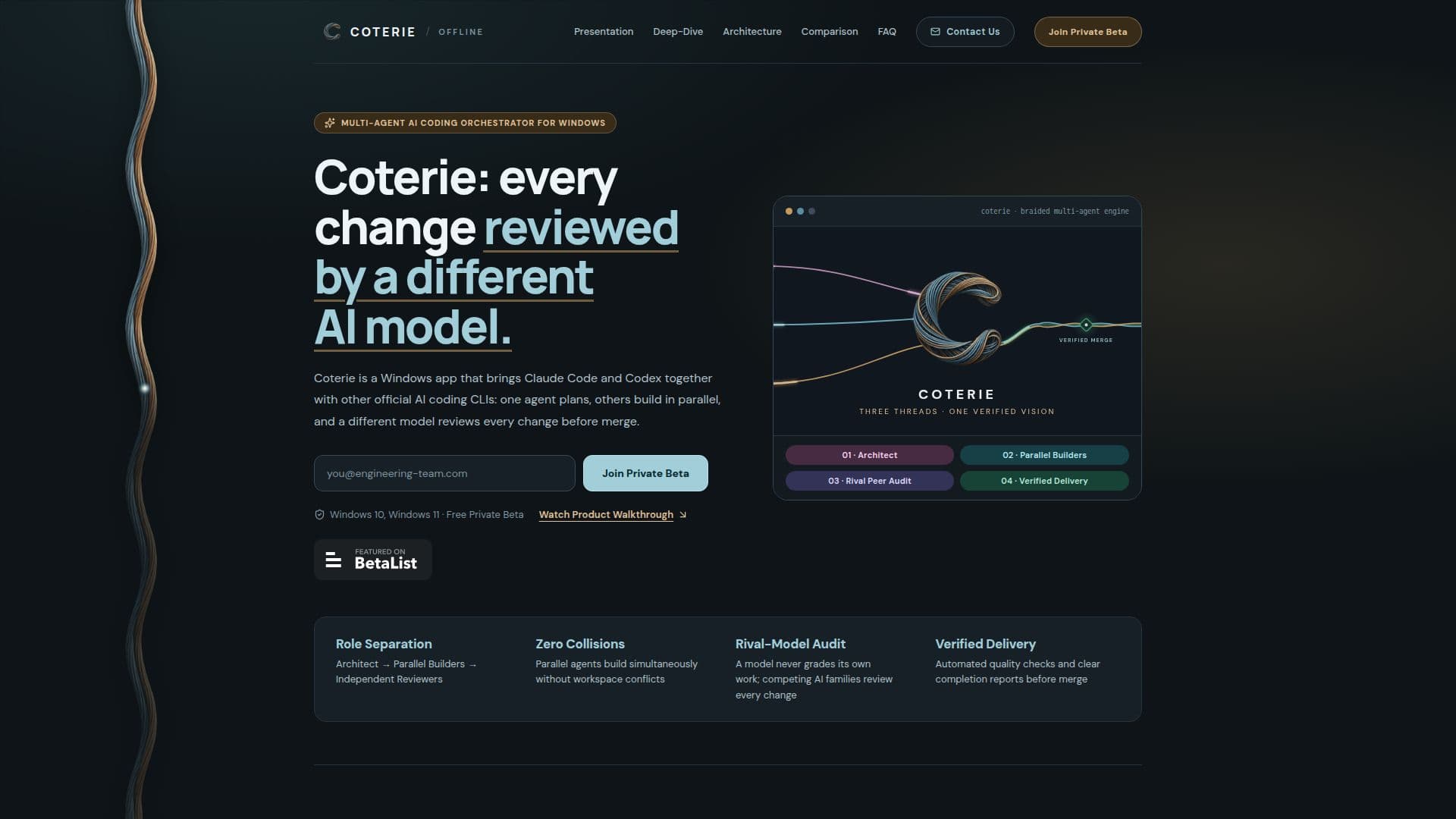
Coterie is a sophisticated AI coding orchestrator designed for Windows platforms, offering a unique approach to software development by leveraging multiple AI agents. The application integrates with AI coding CLIs such as Claude Code and Codex, allowing for parallel execution of coding tasks. This orchestration involves three distinct roles: an Architect agent that plans and decomposes tasks, Developer agents that build in parallel, and Independent Reviewers from competing AI models that audit the work before merging.
Read More
The platform ensures zero collisions by allowing parallel agents to work simultaneously without workspace conflicts. This is achieved through protected parallel execution, where multiple agents operate in isolated environments, leaving the main workspace untouched. The result is a clean, conflict-free development process that maintains the integrity of the main branch.
Coterie also features a live multi-project hierarchy map, providing a real-time visual representation of the entire workspace. This map displays the status of projects, objectives, and active tasks, offering instant status indicators for tasks that are running, in review, or ready to approve. Users can easily navigate through the command center to manage tasks efficiently.
A key feature of Coterie is its cross-provider independent review process. Every completed task is audited by reviewers from rival AI model families, ensuring unbiased quality control. This process eliminates single-model blind spots and enhances the reliability of the final product. Automated quality checks and completion reports further verify the results before merging.
Coterie is currently available as a free private beta for Windows users, supporting Windows 10 and Windows 11. It connects with existing official CLI subscriptions across platforms like Claude, Codex, and Antigravity. The application is designed for developers seeking a structured, efficient, and high-quality coding environment.
- CategoryAI Coding Assistants
- Pricing ModelFree
- DeploymentDesktop
- PlatformsWindows 10, Windows 11
Coterie's Core Features
Multi-agent orchestration
Parallel task execution
Independent cross-model review
Live project hierarchy map
Protected workspaces
Automated quality checks
Completion reports
Integration with Claude Code and Codex
How to use Coterie?
Install: Download and install Coterie on Windows
Configure: Connect your existing AI coding CLIs
Plan: Use the Architect agent to decompose tasks
Build: Allow Developer agents to execute tasks in parallel
Review: Independent Reviewers audit completed tasks
Merge: Approve and merge tasks with verified results
Coterie's Use Cases
- Parallel Coding
- Quality Assurance
- Project Management
- Workflow Optimization
- Developer Collaboration