Description
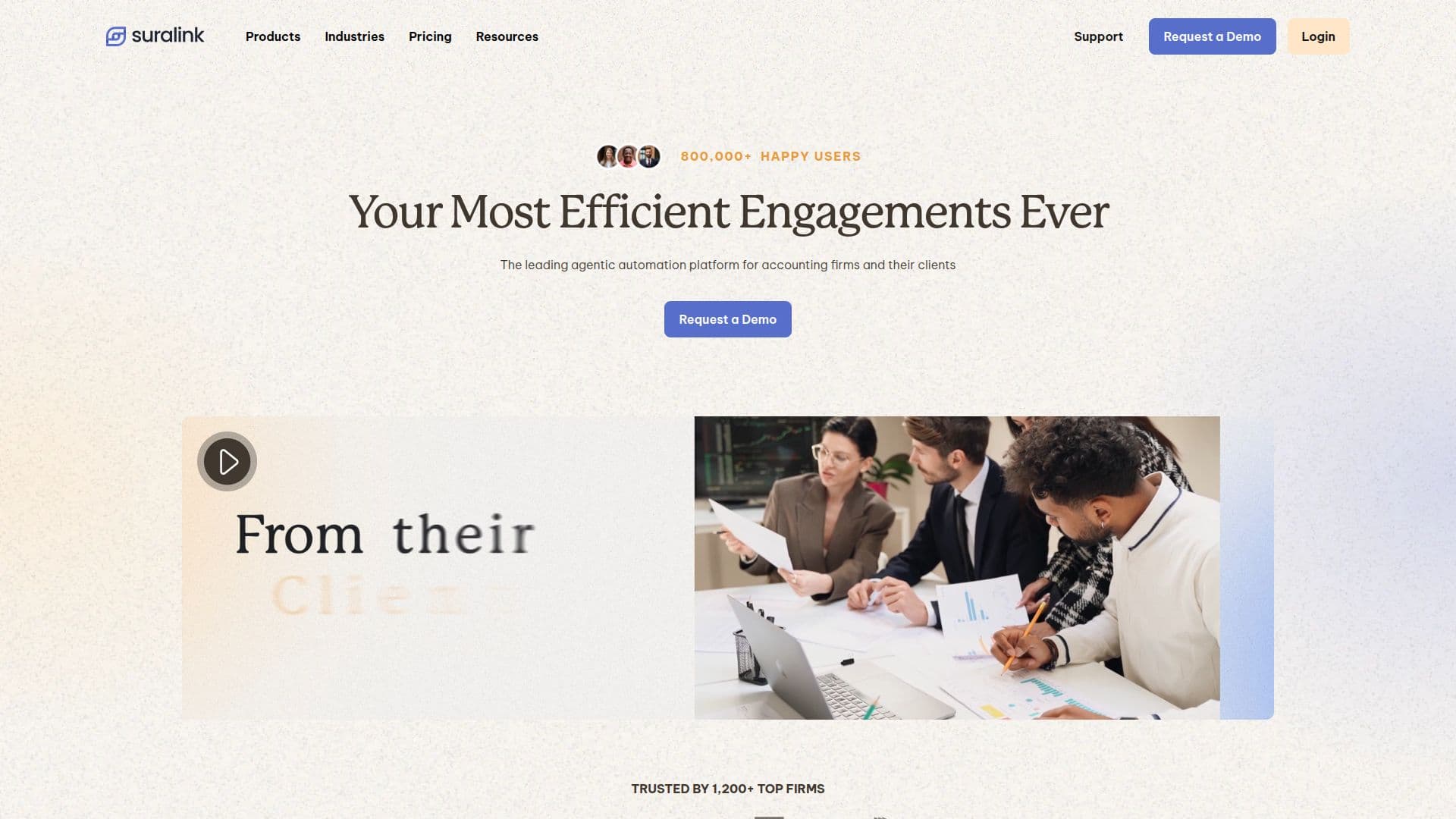
Suralink is a leading automation platform designed specifically for accounting firms. It offers a comprehensive suite of tools that streamline the Request-to-Review process, making client engagements more efficient and effective. The platform integrates AI-powered features such as document prescreening, data vouching, and financial statement tie-out, which automate labor-intensive tasks and reduce manual errors.
Suralink's CORE plan is tailored to enhance client document requests, tracking, and collaboration. By replacing manual spreadsheets and scattered email threads, it allows firms to manage requests more efficiently, track real-time progress, and improve engagement realization. The platform's AI capabilities include a Cloud Testing Suite, Document Prescreen Agent, and Data Vouching Agent, which automate the request-to-review lifecycle.
Security is a top priority for Suralink, with enterprise-level measures such as multi-factor authentication, SSL AES 256-bit encryption, and compliance with SOC1, SOC2, and SOC3 standards. This ensures that sensitive client data is protected at all times.
Suralink also offers robust integration capabilities, with over 50 API endpoints that connect with various applications, including CRMs and enterprise-level BI tools. This flexibility allows firms to streamline their processes and enhance productivity.
The platform is used by over 800,000 users worldwide, including more than 1,300 tax, advisory, and audit accounting clients. Suralink's mission is to empower accounting professionals to redefine efficiency in their industry, providing a secure and centralized environment that replaces manual friction with intelligent flow.
Suralink Automation Platform's Core Features
AI-powered document prescreening
Data vouching automation
Financial statement tie-out
Cloud Testing Suite
Secure file sharing
Integration with Microsoft Outlook
E-signature capabilities
Over 50 API endpoints for integration
SOC1, SOC2, SOC3 compliance
Multi-factor authentication
SSL AES 256-bit encryption
Role-based access restriction
Excel Add-in for workpaper integration
Automated reminders for e-signatures
Version comparison for document drafts
How to use Suralink Automation Platform?
Configure: Set up your account and preferences
Use: Manage client requests and document workflows
Integrate: Connect with existing software via APIs
Optimize: Utilize AI agents for efficiency gains
Suralink Automation Platform's Use Cases
- Client Collaboration
- Workpaper Management
- Data Security
- Integration
- Efficiency Gains