
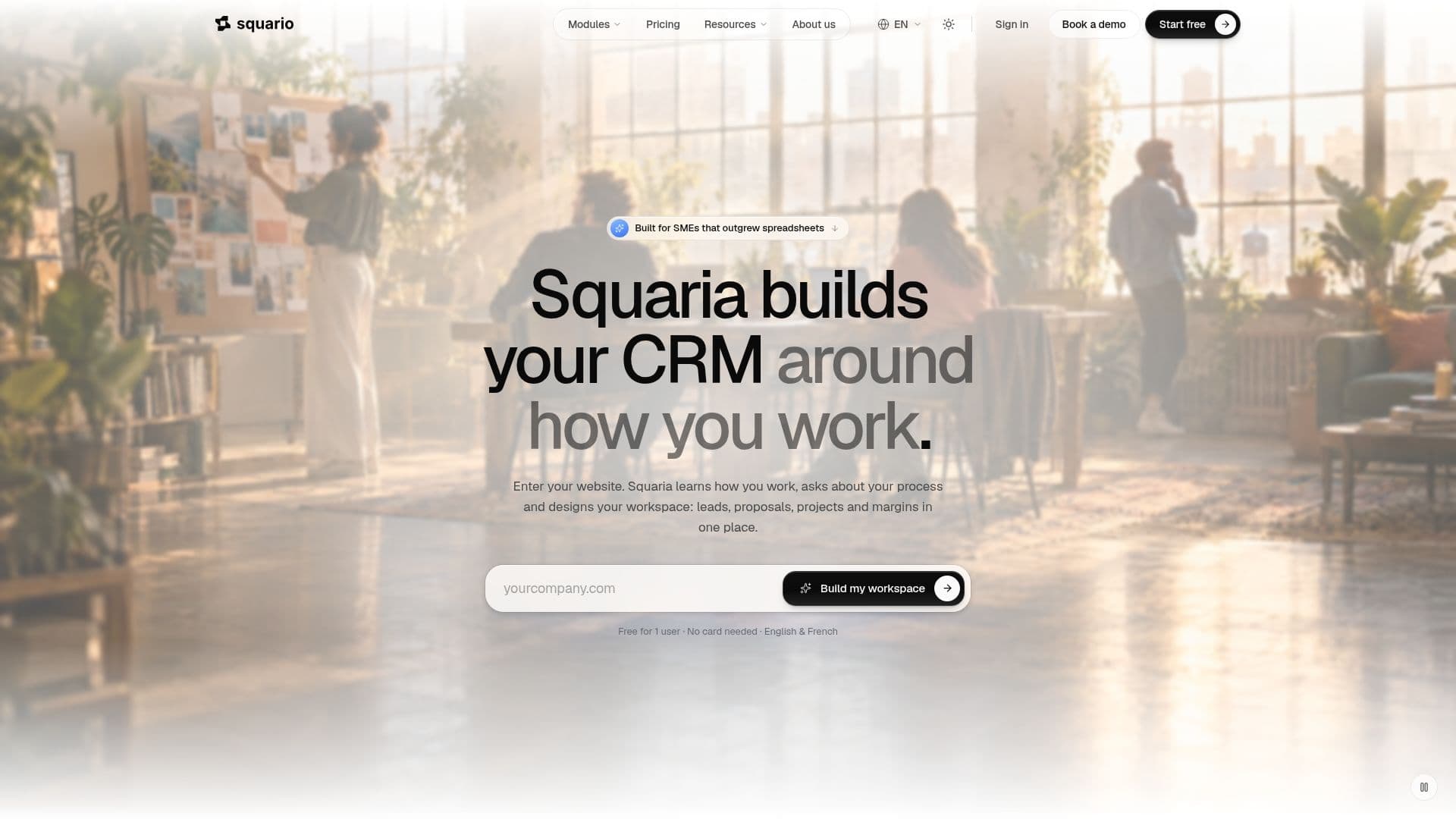
Description
Squario is an all-in-one operations platform specifically designed for Small and Medium-sized Enterprises (SMEs) to manage their entire business workflow, from initial lead to final profitability. It consolidates various critical functions into a single, integrated workspace, eliminating the need for multiple disparate tools.
Read More
The platform's core modules cover sales, delivery, finance, and AI. For sales, Squario offers CRM capabilities, pipeline management, and proposal generation, allowing businesses to track companies, contacts, leads, and deals through customizable stages. Clients can sign off proposals directly within Squario, with approvals recorded with timestamps, IP addresses, and signature hashes.
In terms of delivery, Squario facilitates project management, time tracking, and client portals. Users can convert won proposals into projects, manage tasks, dependencies, and risks, and invite clients to a dedicated portal to monitor progress and approve deliverables. Financial management features include expense tracking, profitability analysis, and banking integrations through Powens open banking on paid plans, providing real-time insights into project costs and margins.
A key component of Squario is Squaria, its integrated AI assistant. Squaria can find records, answer questions with charts, build dashboards and views, and create or update records after user confirmation. It operates with the same permissions and field restrictions as the user. Additionally, paid plans include an MCP (Multi-Client Protocol) server, allowing users to connect other AI clients like Claude to their workspace via OAuth 2.1, extending AI capabilities. Every plan comes with a monthly allowance of AI credits.
Squario is highly customizable, enabling businesses to shape the platform with their own fields, tables, and automations to fit specific processes. For more unique requirements, The Square, the team behind Squario, offers custom app development within the same workspace. The platform emphasizes data security with isolated workspaces, row-level security, roles, field-level permissions, two-factor authentication, and GDPR tools. While it tracks budgets and profitability, Squario does not handle client invoicing directly, recommending users retain their existing accounting tools for that purpose. The platform is available in English and French, with the website supporting English, French, Dutch, and German.
- CategoryProductivity
- Pricing ModelFreemium
- DeploymentCloud
- PlatformsWeb
Squario's Core Features
All-in-one operations platform for SMEs
Integrated CRM and sales pipeline management
Proposal generation with client sign-off
Project management with tasks, dependencies, and approvals
Time tracking with live timer and timesheets
Budget and expense management per project
Profitability analysis and dashboards
Squaria AI assistant for data queries and automation
MCP server for connecting other AI clients (e.g., Claude)
Customizable fields, data models, and automations
Client portal for progress tracking and approvals
Integration with Google and Microsoft calendars (read-only)
Bank account connections via Powens open banking (paid plans)
Webhook support for automations
Isolated workspaces with row-level security and permissions
How to use Squario?
Sign Up: Create a free account to get started with a new workspace, including a ready-to-use sales pipeline and project statuses.
Configure Workspace: Utilize Squaria, the AI assistant, to learn your business process and design your workspace, including leads, proposals, projects, and margins.
Manage Sales: Define sales stages, track companies, contacts, leads, and deals, and generate branded proposals for client sign-off.
Deliver Projects: Convert won proposals into projects, manage tasks, track time, and invite clients to their portal to follow progress and approve deliverables.
Monitor Finance: Allocate expenses and subscriptions to projects, track budgets, and monitor profitability in real-time.
Automate & Report: Build custom automations, create dashboards, and ask Squaria to generate reports and views based on your data.
Customize & Extend: Add custom fields, data models, and automations, or connect other AI clients via the MCP server on paid plans.
Squario's Use Cases
- Sales Pipeline Management
- Project Delivery Oversight
- Time and Expense Tracking
- Financial Performance Monitoring
- Automated Reporting & Dashboards
- Client Collaboration
- Custom Workflow Adaptation
- AI-Assisted Data Management