Description
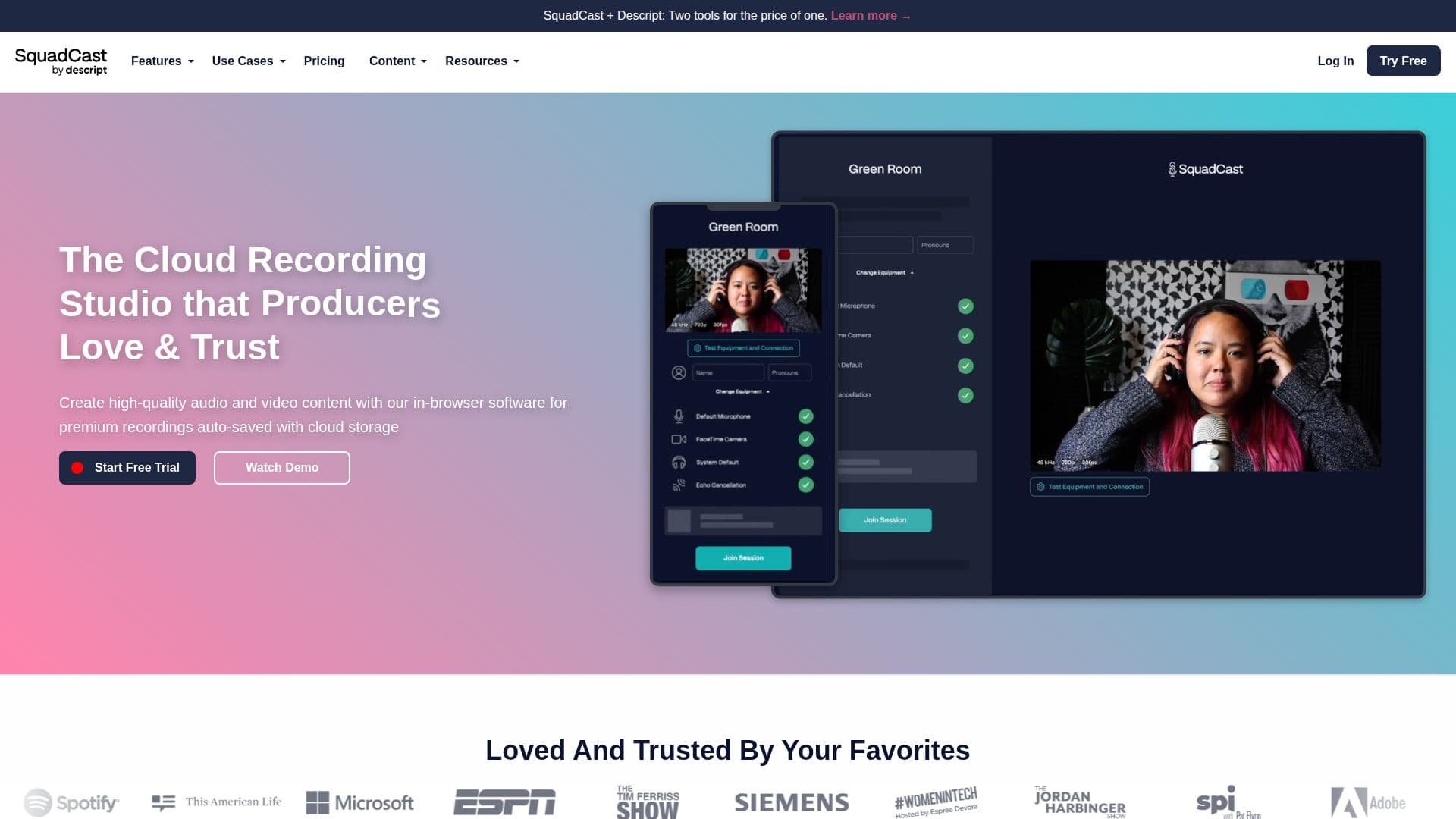
SquadCast is a cloud-based remote recording studio designed for creators who want to produce high-quality audio and video content. The platform offers an intuitive, in-browser experience that eliminates the need for software downloads, making it easy for guests to join recording sessions with just a click. One of SquadCast's standout features is its Progressive Uploads technology, which ensures that all recordings are auto-saved and backed up in the cloud, even in the event of connectivity issues or power loss.
The platform supports separate and locally recorded audio and video files, eliminating audio drift and ensuring superior listening experiences. Users can adjust sections of each track to clean, process, mute, or correct volume levels during editing. SquadCast also integrates seamlessly with popular editing software, allowing creators to enhance their podcasts with ease.
SquadCast offers a range of pricing plans to suit different needs, starting with a free tier that includes 1 recording hour per month and basic features. Paid plans offer additional recording hours, transcription services, and access to advanced AI features such as Filler Word Removal and Studio Sound. The platform also supports a wide range of integrations and APIs, enabling users to automate their remote recording workflows.
Designed for podcasters, YouTubers, and other content creators, SquadCast provides a reliable and efficient solution for producing professional-quality recordings. Its cloud-based infrastructure ensures that all files are accessible from any device, and its user-friendly interface makes it easy for teams to collaborate and manage their recordings effectively.
SquadCast Remote Recording Studio's Core Features
Progressive Uploads for auto-saving recordings
Cloud backups for data security
Separate audio and video tracks
Integration with editing software
AI features for enhanced production
Browser-based interface with no downloads
Supports up to 10 participants per session
High-quality audio at 48 kHz and video at 1080p
How to use SquadCast Remote Recording Studio?
Configure: Set up your recording session
Use: Start recording with Progressive Uploads
Optimize: Edit and enhance recordings with AI features
Share: Export and distribute your content
SquadCast Remote Recording Studio's Use Cases
- Podcasts
- YouTube
- Audio Books
- Voice Over
- Remote Interviews