
Description
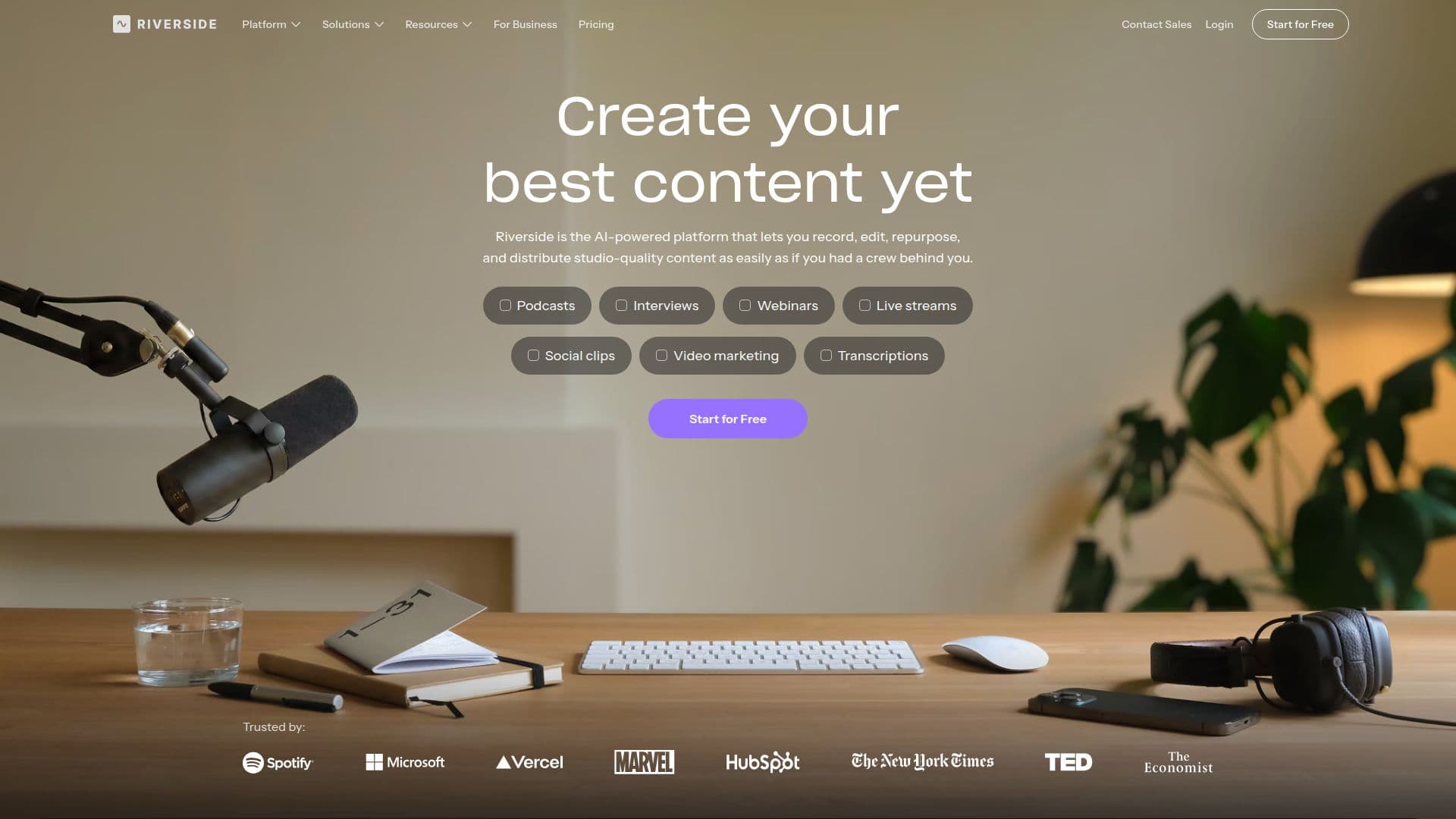
Riverside is your online studio for high-quality podcast and video recording and editing. Powered by AI, it is built for human conversations and allows creators to produce content that looks and sounds like it was recorded in a professional studio. The platform supports local recording for sharp video and audio, ensuring that even if internet connections lag, the quality remains intact.
Read More
With Riverside, users can record, edit, repurpose, and distribute studio-quality content as easily as if they had a full crew behind them. The platform handles the entire creative workflow from initial capture to social media distribution, making it an ideal choice for podcasters, marketers, and content creators. Users can create their best content yet without ever leaving Riverside, thanks to its end-to-end content creation capabilities.
Riverside's powerful editing tools are designed to be purposefully simple, allowing users to edit recordings like a document. Features such as multi-track editing, customizable captions, and AI-driven enhancements help streamline the editing process. Users can also take advantage of built-in podcast hosting, enabling them to reach their audience on every major app and use data to grow their shows. The platform supports live streaming and webinars, allowing users to connect with their audience in real-time while maintaining high production quality.
Riverside offers various subscription plans to fit different needs, including a free tier that allows users to try out the platform. With features like AI editing, unlimited single track recording, and high-quality video options, Riverside is built for both individual creators and teams looking to produce content at scale. Whether you're a marketer, a podcaster, or a business looking to engage your audience, Riverside provides the tools necessary to elevate your content creation process.
- CategoryAI Podcast Tools
- Pricing ModelFreemium
- DeploymentCloud
- PlatformsWeb, iOS, Android
Riverside's Core Features
AI-powered editing
Multi-track recording
Live streaming
Podcast hosting
Custom branding options
Real-time audience engagement
Built-in transcription
Social media distribution tools
Unlimited recording time
Mobile app availability
How to use Riverside?
Record: Start a session and invite participants to join via a link.
Edit: Use the built-in editor to trim, cut, and adjust recordings.
Enhance: Apply AI tools to clean up audio and generate show notes.
Distribute: Publish your content directly to major platforms like YouTube and Spotify.
Riverside's Use Cases
- Podcast Production
- Webinars
- Remote Interviews
- Content Repurposing
- Team Collaboration