
ToolPotion

Spling — Spellcheck Websites and Emails

Spling is a tool that scans live websites, emails, and PDFs to detect spelling, grammar, and localization issues. It provides detailed reports and recommendations, helping users improve content quality before it reaches their audience.

Visit Website
Share
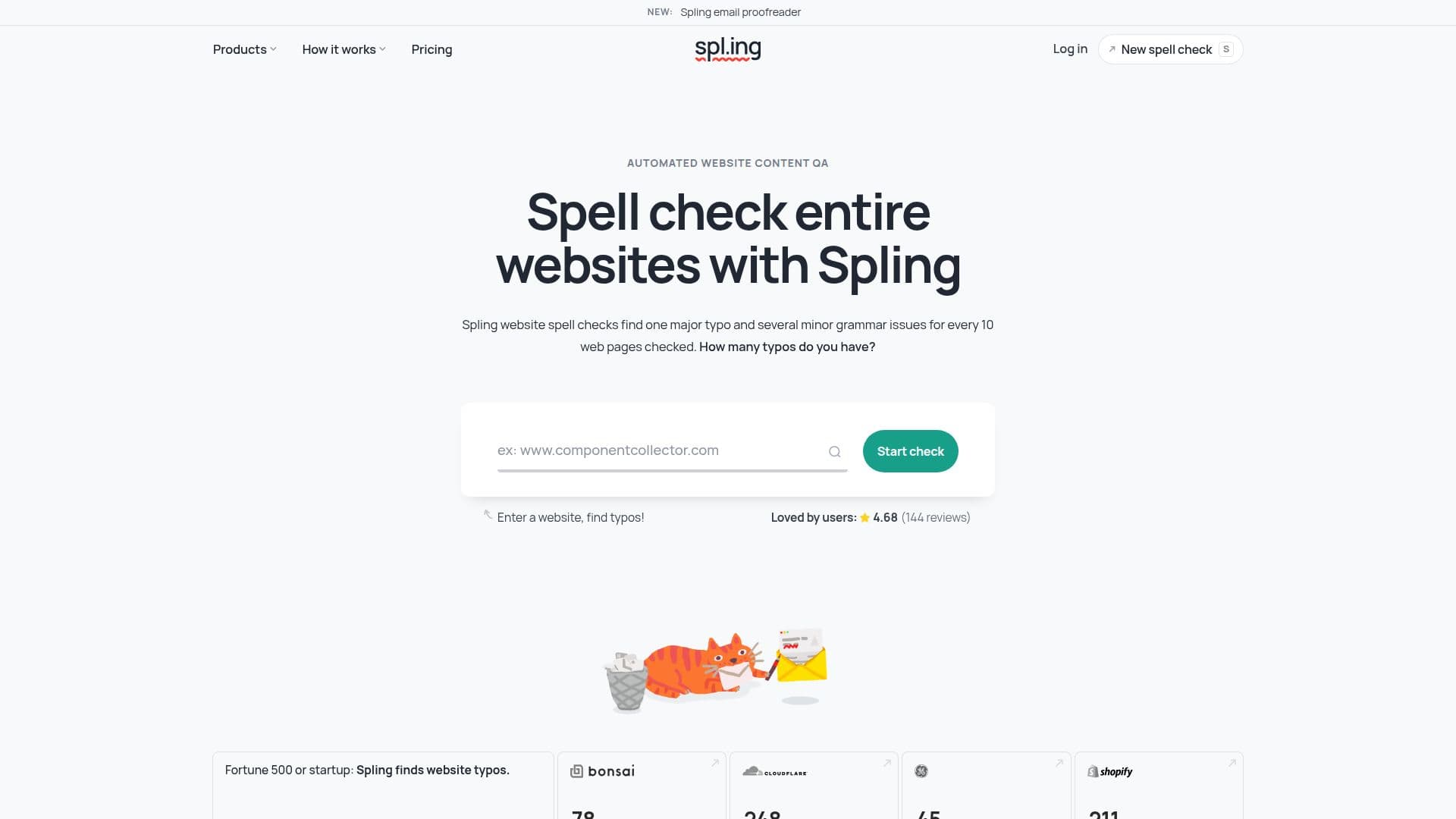
Spling — Spellcheck Websites and Emails screenshot

Description

Spling is a comprehensive tool designed to enhance the quality of digital content by identifying and correcting spelling, grammar, and localization issues. It is particularly useful for businesses ranging from Fortune 500 companies to startups, as it helps maintain a professional image by ensuring content accuracy. Spling scans live websites, emails, and PDFs, providing detailed reports that highlight errors and offer solutions.

The tool is capable of checking entire websites, including multiple pages simultaneously, and logs the location of any issues found. This allows users to see which pages are error-free and which require attention. Spling also offers advanced grammar tips and can check content in over 50 languages, accommodating regional differences such as en-GB and en-US.

Spling's pricing model is flexible, offering a free trial with a preview report. Users can purchase credits to unlock full reports, with prices starting at $6 for 100 pages. Monthly and unlimited plans are available, with options for team access and priority customer support. Spling also provides API access for automation and integration with existing workflows.

In addition to website content, Spling can proofread emails, ensuring that transactional, lifecycle, and marketing emails are free from errors. It also offers a free preview of website meta tags, which are crucial for SEO and social media sharing. Spling is ideal for businesses looking to improve their content quality efficiently and cost-effectively.

Spling's Core Features

  • Spellcheck live websites

  • Grammar and localization checks

  • Multi-page scanning

  • Detailed error reports

  • Recommendations for fixes

  • Supports over 50 languages

  • Email proofreading

  • API access for automation

How to use Spling?

  1. Configure: Enter website URL

  2. Use: Run full site scans

  3. Review: Check detailed reports

  4. Optimize: Implement recommendations

Spling's Use Cases

  • Website QA
  • Email Proofreading
  • Localization Checks
  • SEO Optimization
  • Content Improvement

FAQ from Spling

Spling Reviews

Loading...

Popular AI Tools Like Spling

AI Apps

An online grammar, spelling, and readability checker with an API for businesses, analyzing text across many languages and scoring it on multiple quality criteria.

Grammar Checkers

GrammarBot is a free online writing analyzer that provides instant feedback on grammar, readability, tone, and SEO. It offers over 12 writing metrics, including five readability…

Grammar Checkers

An AI-powered grammar, spelling, and style checker that works in over 30 languages across browsers, desktop apps, and office programs, with a free tier and no sign-up needed.

FeaturedGrammar CheckersEducation & E-learning

GrammarCheck.me is an AI-powered tool designed to correct grammatical errors, including spelling, punctuation, and tense issues. It offers multilingual support and provides…

Grammar Checkers

An iOS productivity app that provides AI-powered grammar and spelling correction, rewriting, paraphrasing, and text translation to clean up emails, reports, and posts.

Grammar Checkers

AI Apps

Scribens is a free grammar checker that corrects a wide variety of mistakes, including conjugation, agreement, word confusion, punctuation, typography, and more. It helps users…

Grammar Checkers

A free online grammar and spell checker available in English, Tagalog, and many other languages, with an AI content detector and no account or download required.

Grammar Checkers

A free online AI grammar checker that instantly corrects grammar, punctuation, and spelling mistakes to help improve your writing.

Grammar Checkers