Description
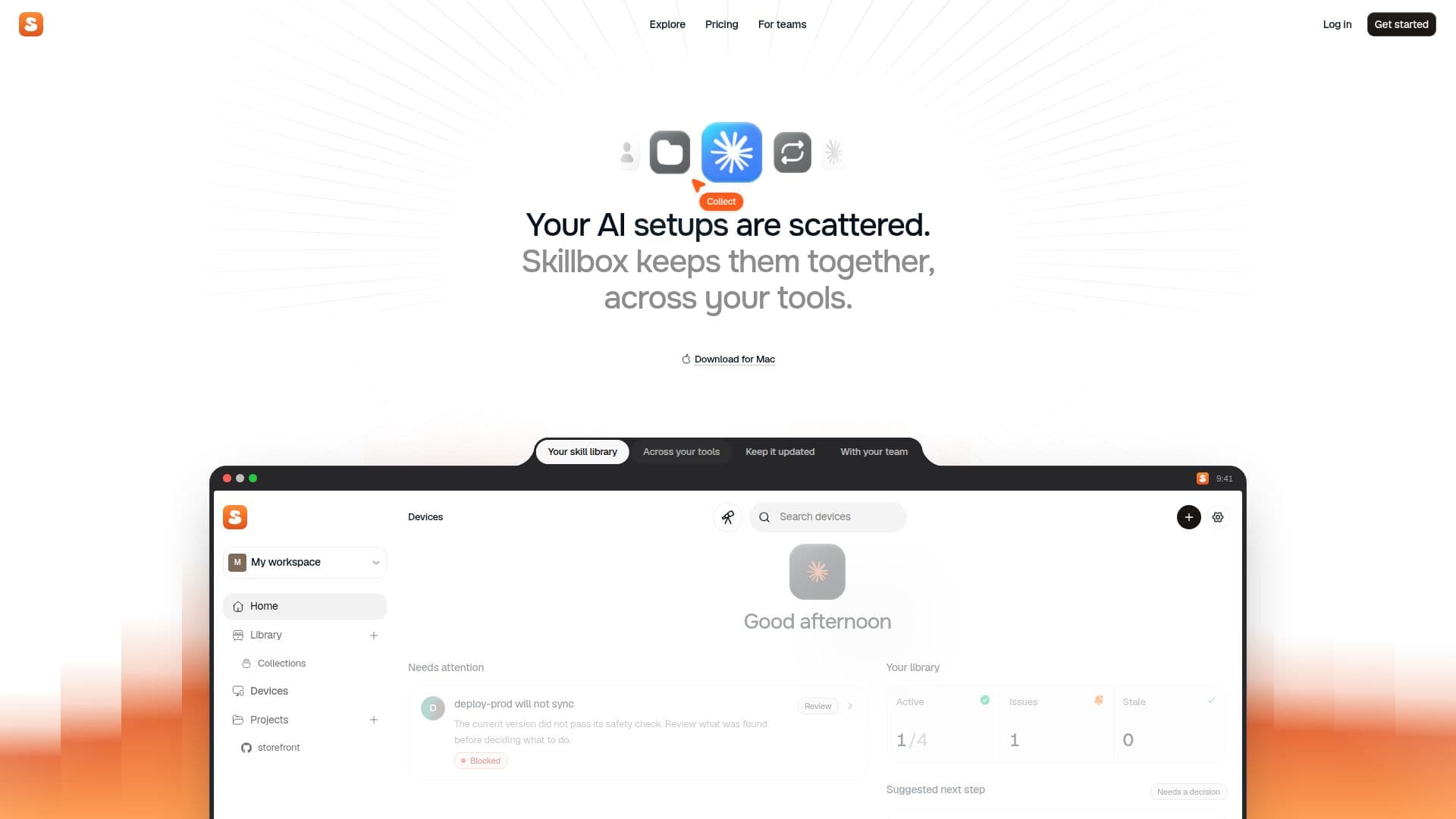
Skillbox serves as a comprehensive AI skill manager designed to consolidate and streamline the use of AI capabilities for both individuals and teams. It addresses the common challenge of scattered AI setups by providing a single library where users can import, organize, and maintain their AI skills, regardless of their origin—be it local files, GitHub, GitLab, or discoveries from its Explore feature.
Read More
The platform enables users to curate their AI skills into collections, making them easily accessible and manageable. A core functionality is the ability to deliver specific sets of skills to various AI tools and projects across connected machines. This ensures that the right AI capabilities are available precisely where and when they are needed, preventing unnecessary context loading and maintaining consistent agent behavior.
Skillbox incorporates robust update management, allowing users to track changes in source-linked skills, compare versions, and decide whether to apply updates. This ensures that active skills remain current while giving users control over new versions. For teams, Skillbox offers shared workspaces, enabling collaborative skill libraries, standardized project setups, and visibility into team usage and compliance.
Security is a key focus, with Skillbox Trust employing Cisco Skill Scanner to review new skill versions for prompt injection, data exfiltration, secrets, and obfuscated code, labeling findings in STRIDE and OWASP terms. It requires explicit permission for executables, adding an extra layer of safety. Additionally, the "Trim" feature optimizes AI agent performance by shortening noisy command output, ensuring agents focus on relevant context.
Skillbox offers a flexible pricing model, starting with a free tier that includes core skill syncing capabilities for up to 3 devices and 100 followed sources. Paid plans, "Individual" (£6.99/month) and "Team" (£12.99/member/month), unlock advanced features like context trim, Skillbox AI assistance, unlimited devices/sources, shared workspaces, and team reporting. It is particularly useful for developers, freelancers, and engineering teams who manage diverse AI workflows across multiple tools and projects.
- CategoryAI Knowledge Management
- Pricing ModelFreemium
- DeploymentDesktop Application
- PlatformsMac
Skillbox's Core Features
Centralized AI Skill Library
Skill Delivery Across AI Tools and Machines
Source Tracking and Update Management
Skillbox Trust Security Checks (Prompt Injection, Data Exfiltration, Secrets, Obfuscated Code)
Automatic Maintenance (Pausing Unused Installs, Flagging Overlaps)
Skill Capture from Successful Sessions
Skill Editing and Customization
Shared Workspaces for Teams
Project-Specific Skill Sets
Context Trim for AI Agents
Skillbox AI for Drafting and Reviewing Skills
Try in Chat for Skill Testing
Team Standards and Required Skills
Workspace Usage and Weekly Reports
How to use Skillbox?
Find a Skill: Browse Explore for public skills, add from a link, import existing skills, or connect GitHub/GitLab.
Read Instructions: Review the skill's `SKILL.md` and any bundled files, checking for security warnings.
Save to Library: Add the chosen skill to your personal or shared library.
Connect Machine: Install the Skillbox companion and pair your local coding tool (e.g., Claude Code, Cursor) with your workspace.
Sync the Skill: Select the skill in your Library and choose to sync it to your connected machines, approving any security prompts.
Use in Coding Tool: Start a new session in your coding tool and ask your assistant to use the skill by name for a matching task.
Skillbox's Use Cases
- Centralized Skill Management
- Project-Specific AI Setups
- Team Collaboration on AI Workflows
- Secure Skill Deployment
- AI Agent Context Optimization
- Reusable Workflow Capture
- Consistent Development Standards
- Freelancer Project Management
- Code Review Automation
- Debugging and Diagnostics