
Description
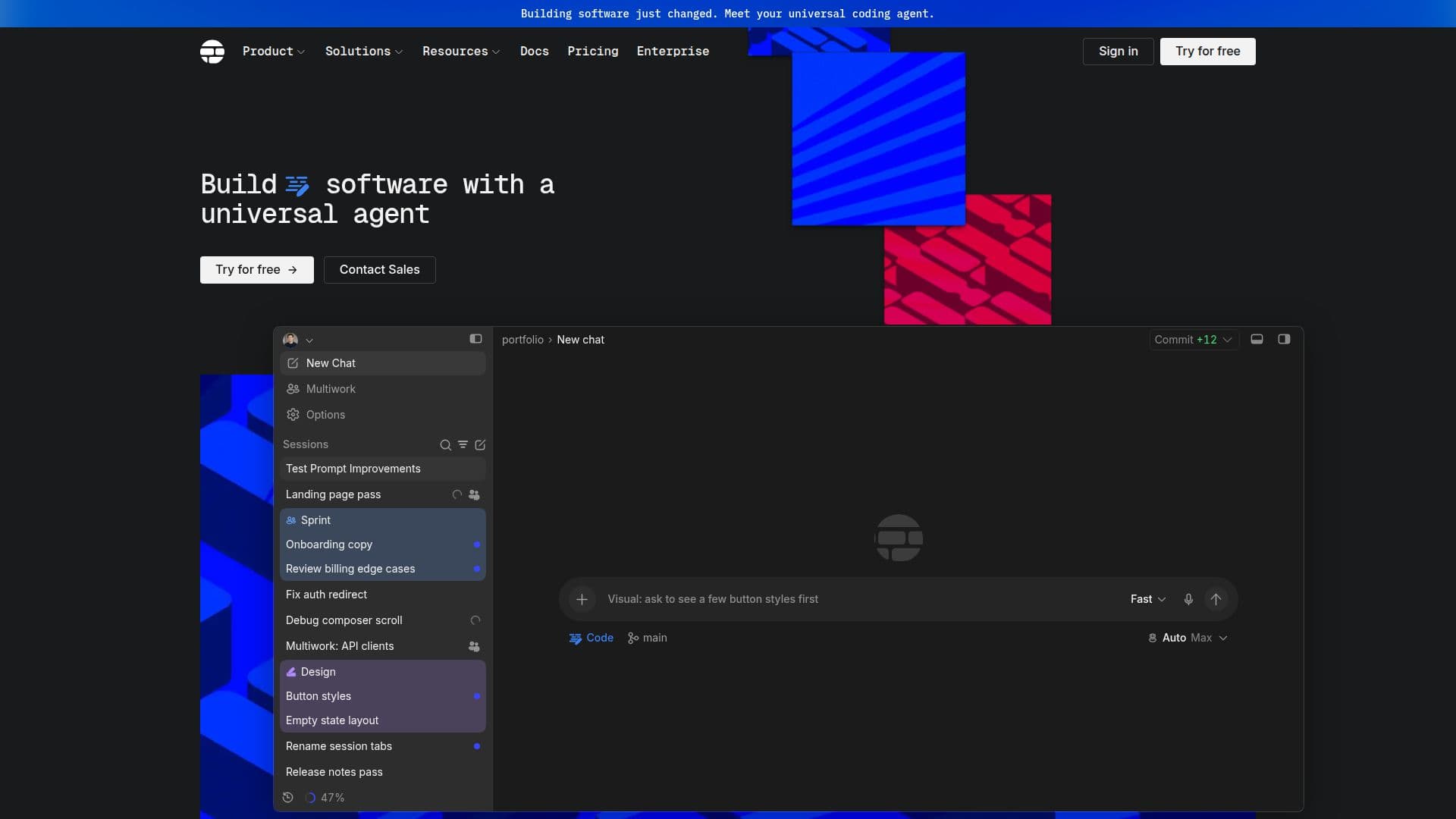
Shape is a desktop coding agent that revolutionizes the way developers interact with their codebases. Designed to work directly within your files, Shape offers a comprehensive suite of tools for planning, editing, reviewing, and shipping software. The application supports a wide range of models, including Claude, GPT, and Gemini, allowing users to select the best fit for their coding needs.
Read More
Shape integrates seamlessly with popular tools such as GitHub, Figma, and Slack, enabling developers to manage pull requests, design context, and project updates without leaving the app. The platform supports Windows 10 and later, with macOS and Linux versions in development.
Pricing for Shape is flexible, with a free tier offering basic functionalities and paid plans providing access to advanced models and features. The Plus plan is available for $15 per month, the Pro plan for $50, and the Max plan for $150, each offering increasing levels of support and credit pools for model usage.
Shape is ideal for developers looking to streamline their workflow and enhance productivity. The app's ability to edit files, navigate codebases, and integrate with existing tools makes it a valuable asset for any software development team.
- CategoryAI Coding Assistants
- Pricing ModelFreemium
- DeploymentDesktop
- PlatformsWindows
Shape's Core Features
Desktop app for Windows
Built-in Git support
File and folder management
Change review capabilities
Integration with GitHub, Figma, Slack, and more
Support for multiple AI models
Pricing tiers: Free, Plus, Pro, Max
Monthly credit pools for model usage
How to use Shape?
Download: Install Shape on your Windows desktop.
Configure: Connect your existing tools like GitHub and Slack.
Use: Plan, edit, and review code within the app.
Optimize: Choose the best AI model for your tasks.
Shape's Use Cases
- Code Editing
- Project Planning
- Change Review
- Integration Management
- Model Selection