
Description
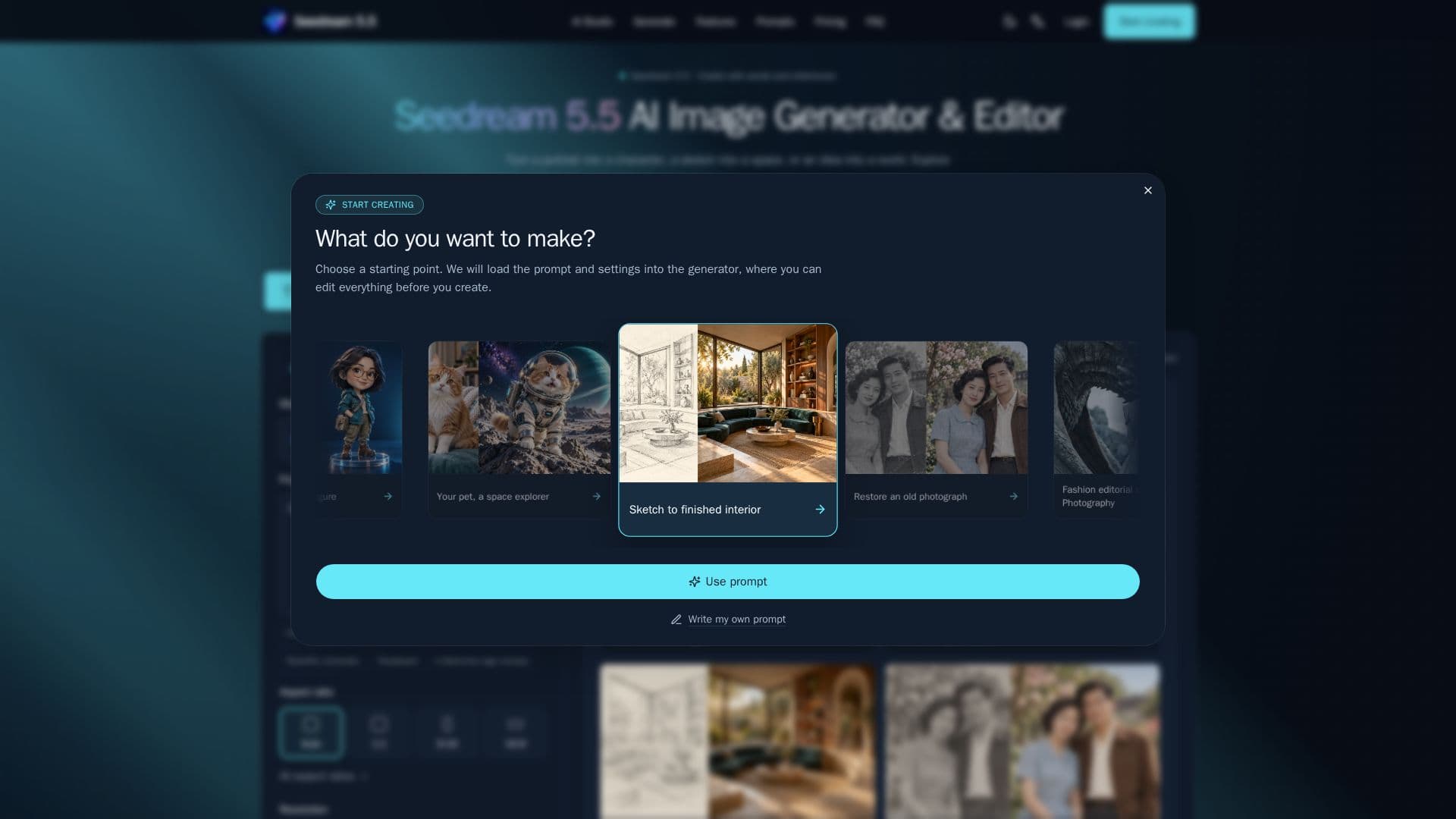
Seedream 5.5 AI Image Generator & Editor is a versatile tool designed for creating a wide range of visual content. Users can transform photos into 3D characters, design fashion portraits, and develop sketch-to-room concepts. The platform supports pet art, comics, and campaign visuals, making it suitable for various creative projects.
Read More
To start using Seedream 5.5, users need to write a prompt or choose a creative direction, add references if necessary, and review the selected model and quote. The platform offers a live quote system for image requests, ensuring transparency in pricing. Users can choose from multiple models, each with specific capabilities and credit requirements.
Seedream 5.5 does not replace other models; instead, it allows users to select the most appropriate model for their task. The platform supports reference photo editing, enabling users to upload authorized images and specify changes. In case of task failures, Seedream 5.5 follows a credit-reversal workflow.
Pricing for Seedream 5.5 is flexible, with options for monthly plans or one-time credit packs. Credits can be used for generation and editing tasks, with specific quotes based on the model, settings, and output. The platform also offers a practical starting point with 20 welcome credits for new accounts.
Seedream 5.5 is ideal for users looking to create high-quality visual content with customizable options. Its comprehensive model selection and transparent pricing make it a valuable tool for artists, designers, and marketers.
- CategoryAI Image Generators
- Pricing ModelCredits
- DeploymentCloud
- PlatformsWeb
Seedream 5.5 AI Image Generator & Editor's Core Features
Photo-to-3D character generation
Fashion portrait creation
Sketch-to-room concept design
Pet art and comics
Campaign visual development
Reference photo editing
Live quote system
Flexible pricing options
How to use Seedream 5.5 AI Image Generator & Editor?
Describe the image: Start with the subject, then add setting, lighting, and style.
Bring your references: Switch to Image to image and choose your photos.
Choose your settings: Select an available model and output shape.
Review and download: Inspect the finished image and download or continue editing.
Seedream 5.5 AI Image Generator & Editor's Use Cases
- 3D Character Creation
- Fashion Portraits
- Interior Concepts
- Pet Art
- Campaign Visuals