
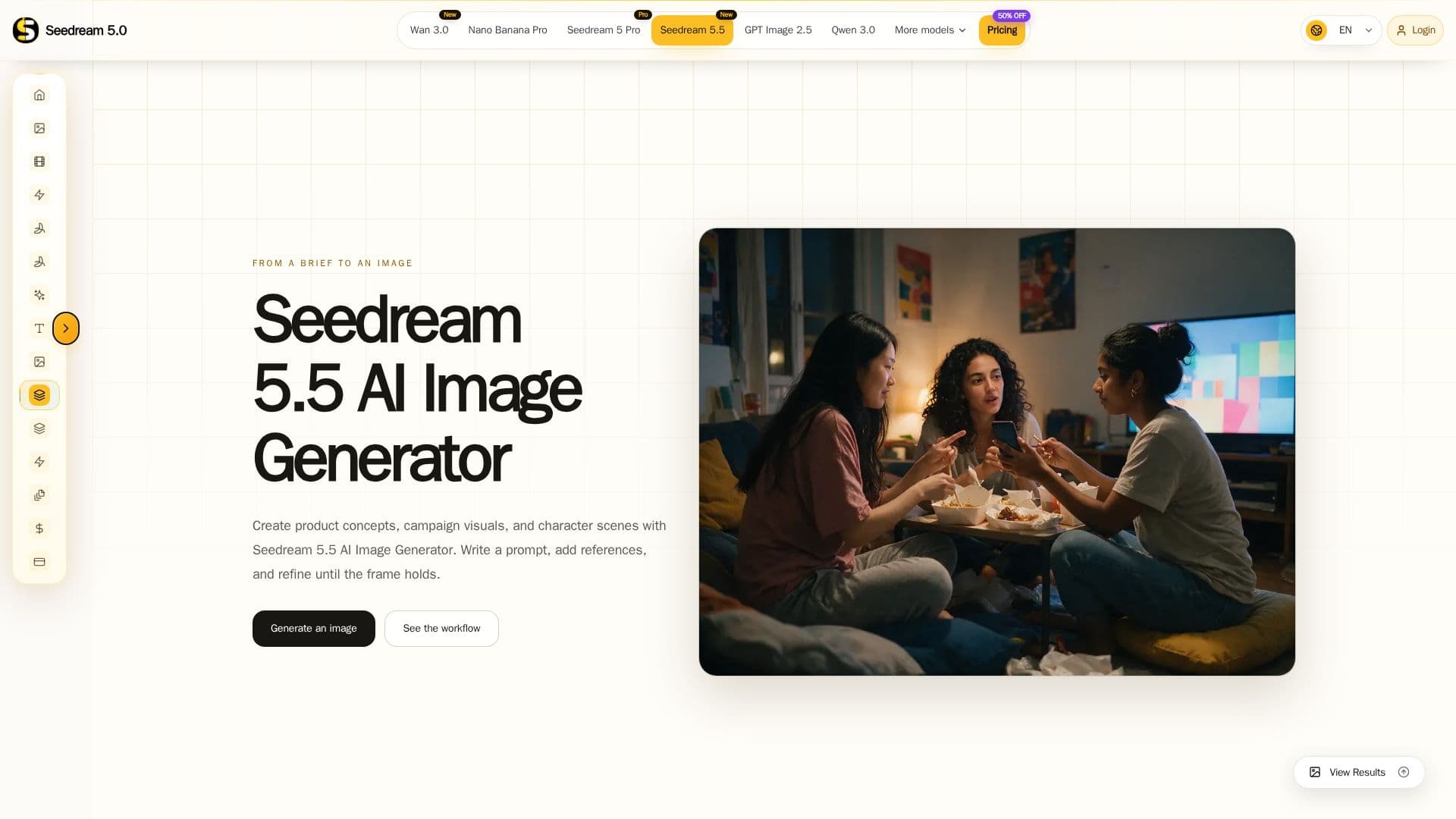
Description
Seedream 5.5 AI Image Generator is a comprehensive tool designed for creators looking to transform written briefs into visual content. Users can start with text prompts or incorporate reference images to maintain specific elements like pose or brand colors. The platform allows for the selection of aspect ratios and generation modes, enabling users to refine images by focusing on one visual decision at a time. This iterative process helps in maintaining elements that work while changing only those that do not meet the desired outcome.
Read More
The tool provides a structured workflow that includes writing prompts, setting up images, generating visuals, and refining them. Users can direct composition, light, color, and atmosphere as a cohesive system, ensuring that each image aligns with the intended visual goal. Seedream 5.5 supports both text-to-image and image-to-image modes, offering flexibility in how images are created and refined.
Seedream 5.5 is particularly useful for creating product concepts, campaign visuals, and character scenes. It provides prompt examples and a step-by-step guide for reviewing composition, light, and material before making further refinements. The platform emphasizes the importance of subject hierarchy and clear visual goals, allowing users to make informed decisions about what to keep and what to change in each iteration.
While the tool is robust in its capabilities, users should be aware of the credit system that governs image generation. The platform displays account prompts and credit costs for selected settings, ensuring that users can make intentional choices about format and mode before starting a generation.
- CategoryAI Image Generators
- Pricing ModelFreemium
- DeploymentCloud
- PlatformsWeb
Seedream 5.5 AI Image Generator's Core Features
Text-to-image and image-to-image generation
Aspect ratio and generation mode selection
Iterative refinement process
Prompt examples and workflow guidance
Subject hierarchy and visual goal setting
Credit system for image generation
Reference image integration
Step-by-step image creation workflow
How to use Seedream 5.5 AI Image Generator?
Open the generator: Enter a prompt that names subject and scene first.
Choose a generation mode: Select available settings.
Start generation: Follow account prompts and begin image creation.
Refine the image: Change one instruction at a time and compare results.
Seedream 5.5 AI Image Generator's Use Cases
- Product Concepts
- Campaign Visuals
- Character Scenes
- Cinematic Keyframes
- Storyboards