Description
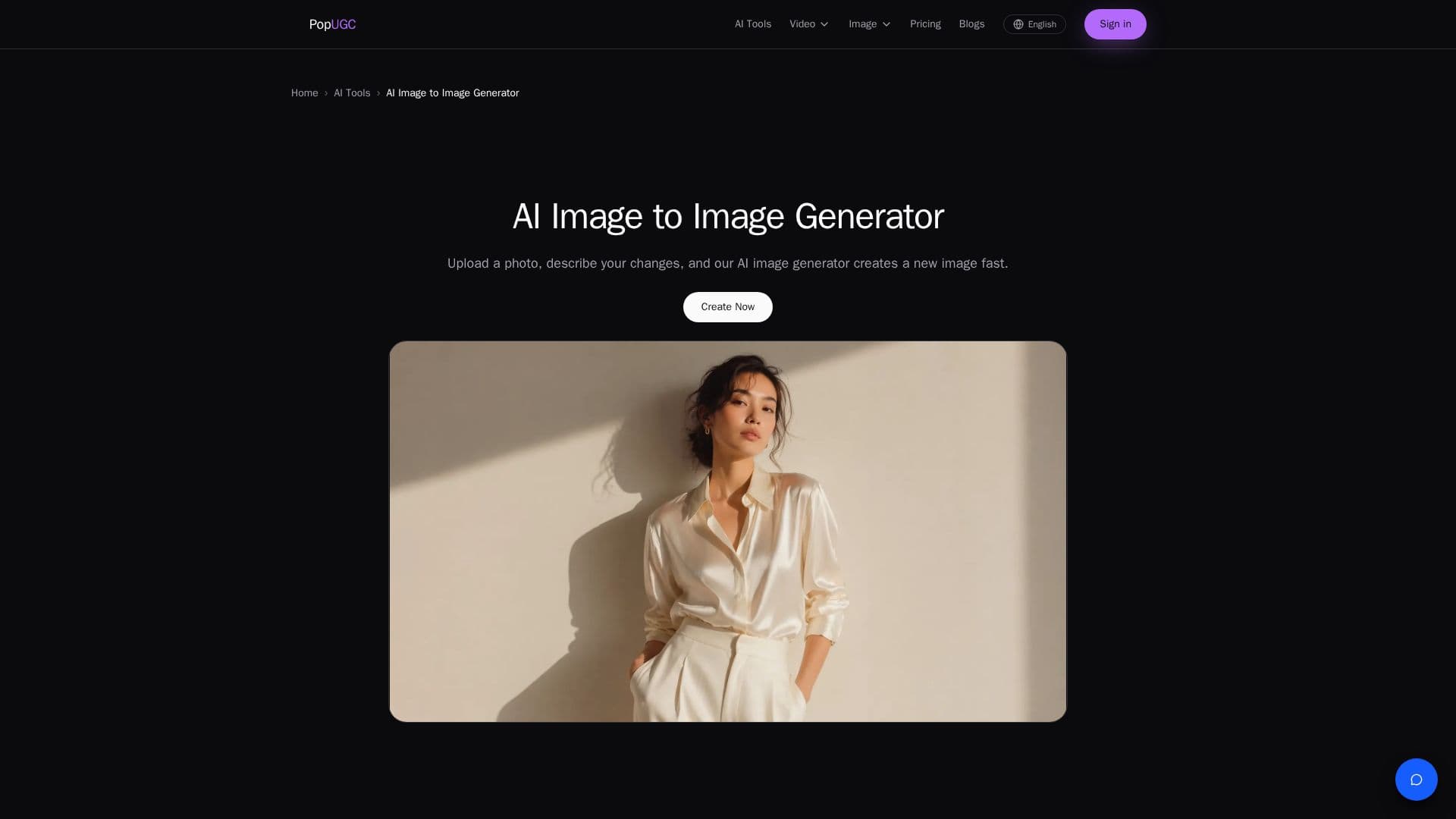
PopUGC's AI Image to Image Generator is a versatile tool designed to transform existing images into new visuals based on user-defined prompts. Users can upload a reference photo and describe the changes they wish to see, such as altering the style, background, or mood. The AI utilizes the uploaded image as a visual reference, ensuring that the original subject and structure are preserved while allowing for creative transformations.
Read More
The tool supports a wide range of visual styles, including realistic art, anime, illustration, 3D, painting, sketch, and concept art. Users can generate multiple versions from a single image, compare results, and refine their prompts to achieve the desired outcome. The online platform allows for easy image uploads, transformations, previews, and downloads without the need for additional software installation.
PopUGC offers a transparent pricing model with no hidden fees. Users can choose from different plans, such as the Starter, Creator, and Pro plans, each offering varying credits and features. The tool does not charge for failed image generations, allowing users to experiment with different prompts and styles without incurring additional costs.
Designed for creatives, designers, and anyone looking to explore new visual ideas, PopUGC's AI Image to Image Generator provides a fast and efficient way to reimagine existing photos and create unique visual content. The tool's ability to preserve the original image's structure while allowing for stylistic changes makes it a valuable asset for those seeking to enhance or redesign visual concepts.
- CategoryAI Image Generators
- Pricing ModelPaid
- DeploymentCloud
- PlatformsWeb
PopUGC's Core Features
Transform Images from Reference Photos
Edit and Restyle with Text Prompts
Generate Variations and Refine Results
Upscale and Download Generated Images
Online Browser-Based Workflow
No Cost for Failed Generations
Supports Multiple Visual Styles
Preserves Original Subject and Structure
How to use PopUGC?
Upload a Reference Image: Choose the photo you want to transform.
Describe the Changes: Write a prompt detailing the desired style and mood.
Generate the Image: Create a new image based on your prompt.
Upscale and Save: Refine and download the final version.
PopUGC's Use Cases
- Reimagine Photos
- Create Style Variations
- Enhance Visual Ideas
- Design Alternative Versions
- Online Image Editing