Description
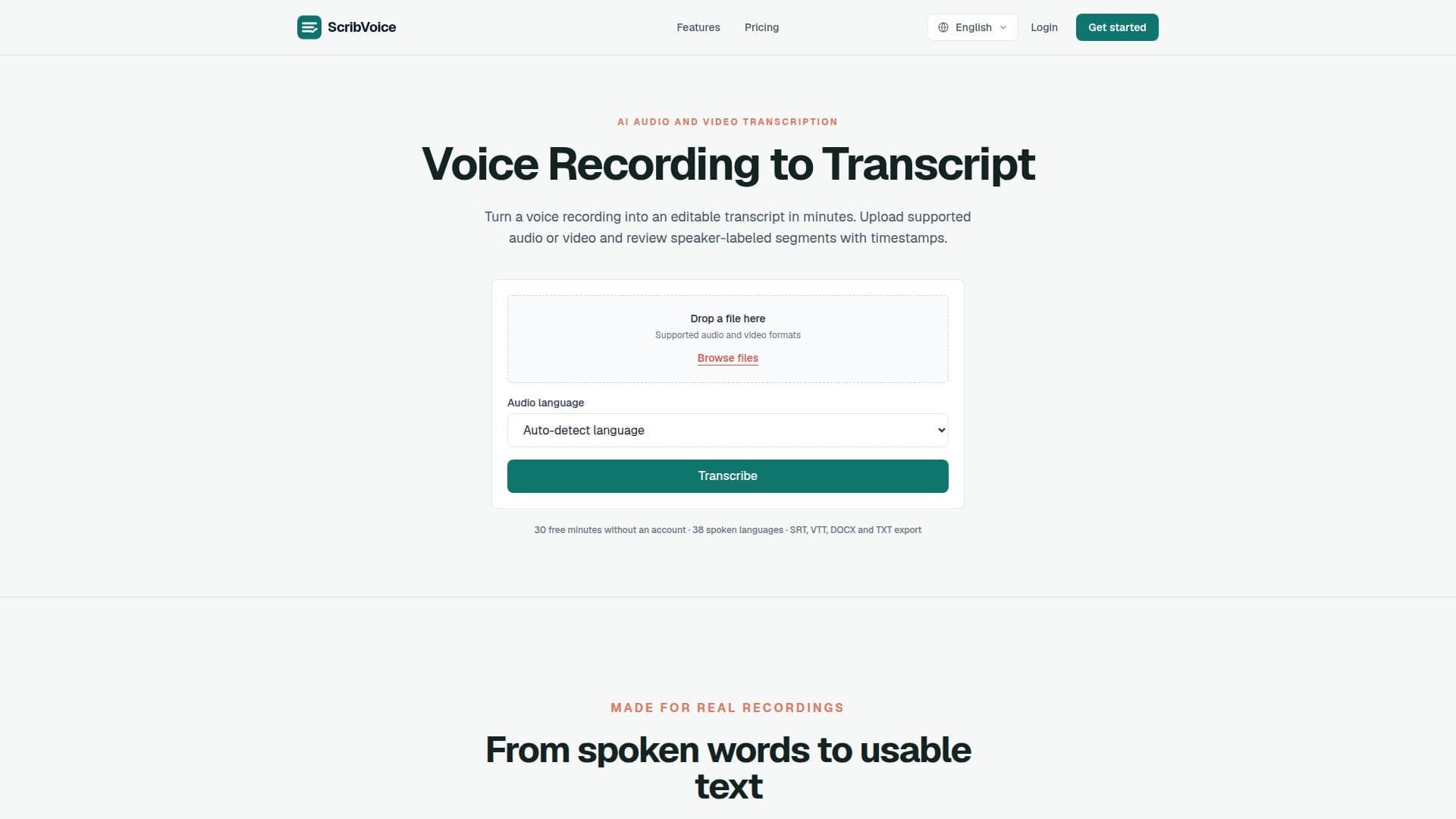
ScribVoice is a versatile transcription service designed to convert audio and video recordings into editable text. It supports a wide array of file formats, including popular ones like MP3, WAV, M4A, and MP4, alongside less common types such as WMA and MKV, eliminating the need for pre-conversion. The platform is engineered to handle diverse recording scenarios, from business meetings and interviews to lectures, research notes, and personal voice memos.
Read More
Key functionalities include automatic speaker labeling and the insertion of timestamps, which significantly enhance the readability and reviewability of transcripts. Users can upload files and let the transcription process run in the background, allowing them to leave the page and return later to check the status or access the completed transcript. The service supports 38 spoken languages, with each language utilizing a model optimized for accuracy, though transcription quality can vary based on recording conditions like background noise, accents, and overlapping speech.
ScribVoice offers a built-in editor where users can review and correct transcript segments, ensuring accuracy before export. Transcripts can be downloaded in multiple formats, including TXT, DOCX, SRT, and VTT, catering to various needs such as document creation or subtitle generation. The platform emphasizes user privacy, ensuring that recordings and transcripts are private to the user's account and are never shared publicly. Free-plan audio files are removed after 30 days, while transcripts remain accessible.
For those looking to try the service, ScribVoice provides 30 free minutes without requiring an account, with no daily file-count limits or minimum recording length. A free account offers 60 minutes per UTC calendar month, with a limit of 3 files per day. Paid plans offer increased monthly minutes, larger file size limits, and extended audio retention. The service is designed for professionals and businesses, offering flexible plans without per-file processing fees or minimum commitments, making it suitable for recurring transcription workflows.
- CategoryAI Transcription Tools
- Pricing ModelFreemium
- DeploymentCloud
- PlatformsWeb
ScribVoice's Core Features
Voice recording to editable transcript
Supports 38 spoken languages
Automatic speaker labeling
Timestamps for segments
Supports various audio and video formats (MP3, WAV, M4A, MP4, WMA, MKV, etc.)
Background transcription processing
Built-in editor for corrections
Export to TXT, DOCX, SRT, VTT formats
30 minutes free without account
60 minutes free with account (monthly)
Private recordings and transcripts
No per-file processing fees
Flexible monthly and annual plans
Audio retention varies by plan (30 days for free, permanent for paid)
How to use ScribVoice?
Upload File: Select a supported audio or video file and specify its spoken language.
Transcribe: ScribVoice processes the recording into text in the background.
Review: Access the transcript, which updates when ready, and review speaker-labeled segments.
Edit: Use the built-in editor to correct any transcript segments and save changes.
Export: Download the final transcript in your preferred format (TXT, DOCX, SRT, or VTT).
ScribVoice's Use Cases
- Meeting Notes
- Interviews and Podcasts
- Lectures and Research
- Voice Notes and Content
- Market Research
- Content Production
- Recruitment