
Description
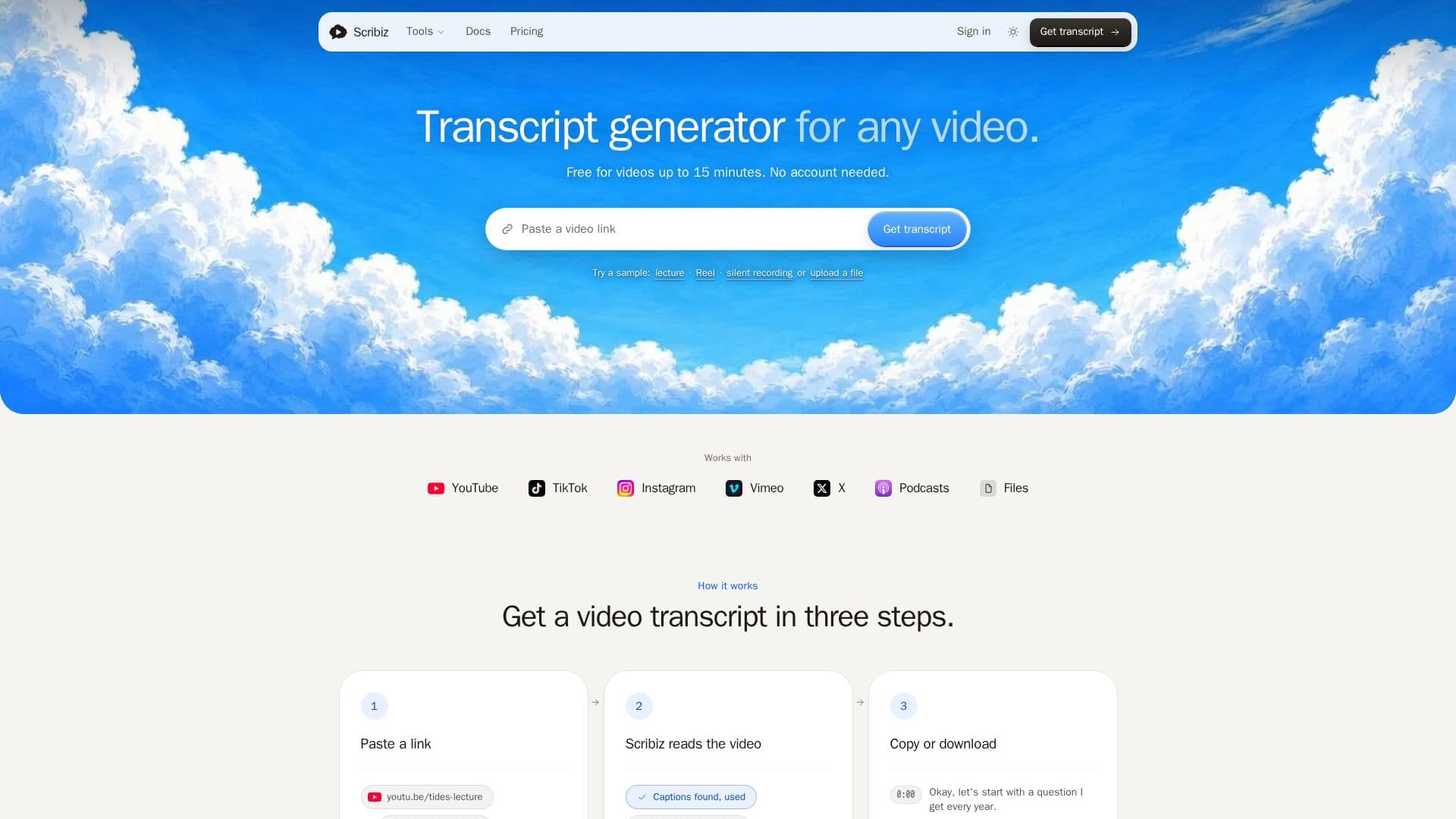
Scribiz is a comprehensive transcript generator designed to convert video and audio content into text. It supports a wide range of sources, including YouTube, TikTok, podcasts, and direct media links. Users can paste a link or upload a file to receive a detailed transcript, on-screen text, summaries, and chapters. The tool is particularly useful for content creators, educators, and professionals who need accurate transcriptions for their media.
Read More
Scribiz offers a free tier that allows users to process videos up to 15 minutes long without an account. With a free account, users can handle videos up to 2 hours and enjoy 30 minutes of transcription per month. The Pro plan, priced at $10 per month, extends these capabilities to 600 minutes per month and supports videos up to 6 hours long. Additionally, the Mac Lifetime plan offers a one-time purchase option for $99, providing lifetime access to the Mac app and 300 hosted minutes.
The tool is designed to work even without existing captions, as it can listen to the audio and differentiate between speakers. Scribiz ensures privacy by deleting media once the transcription job is complete, and results are stored for 24 hours or 30 days, depending on the account type. Users can export transcripts in various formats, including SRT, VTT, TXT, Markdown, and JSON, making it easy to integrate with other tools and platforms.
Scribiz also provides an API, CLI, and MCP server for developers who wish to integrate its capabilities into their applications. This flexibility makes it a valuable tool for developers and businesses looking to automate transcription processes. The tool is developed by Ilias Ism and follows the open-source transcribe tool, enhancing it with additional features like on-screen text and chapter generation.
- CategoryAI Transcription Tools
- Pricing ModelFreemium
- DeploymentCloud
- PlatformsWeb, Mac
Scribiz's Core Features
Generates transcripts from video and audio
Supports YouTube, TikTok, and podcast links
Exports in SRT, VTT, TXT, Markdown, JSON
Differentiates speakers in audio
Free tier available
Pro plan with extended features
API and CLI available
Privacy-focused media handling
How to use Scribiz?
Paste a link: Enter the URL of the video or audio
Upload a file: Directly upload media for transcription
Receive transcript: Get the text, summary, and chapters
Export: Download in preferred format
Scribiz's Use Cases
- Content Creation
- Educational Use
- Podcast Transcription
- Video Analysis
- Developer Integration