
Description
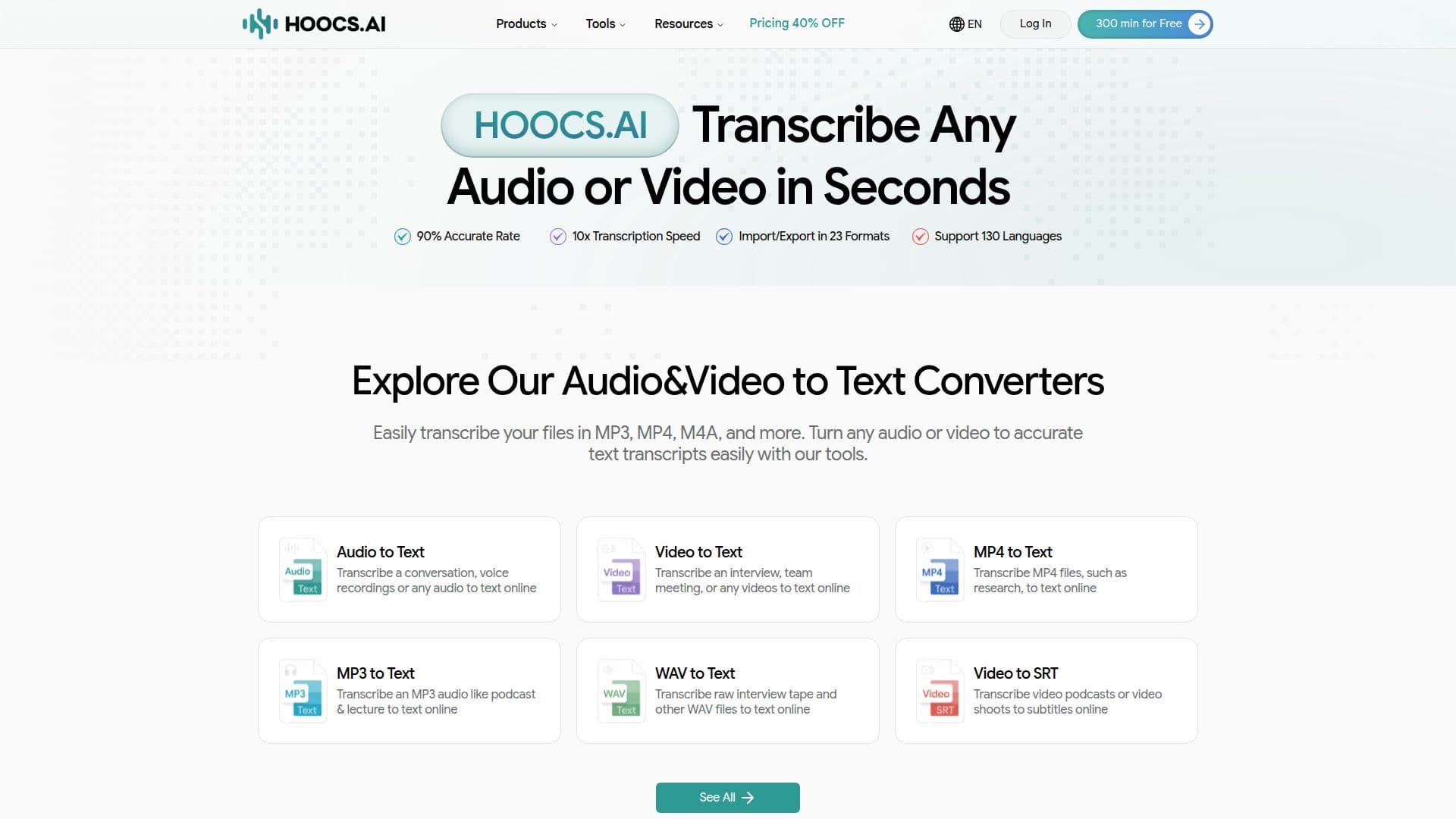
Hoocs AI is an advanced transcription tool designed to convert audio and video files into text with high accuracy. Supporting 130 languages, it caters to a global audience, making it ideal for professionals, educators, and content creators. Users can transcribe various file formats, including MP3, MP4, and WAV, into text, notes, summaries, and subtitles. The tool is powered by AI, ensuring fast and precise transcriptions, even in noisy environments or with heavy accents.
Read More
Hoocs AI offers a free trial of 300 minutes for new users, allowing them to experience its core features. The transcription process is straightforward: upload a file, transcribe it, and export the results in formats like DOCX, XLSX, and SRT. The platform also supports batch processing and auto-translation for paid plans, enhancing its utility for businesses and teams.
Data privacy is a priority for Hoocs AI. All files are encrypted and processed with end-to-end encryption, ensuring that user data remains secure. The platform does not use uploaded data to train its AI models, and users have full control over their data, with options to delete files permanently.
Hoocs AI is suitable for various use cases, such as converting online courses into notes, generating meeting summaries, and creating subtitles for videos. It is particularly beneficial for journalists, educators, and researchers who need accurate transcriptions quickly. The tool's ability to handle multilingual files and identify different speakers makes it versatile for diverse applications.
Overall, Hoocs AI is a comprehensive transcription solution that combines accuracy, speed, and security, making it a valuable tool for anyone needing reliable transcription services.
- CategoryAI Transcription Tools
- Pricing ModelFreemium
- DeploymentCloud
- PlatformsWeb
Hoocs AI's Core Features
Transcribe audio and video to text
Supports 130 languages
AI-powered accuracy
Fast transcription speed
Secure data handling with encryption
Batch processing available
Auto-translation feature
Export to DOCX, XLSX, SRT, TXT
How to use Hoocs AI?
Upload: Drag and drop files or paste links
Transcribe: Click 'Transcribe' to start
Edit: Preview and edit the transcript online
Export: Download in preferred format
Hoocs AI's Use Cases
- Online Course Notes
- Meeting Summaries
- Video Subtitles
- Interview Transcriptions
- News Transcripts