Description
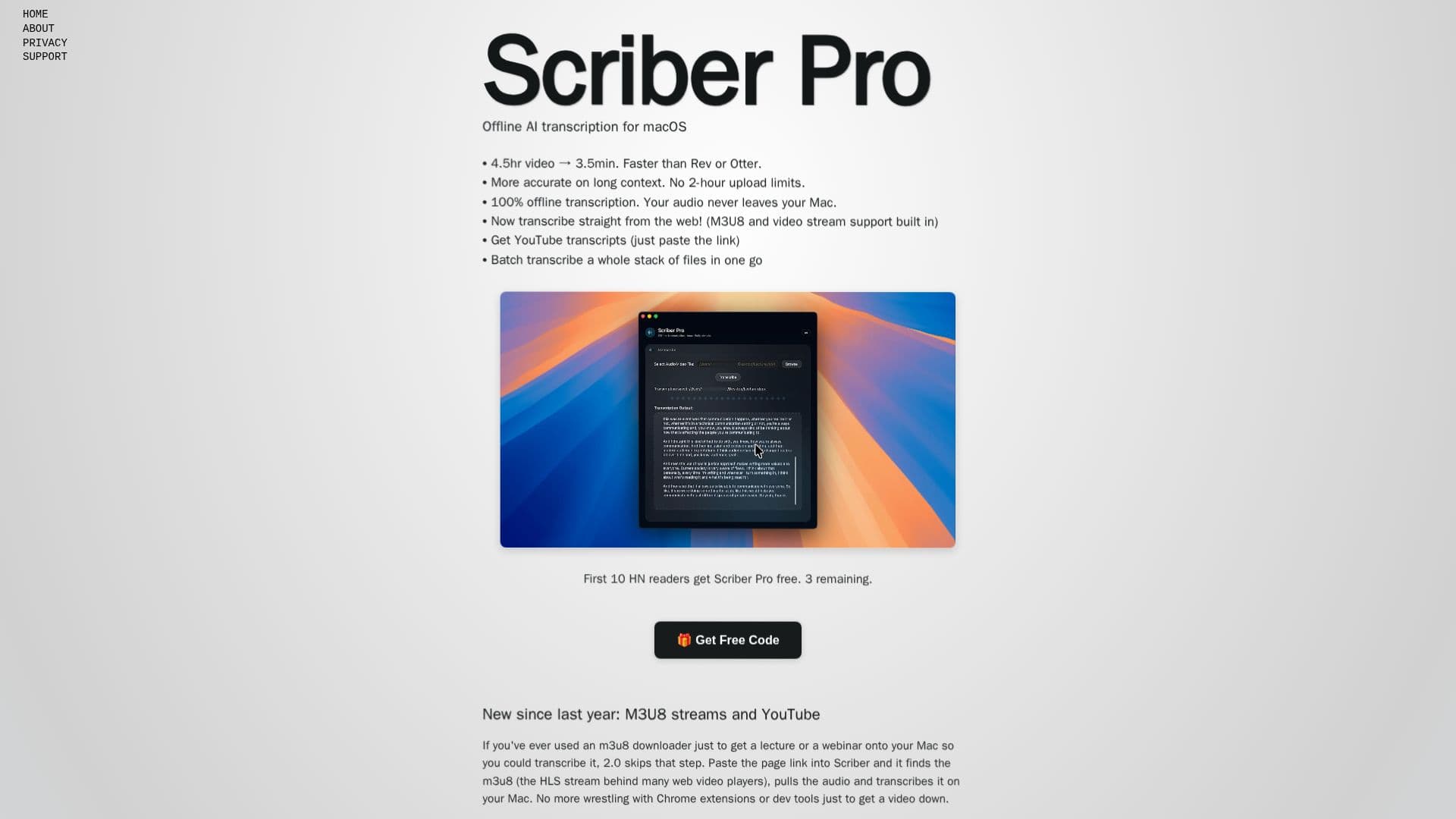
Scriber Pro 2.0 is a powerful transcription application designed for macOS users who need to transcribe M3U8 streams and web videos efficiently and privately. By leveraging Whisper AI, Scriber Pro processes audio and video files entirely offline, ensuring that your data remains secure on your device. This privacy-first approach means no audio uploads or data collection, making it ideal for users concerned about privacy.
Read More
The app supports a wide range of audio and video formats, including MP3, WAV, MP4, MOV, M4A, and FLAC. Users can transcribe up to 4.5 hours of video in just 3.5 minutes, significantly faster than many online services. Scriber Pro also offers batch transcription capabilities, allowing users to process multiple files simultaneously.
One of the standout features of Scriber Pro 2.0 is its ability to transcribe directly from web pages. Users can paste a link to a page with a video, and the app will find the M3U8 stream behind the player, pull the audio, and transcribe it locally. This feature is particularly useful for transcribing online course lectures, webinar replays, or news site clips that only play in the browser.
Scriber Pro's library feature organizes transcripts into categories and favorites, all synced through iCloud for easy access across devices. The app's export options include DOCX, TXT, Markdown, RTF, and more, providing flexibility for users to share and utilize their transcripts in various formats.
Priced at a one-time fee of $3.99, Scriber Pro 2.0 offers a cost-effective solution without recurring fees or usage limits. It requires macOS 15.6 or later and is optimized for both Apple Silicon and Intel Macs, ensuring compatibility with a wide range of devices.
- CategoryAI Transcription Tools
- Pricing Model$3.99 one-time
- DeploymentLocal
- PlatformsmacOS
Scriber Pro 2.0's Core Features
Offline transcription using Whisper AI
Supports M3U8 and web video streams
Batch transcription capabilities
Wide format support: MP3, WAV, MP4, etc.
Fast processing: 4.5hr video in 3.5min
Privacy-first: no data leaves your Mac
iCloud sync for transcript library
Export options: DOCX, TXT, Markdown
How to use Scriber Pro 2.0?
Download and install Scriber Pro 2.0
Paste the video page link into the app
Select the video to transcribe
Access and organize transcripts in the library
Scriber Pro 2.0's Use Cases
- Lecture Transcription
- Webinar Transcription
- News Clip Transcription
- YouTube Video Transcription
- Batch File Transcription