Description
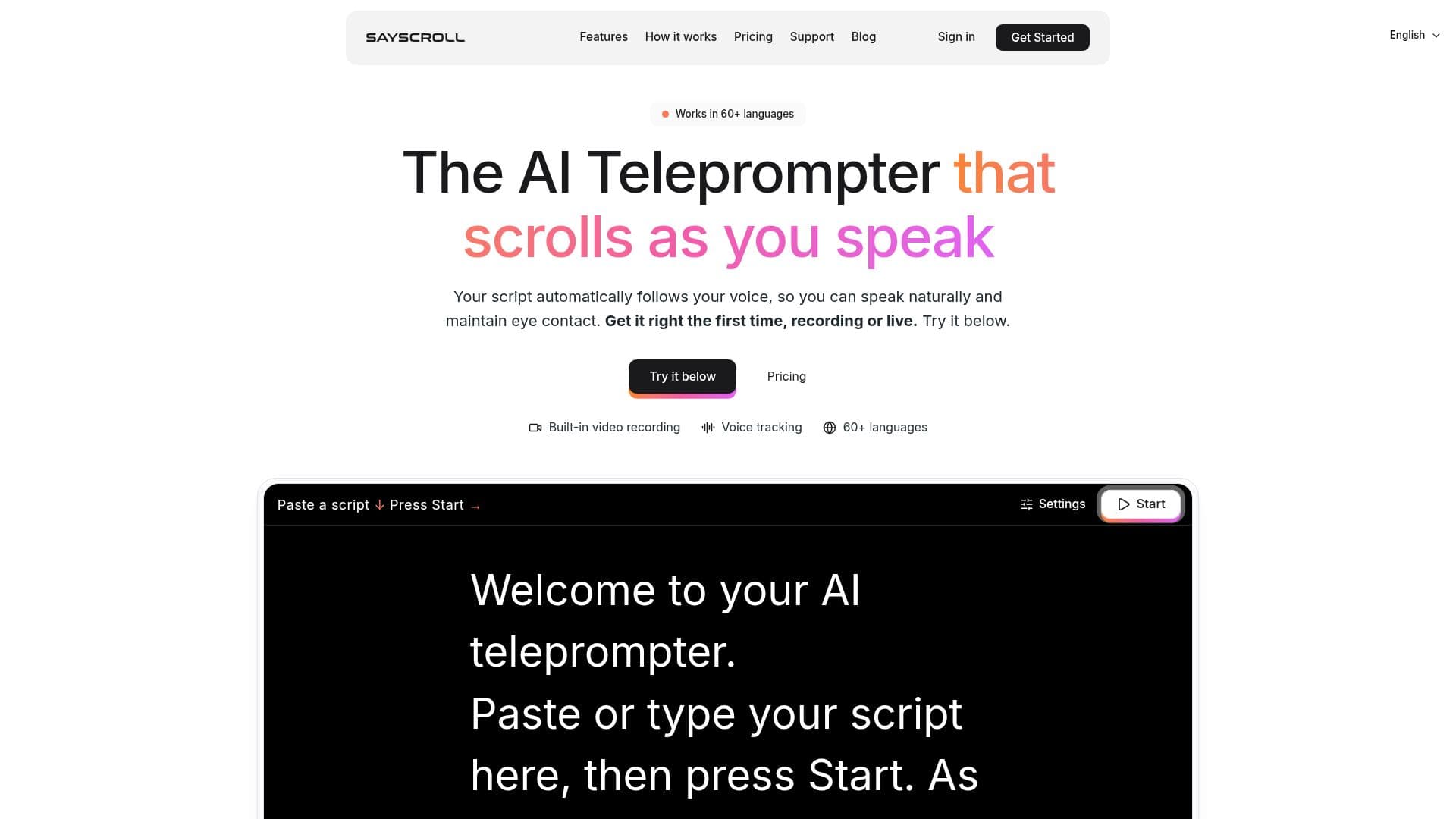
Sayscroll is an innovative AI teleprompter designed to enhance the experience of creators, presenters, educators, podcasters, and public speakers. Unlike traditional teleprompters that require manual speed adjustments, Sayscroll uses real-time speech recognition to automatically follow your voice. This ensures that your script stays perfectly aligned with your speech, allowing you to maintain eye contact and speak naturally.
Read More
The teleprompter supports over 60 languages, including the ability to mix languages within a single script. This makes it an ideal tool for multilingual presentations. With 99% tracking accuracy, Sayscroll ensures that you never lose your place, even if you go off script. The prompter pauses automatically and resumes when you return to your text.
Sayscroll also features a built-in video recorder, enabling you to record yourself while the script follows your voice. You can overlay the text on your camera preview or use a split-screen layout, and save the recordings directly to your device as MP4 or WebM files. Importantly, your video never leaves your browser, ensuring privacy and security.
The platform offers a free tier that allows scripts up to 700 characters without the need for an account. Subscriptions remove this length limit and provide monthly speech time. Pricing starts at $10 per month for 10 hours of teleprompter use, with higher tiers available for more extensive use.
Sayscroll is browser-based, requiring no installation. It can be added to your iPhone or Android home screen for a full-screen experience. The tool is designed to be intuitive and user-friendly, making it accessible for users of all technical skill levels.
- CategoryOther AI Tools
- Pricing ModelFreemium
- DeploymentCloud
- PlatformsBrowser
Sayscroll's Core Features
Real-time voice-following teleprompter
Supports 60+ languages
Built-in video recorder
99% tracking accuracy
Unlimited script length on paid plans
No audio storage — runs in your browser
Automatic pause when off script
Usage-based pricing
How to use Sayscroll?
Configure: Set up your script in the teleprompter
Use: Start speaking and let the teleprompter follow your voice
Record: Use the built-in video recorder to capture your presentation
Optimise: Adjust settings for text size, column width, and reading markers
Sayscroll's Use Cases
- YouTube Videos
- Keynote Speeches
- Webinars
- Podcasting
- Educational Courses