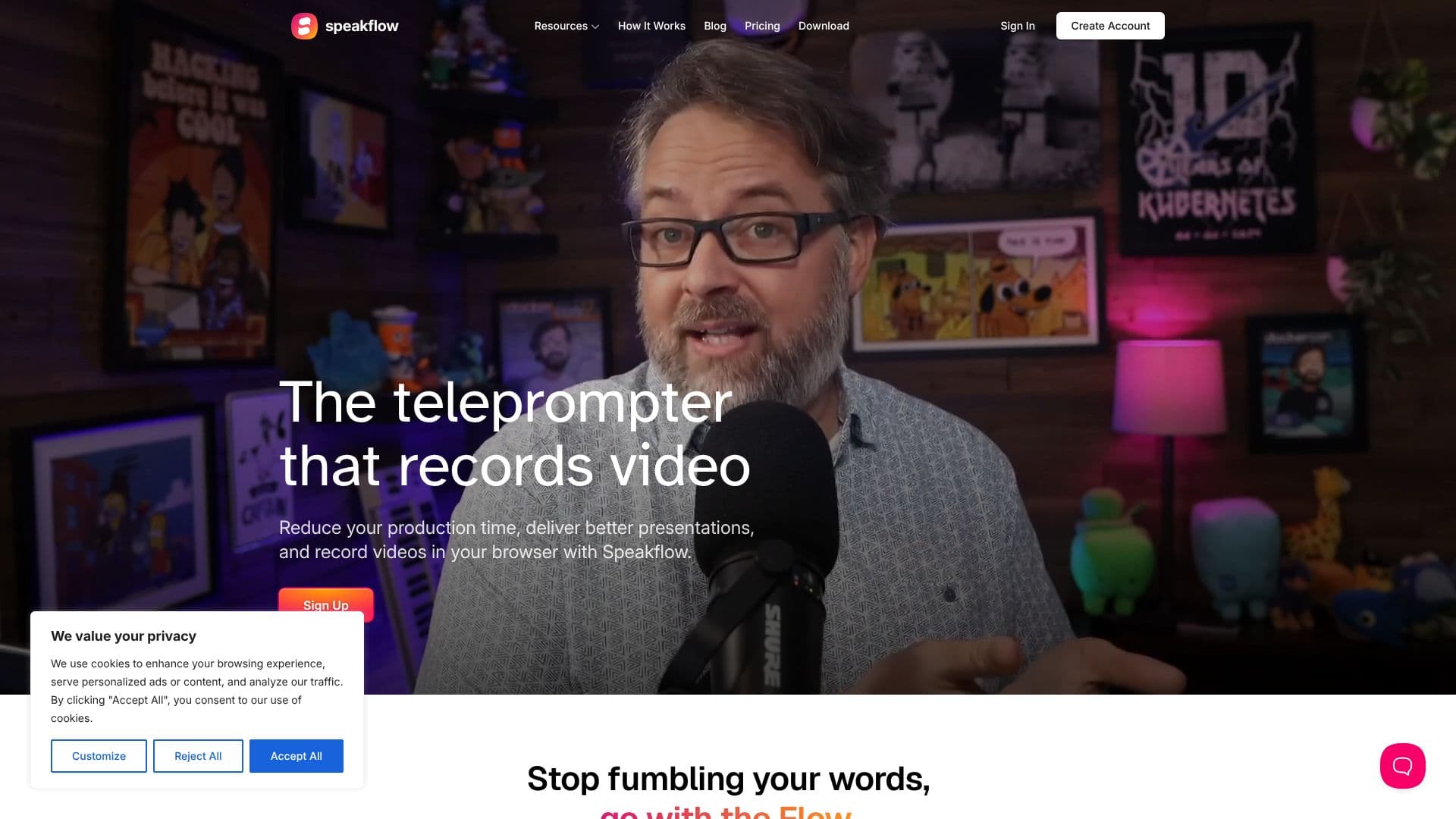
Description
Speakflow is a comprehensive online teleprompter solution built to streamline video production and enhance presentation delivery. It empowers users to write, save, and organize scripts directly within their browser, eliminating the need for memorization and reducing the likelihood of fumbling words. The platform is accessible on a wide range of devices, including Windows, Mac, iOS, and Android, ensuring flexibility for creators wherever they are.
Read More
A key feature of Speakflow is its voice-activated scrolling, which allows the script to move in sync with the user's speaking pace, creating a more natural and seamless recording experience. For those who prefer manual control, traditional scrolling options are also available. This dual control mechanism puts the user firmly in charge of their recording flow.
Collaboration is a central aspect of Speakflow. Teams can invite members to write scripts together, organize them using labels, and track changes, ensuring everyone is working from the same, up-to-date version. This feature is invaluable for businesses, educational institutions, and content creation groups that require consistent messaging.
Speakflow also integrates video recording capabilities directly into the teleprompter interface. Users can record, review, and share their videos all within the platform, significantly reducing production time and post-editing efforts. The ability to sync scripts across multiple devices, such as scrolling a tablet from a phone or vice versa, further enhances the user's control and workflow.
The platform is designed for a variety of users, including content creators, educators, business professionals, and anyone who regularly records video presentations. By providing a user-friendly interface and robust features, Speakflow aims to help individuals and teams deliver professional-quality videos more efficiently and effectively, reducing production costs and improving overall output.
- CategoryAI Video Editors
- Pricing ModelFreemium
- DeploymentCloud
- PlatformsWindows, Mac, iOS, Android
Speakflow Online Teleprompter's Core Features
Online teleprompter with script writing and saving
Voice-activated scrolling for natural recording
Manual scrolling options available
Team collaboration for script writing and organization
In-browser video recording and sharing
Cross-device script synchronization
Works on Windows, Mac, iOS, and Android
Dashboard for organizing and managing scripts
Remote control functionality for syncing screens
Reduces production time and costs
Helps eliminate 'umms' and 'ahhhs' in recordings
Free account creation available
How to use Speakflow Online Teleprompter?
Create Account: Sign up for a free account on the Speakflow website.
Write Script: Compose or paste your script into the online editor.
Configure Teleprompter: Adjust scrolling speed, font size, and choose voice or manual control.
Record Video: Start recording your presentation directly within the browser.
Collaborate: Invite team members to review and edit scripts.
Sync Devices: Use the 'Remote' feature to sync scripts across multiple screens.
Share Recording: Export and share your finished video.
Speakflow Online Teleprompter's Use Cases
- Video Presentations
- Online Courses
- Marketing Videos
- Team Collaboration
- Remote Recording
- Speech Practice