
Description
RoxyBrowser is an antidetect browser that protects your digital identity and simplifies multi-account management with secure, unique browser fingerprints. It engineers independent fingerprint environments for each browser profile to prevent account association and bans, letting users run multiple accounts safely across social marketing, e-commerce, SEO, advertising, affiliate marketing, web scraping, and crypto trading.
Read More
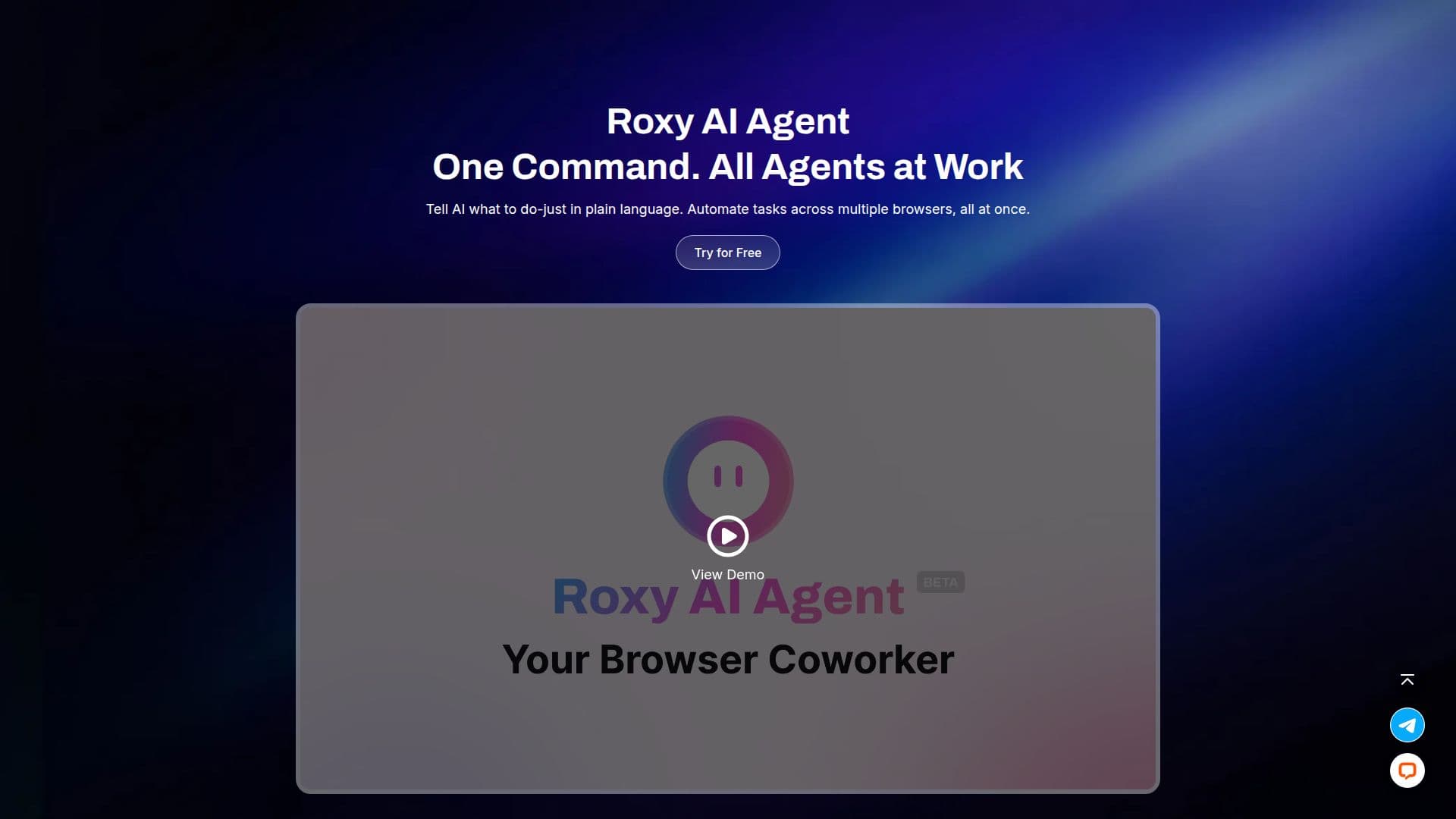
The platform pairs its fingerprint isolation with RoxyIP, a high-anonymity proxy infrastructure, to eliminate association risk between browser and IP. It also includes a Roxy AI Agent that lets users launch tasks with a single plain-language command, automating actions across multiple browsers with AI planning, orchestration, and autonomous execution.
Account management features include one-click profile templates, a proxy panel, an account hub for isolated environments, window sync for simultaneous actions across windows, API automation, and team workspaces with role permissions. Security measures include a broad range of customizable fingerprint parameters, AES-256, RSA, and SHA-512 encryption, and the ability to bypass detection tools like Fingerprint and CreepJS. RoxyBrowser reports SOC 2 Type II auditing and ISO/IEC 27001:2022 certification, and offers a permanent free plan plus paid plans and a 7-day free trial.
- CategoryBrowser & Web Automation
- Pricing ModelFreemium
- DeploymentCloud
- PlatformsWeb
RoxyBrowser's Core Features
Unique, isolated browser fingerprints for each profile
Multi-accounting environments that prevent account association and bans
Roxy AI Agent for plain-language task automation across browsers
RoxyIP proxy integration for browser and IP anti-association
Profile templates, proxy panel, and account hub
Window sync for simultaneous actions across windows
API automation and team workspaces with role permissions
Strong encryption and detection-tool bypass
How to use RoxyBrowser?
Create profiles: Use one-click templates to set up customized browser profiles.
Configure fingerprints: Adjust fingerprint parameters to simulate real environments per account.
Add proxies: Manage proxies through the proxy panel or integrate RoxyIP for anti-association.
Manage accounts: Assign accounts to isolated environments in the account hub.
Automate and collaborate: Use the AI agent, window sync, and API, and invite team members with role permissions.
RoxyBrowser's Use Cases
- Social media management
- E-commerce operations
- Advertising
- Web scraping
- Team collaboration