
Description
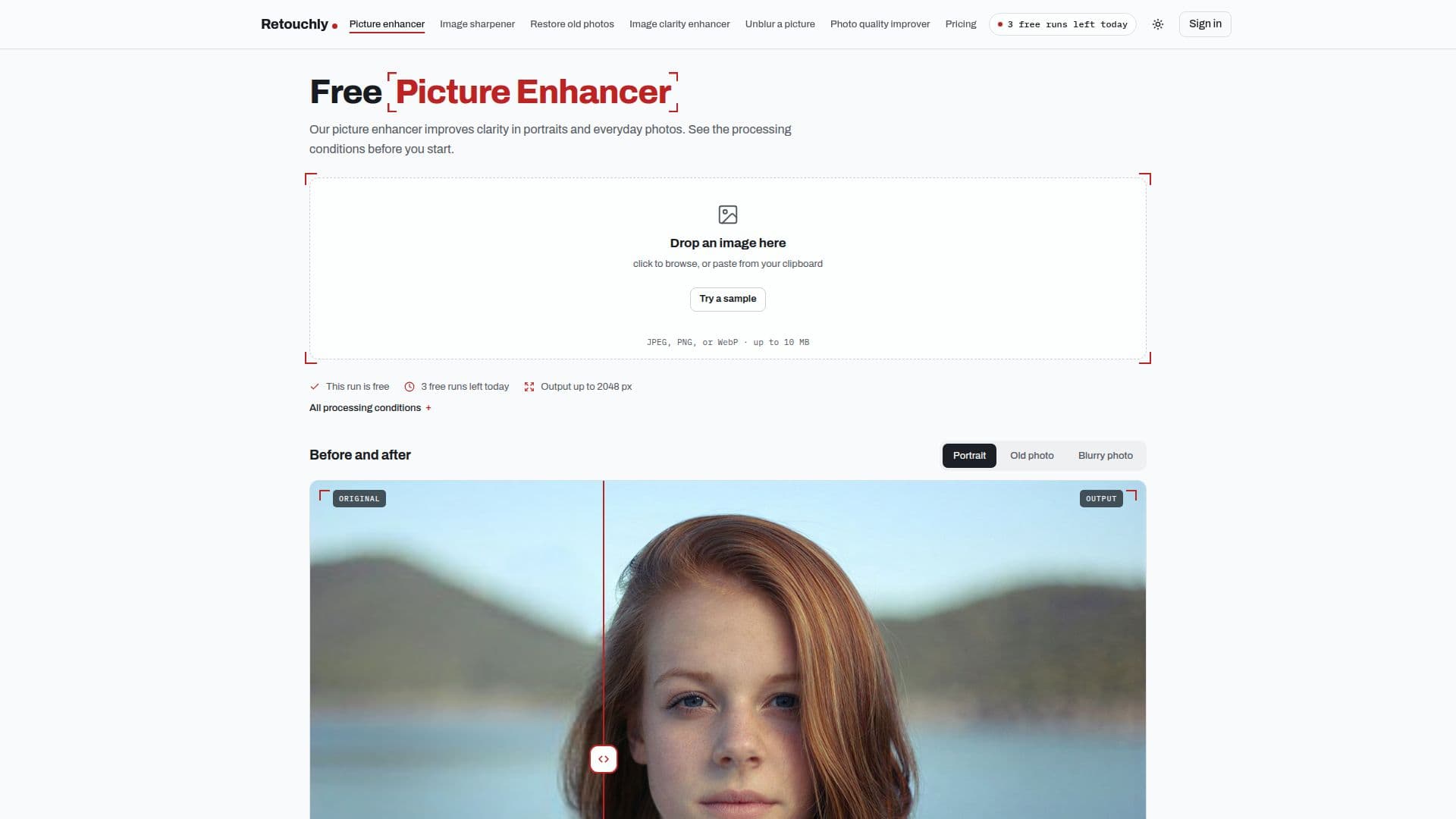
Retouchly is a browser-based photo enhancement tool designed to improve the clarity and quality of images. It offers users the ability to enhance photos online without the need to install any software. The tool is particularly useful for enhancing portraits and everyday photos, making them appear sharper and more detailed.
Read More
Users can upload JPEG, PNG, or non-animated WebP images, and the tool processes these images to enhance their clarity. The free tier allows users to enhance up to three photos per day, with results being watermark-free. For larger photos or additional enhancements, users can purchase credit packs, which never expire and also provide watermark-free results.
Retouchly's enhancement process involves AI-driven reconstruction of image details, making it suitable for improving images that are slightly blurry or have lost detail due to compression. However, it is important to note that the tool may alter small or blurry text in photos, so it is not recommended for use with documents or images where exact text accuracy is crucial.
The service processes images through a provider named in the processing conditions, and all images are deleted within 24 hours after processing. This ensures user privacy and data security. Retouchly also offers additional tools such as an image sharpener and old photo restoration, catering to various photo enhancement needs.
Overall, Retouchly provides a convenient and effective solution for users looking to enhance their photos online, with a focus on clarity and detail reconstruction.
- CategoryAI Photo Editors
- Pricing ModelFreemium
- DeploymentCloud
- PlatformsWeb
Retouchly's Core Features
Free daily photo enhancements
Watermark-free results
Supports JPEG, PNG, WebP formats
AI-driven detail reconstruction
Credit packs for additional enhancements
Images deleted within 24 hours
No registration required for free use
Processes up to 2048 px on free tier
How to use Retouchly?
Choose your image: Upload, drag, or paste a photo.
Start processing: Confirm the displayed cost and limits, then start.
Compare and download: Compare the result with your original and check the output dimensions, then download.
Manage credits: Purchase credit packs for additional enhancements.
Retouchly's Use Cases
- Portrait Enhancement
- Everyday Photo Improvement
- Old Photo Restoration
- Image Sharpening
- Document Clarity