
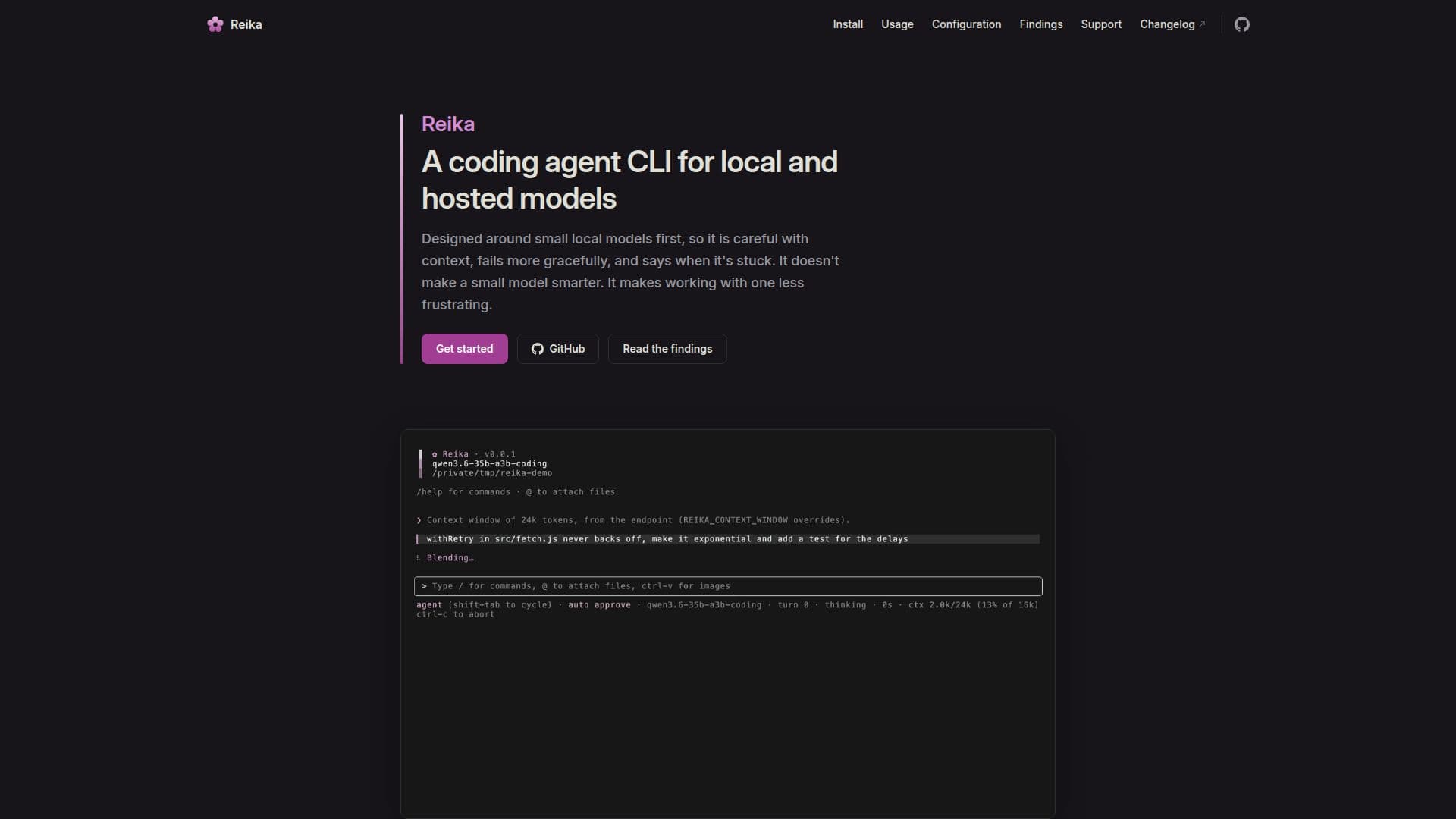
Description
Reika is a command-line interface (CLI) tool tailored for developers working with both local and hosted models. It is particularly designed around small local models, ensuring that the tool is careful with context and handles errors gracefully. This approach makes working with small models less frustrating by maintaining context discipline and breaking loops that could lead to runaway reasoning. Reika does not enhance the intelligence of a small model but optimizes the workflow around it.
Read More
The tool supports a real local run of models like Qwen3.6 35B A3B via llama.cpp, with performance improvements such as a 3× speed increase. Reika's installation process involves pointing it at a model server and running it within a project, covering all necessary requirements and setup.
Reika's features include context discipline, where old tool outputs collapse into short summaries, and requests remain append-only, preserving the prompt cache of a slow local engine. It also includes loop-breaking capabilities to detect and stop repeated reads and runaway reasoning, ensuring an honest stop instead of a long spiral.
The tool is safe by default, with dangerous commands prompting for approval, and on macOS, shell commands run in a kernel sandbox. Reika is compatible with Node.js 22 or newer and can run on macOS, Linux, and Windows (via WSL). The tool's CPU and memory usage are minimal compared to the model's requirements, making it suitable for running on weaker machines by connecting to a stronger model server on the same network or a hosted API.
Reika's platform-specific features include command sandboxing on macOS, web search through Chrome, and image handling capabilities. It is designed to work with any terminal that supports full-screen programs, with adaptive features for older or unusual terminals.
- CategoryAI Coding Assistants
- DeploymentCloud, Self-hosted
- PlatformsmacOS, Linux, Windows (WSL)
Reika's Core Features
Context discipline for prompt cache preservation
Loop-breaking to prevent runaway reasoning
Safe execution with approval prompts for dangerous commands
Command sandboxing on macOS
Web search integration through Chrome
Image handling with clipboard and path attachments
Minimal CPU and memory usage
Compatibility with Node.js 22 or newer
How to use Reika?
Install: Set up Reika and point it at a model server
Configure: Adjust settings for local or hosted models
Run: Execute Reika within a project
Optimize: Use context discipline and loop-breaking features
Reika's Use Cases
- Local Model Optimization
- Error Handling
- Cross-Platform Development
- Web Search Integration
- Image Processing