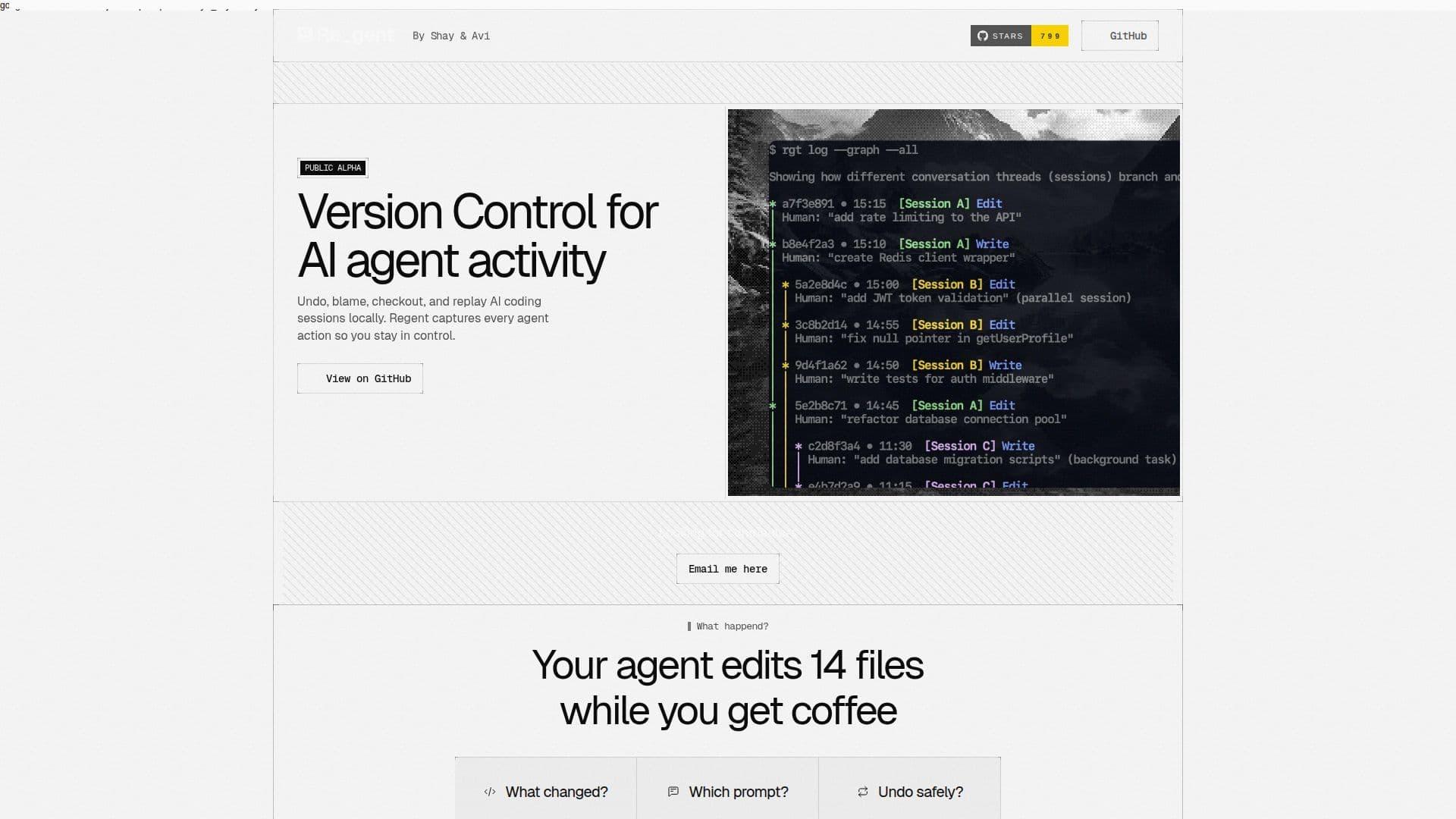
Description
Regent is a version control system specifically designed for AI coding agents. Unlike traditional version control systems like Git, which track changes to files, Regent focuses on tracking the conversations and actions of AI agents. This unique approach allows developers to understand not only what changes were made, but also why they were made, by tracing each action back to the original prompt.
Read More
The tool provides functionalities such as undo, blame, checkout, and replay, enabling users to manage AI coding sessions locally. Regent captures every action taken by AI agents, ensuring that developers can maintain control over the development process. This is particularly useful when an AI agent makes changes that lead to unexpected results, as Regent allows users to identify the specific prompt that caused the issue and rewind both the code and the conversation.
Regent is currently in public alpha and is available for free under the Apache-2.0 License. It supports AI tools like Claude Code, Codex, and OpenCode, with plans to expand compatibility to other platforms such as Cursor, Cline, Continue, and Aider. The tool is built for the community, emphasizing collaboration and transparency in AI development.
By providing a detailed audit trail of AI agent activities, Regent aims to become the infrastructure for agentic development, where multiple AI agents work in parallel without conflicts. This vision aligns with the expectation that AI agents will play a significant role in software development in the coming years, handling tasks such as refactoring, testing, and database migration.
- CategoryAI DevOps & Cloud Tools
- Pricing ModelFree
- DeploymentCloud
- PlatformsWeb
Regent's Core Features
Version control for AI agents
Undo and replay AI actions
Trace actions to original prompts
Local management of coding sessions
Free under Apache-2.0 License
Supports multiple AI tools
Community-driven development
Detailed audit trail
How to use Regent?
Install: Set up Regent on your system
Track: Monitor AI agent actions
Undo: Revert changes as needed
Audit: Review detailed action logs
Regent's Use Cases
- AI Development
- Error Tracking
- Collaboration
- Audit Trail
- Community Contribution