
Description
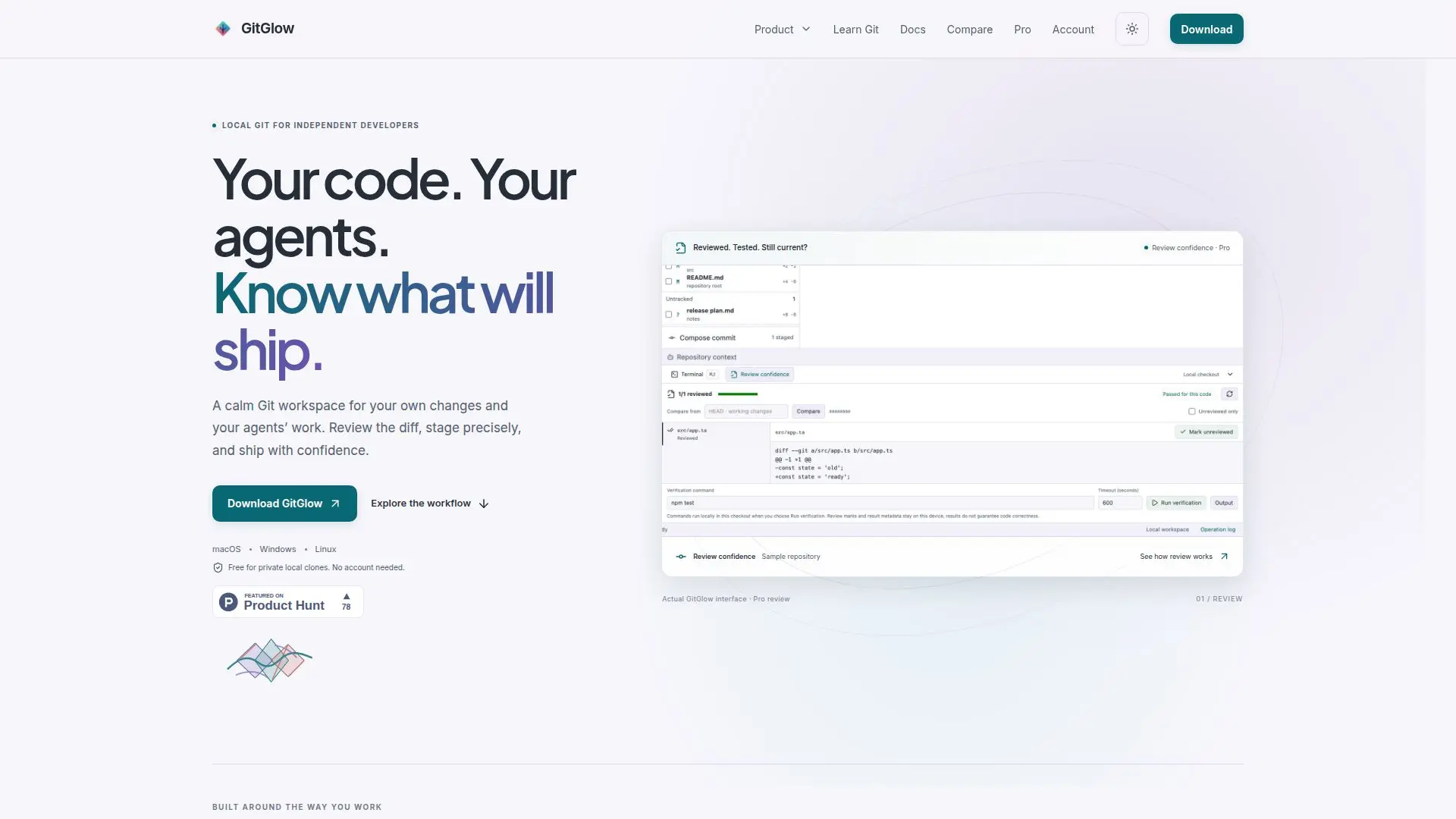
GitGlow is a comprehensive local-first visual Git workbench that empowers developers to manage their code with precision and confidence. It offers a suite of tools for precise staging, commit history management, conflict resolution, and coding-agent review. GitGlow is designed to provide a calm workspace where developers can focus on their own changes and the work of their agents. The platform supports a local Git workflow, allowing users to inspect changes, prepare clean commits, and ship their code confidently.
Read More
One of GitGlow's standout features is its ability to mark files as reviewed and run checks, ensuring that any later edits bring files back to the developer's attention. This feature is particularly useful for maintaining the integrity of the codebase over time. GitGlow also supports a local private workflow that remains functional even on the free tier, which includes precise staging, commits, branches, conflicts, history, blame, and reflog without requiring a GitGlow account.
GitGlow is available on macOS, Windows, and Linux, with desktop builds that have been manually checked and validated for architecture, version, payloads, sidecars, and checksums. The platform offers a freemium pricing model, with a free tier that supports private local clones and a Pro tier priced at €2.99/month or €29/year, which adds features like concurrent workspaces, managed agents, and advanced review tools.
GitGlow is ideal for independent developers who want to maintain control over their code and agent interactions. It provides a robust set of tools for managing Git repositories locally, with optional integrations for GitHub and other agent providers. The platform's focus on local-first workflows ensures that repository content stays on the user's device, with explicit data boundaries for any connected services.
- CategoryAI Coding Assistants
- Pricing ModelFreemium
- DeploymentDesktop
- PlatformsmacOS, Windows, Linux
GitGlow's Core Features
Local-first visual Git workbench
Precise staging and commit history
Conflict resolution tools
Coding-agent review
Release preparation
Free tier for private local clones
Pro tier with advanced features
Desktop builds for macOS, Windows, Linux
How to use GitGlow?
Install: Download and install GitGlow on your device
Open: Clone a repository and open it in GitGlow
Review: Inspect changes and prepare commits
Ship: Finalize and ship your code with confidence
GitGlow's Use Cases
- Code Review
- Conflict Resolution
- Commit Management
- Release Preparation
- Local Git Workflow