Description
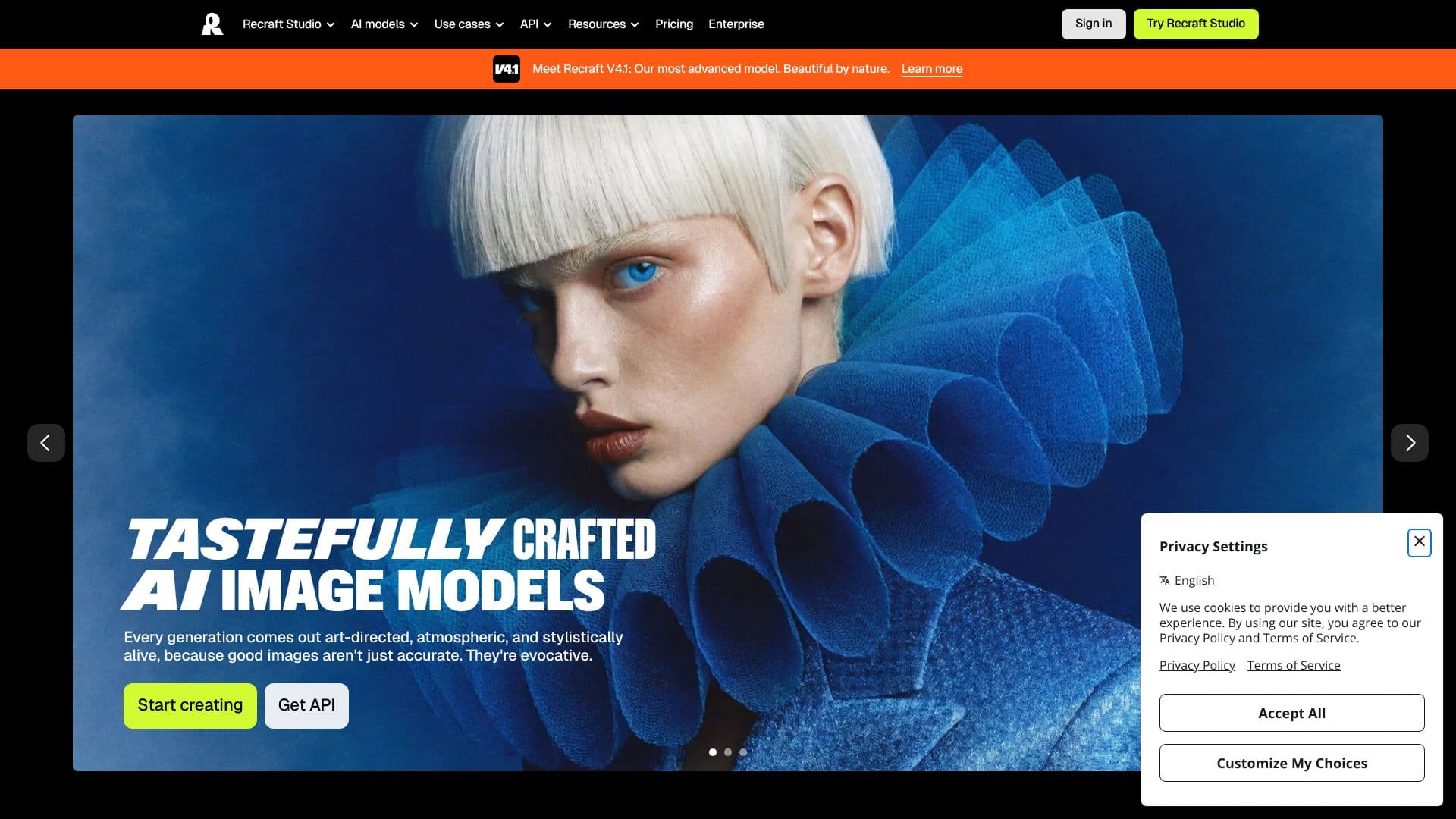
Recraft is an AI platform for generating and editing images, vector graphics and design assets, built for designers, other creatives, online sellers and teams. Its core product is Recraft Studio, a workspace for generating and editing images, vectors and mockups using Recraft's own models, including the V4.1 Flash model, alongside other frontier image models.
Read More
Recraft is built around prompt understanding and art direction: the company says it can follow complex, detailed prompts and produce results that stay stylistically consistent, whether the output is a photorealistic image, a colorful illustration or a 3D render. A distinguishing feature is vector generation: unlike most AI image tools, Recraft can produce complex, fully editable vector graphics with consistent styling and design-ready typography, rather than only flat raster images.
Beyond generation, Recraft includes a set of dedicated tools: an AI Image Generator and AI Image Vectorizer for turning existing raster images into editable vectors, an AI Vector Generator, an AI Photo Editor, a Mockup Generator for product and design mockups, an Image Upscaler, a Background Remover and an AI Eraser. Users can also create a custom visual style without any training simply by uploading a set of their own images, which Recraft turns into a reusable, editable style. Common use cases include logos, icons, ad creative, character art and stock imagery.
Recraft offers a free plan and paid subscription plans billed monthly or annually, along with an API for programmatic access to its image and vector generation. On the free plan, generated images are owned by Recraft and shown publicly in its community gallery, and they aren't licensed for commercial use. Paid plans grant full ownership and commercial rights over everything generated, and those images stay private, including after a subscription is cancelled.
Recraft is aimed at professional and freelance designers, brand and marketing teams, and online sellers who need production-ready graphics, whether that's a photorealistic product shot, a scalable vector logo or a full mockup, without switching between separate image, vector and editing tools.
- CategoryAI Graphic Design Tools
- Pricing ModelFreemium
- DeploymentCloud
- PlatformsWeb
Recraft AI's Core Features
Recraft Studio: unified workspace for generating and editing images, vectors and mockups
Recraft's own models (including V4.1 Flash) plus other frontier image models
Editable vector graphics with consistent style and design-ready typography
Custom style creation from uploaded images, no training required
AI Image Vectorizer: convert raster images into editable vectors
Mockup Generator for product and design mockups
Image Upscaler, Background Remover and AI Eraser
API for programmatic image and vector generation
Full commercial ownership of generated images on paid plans
How to use Recraft AI?
Sign up: Create a free Recraft account to start generating.
Open Recraft Studio: Choose to generate an image, vector or mockup.
Write a prompt or upload a style: Describe what you want, or upload images to build a custom style.
Generate and edit: Create the asset, then use tools like the Photo Editor, Upscaler or Background Remover to refine it.
Export or vectorize: Download the result, or run it through the Vectorizer for an editable vector file.
Upgrade for commercial use: Move to a paid plan for full ownership and commercial rights.
Recraft AI's Use Cases
- Logo and icon design
- Ad and marketing creative
- Product mockups
- Raster-to-vector conversion